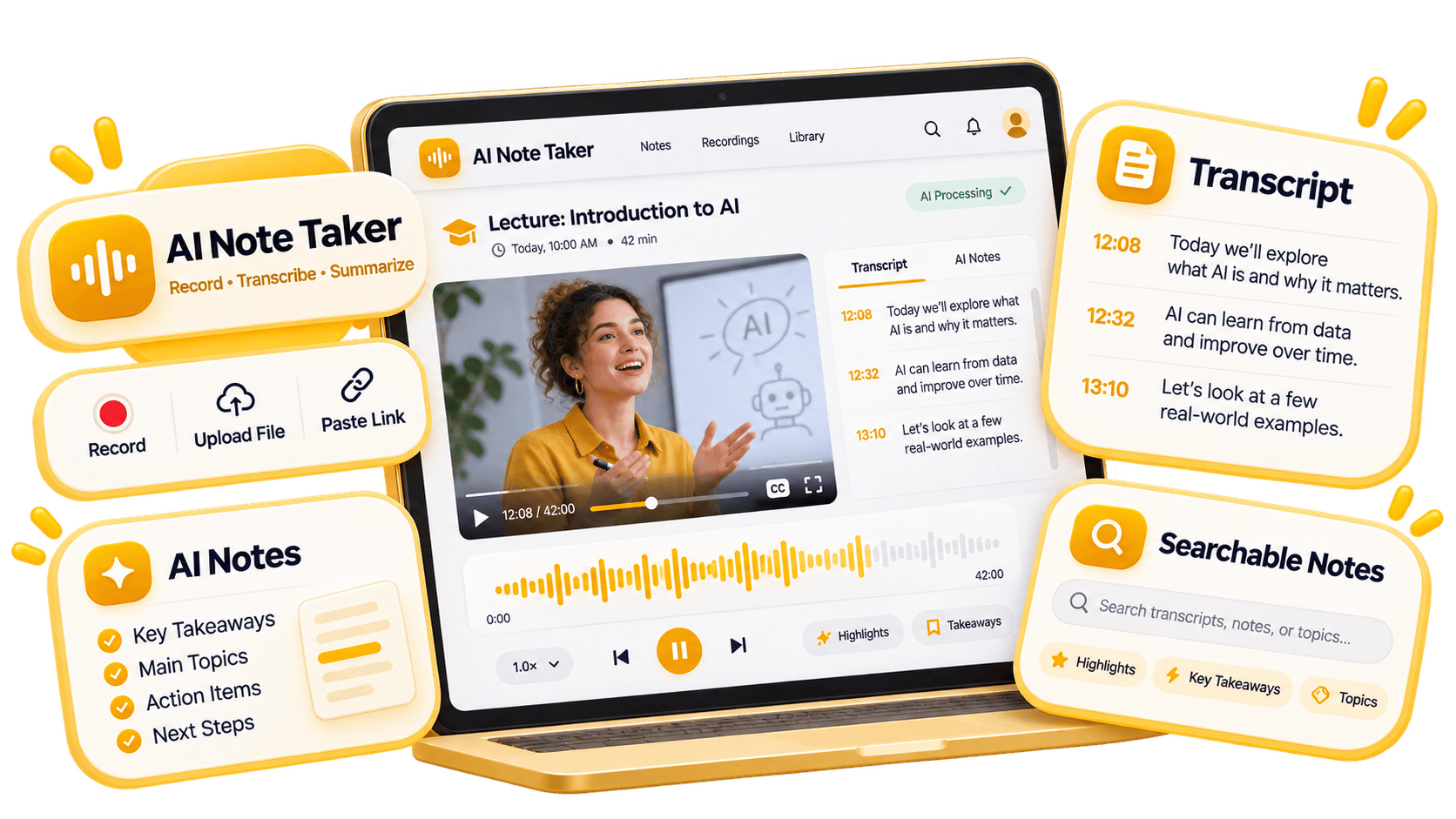
Audio to Notes
Convert voice memos, calls, interviews, and podcasts into a full transcript, then turn that audio into concise AI notes.
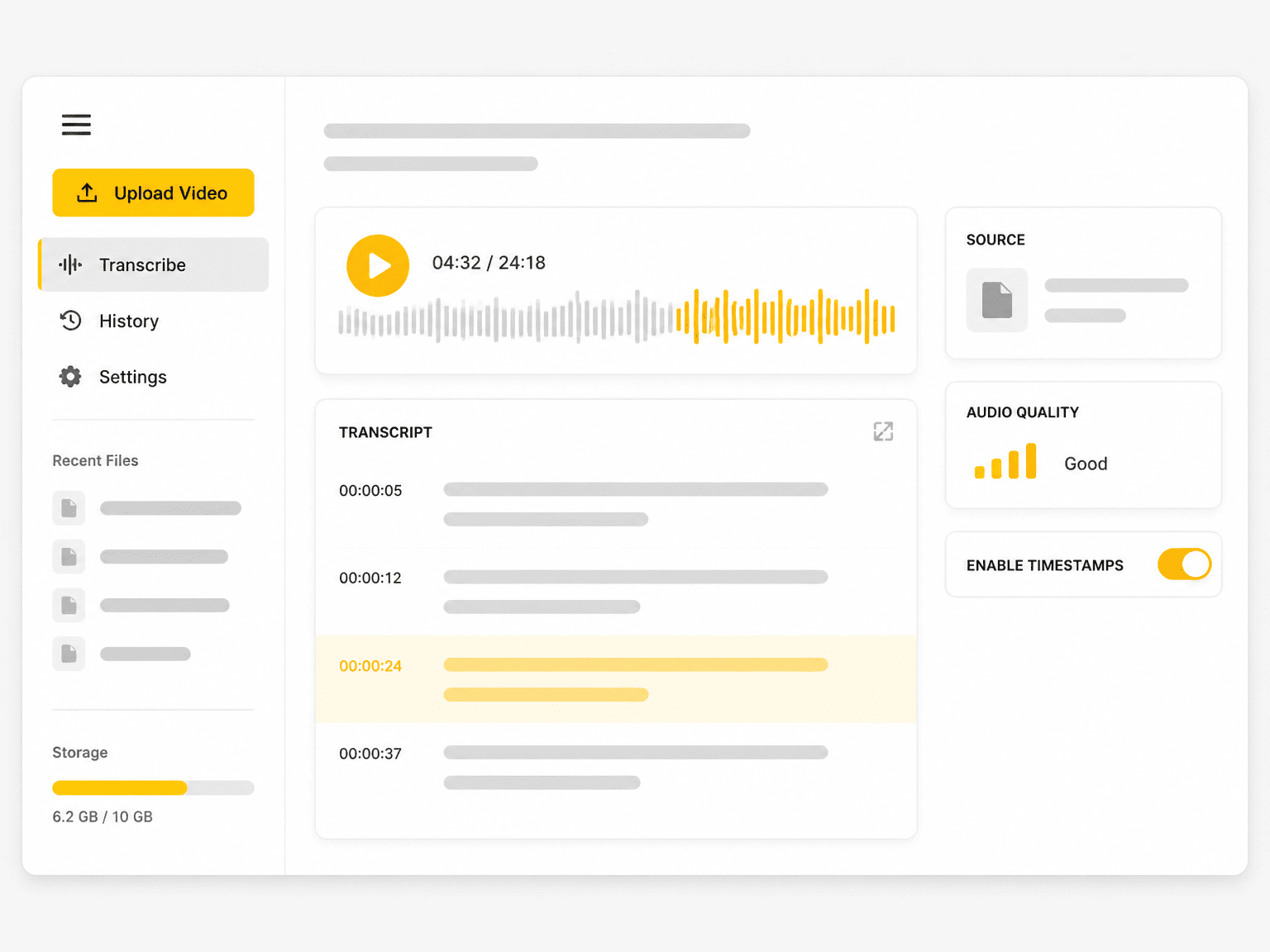

Upload popular audio or video formats — up to 5 GB per file
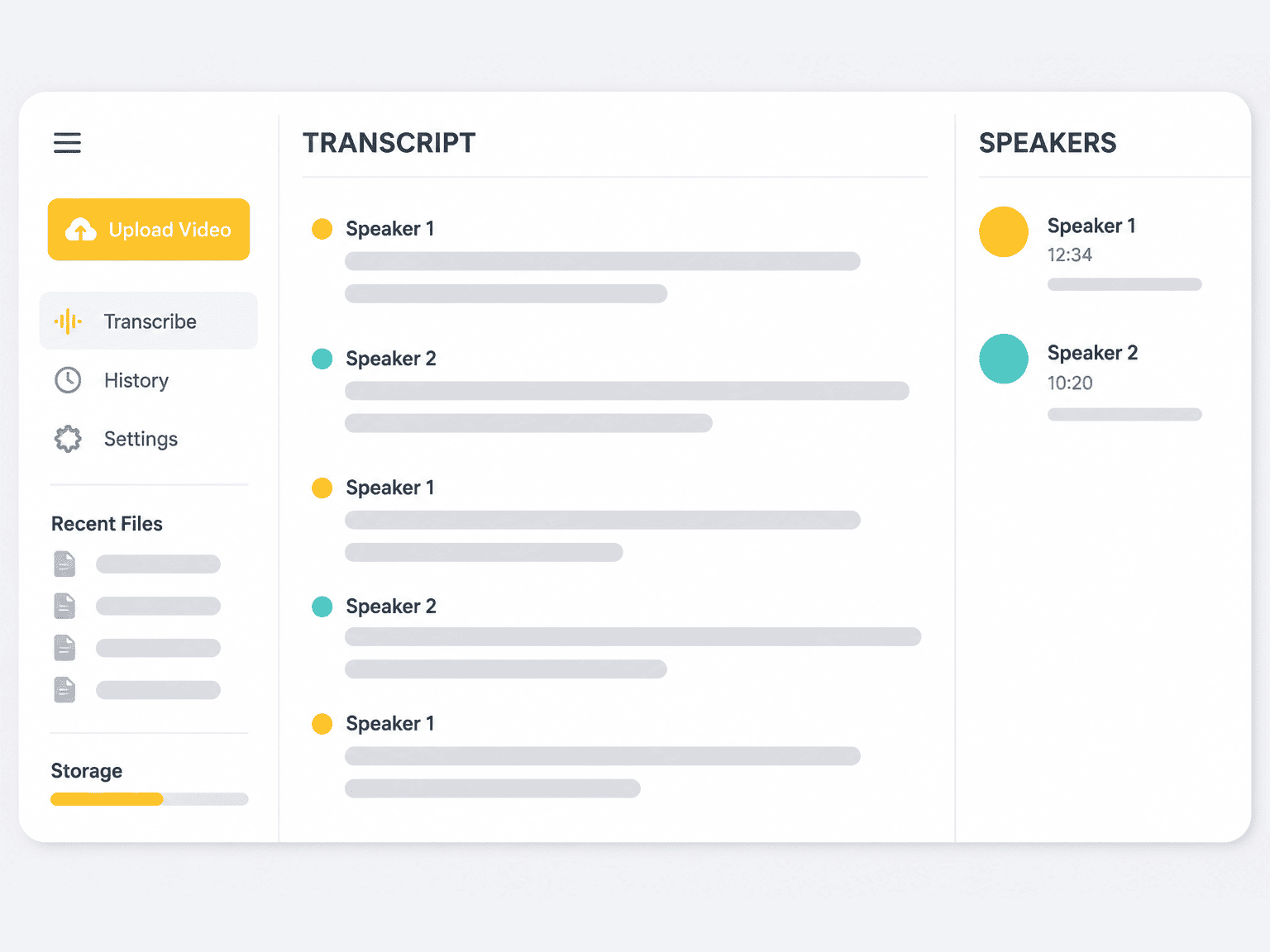
Distinguish speakers
Choose whether the transcript should separate different speakers in the conversation.
Subtitle enhancement
Use AI to intelligently refine transcripts for greater clarity and readability.
An AI note taker converts spoken audio and video into a written transcript, then organizes that transcript into readable notes, key points, and follow-up tasks. It covers the recordings a meeting bot never sees: uploaded files, voice memos, lecture videos, and podcast episodes.
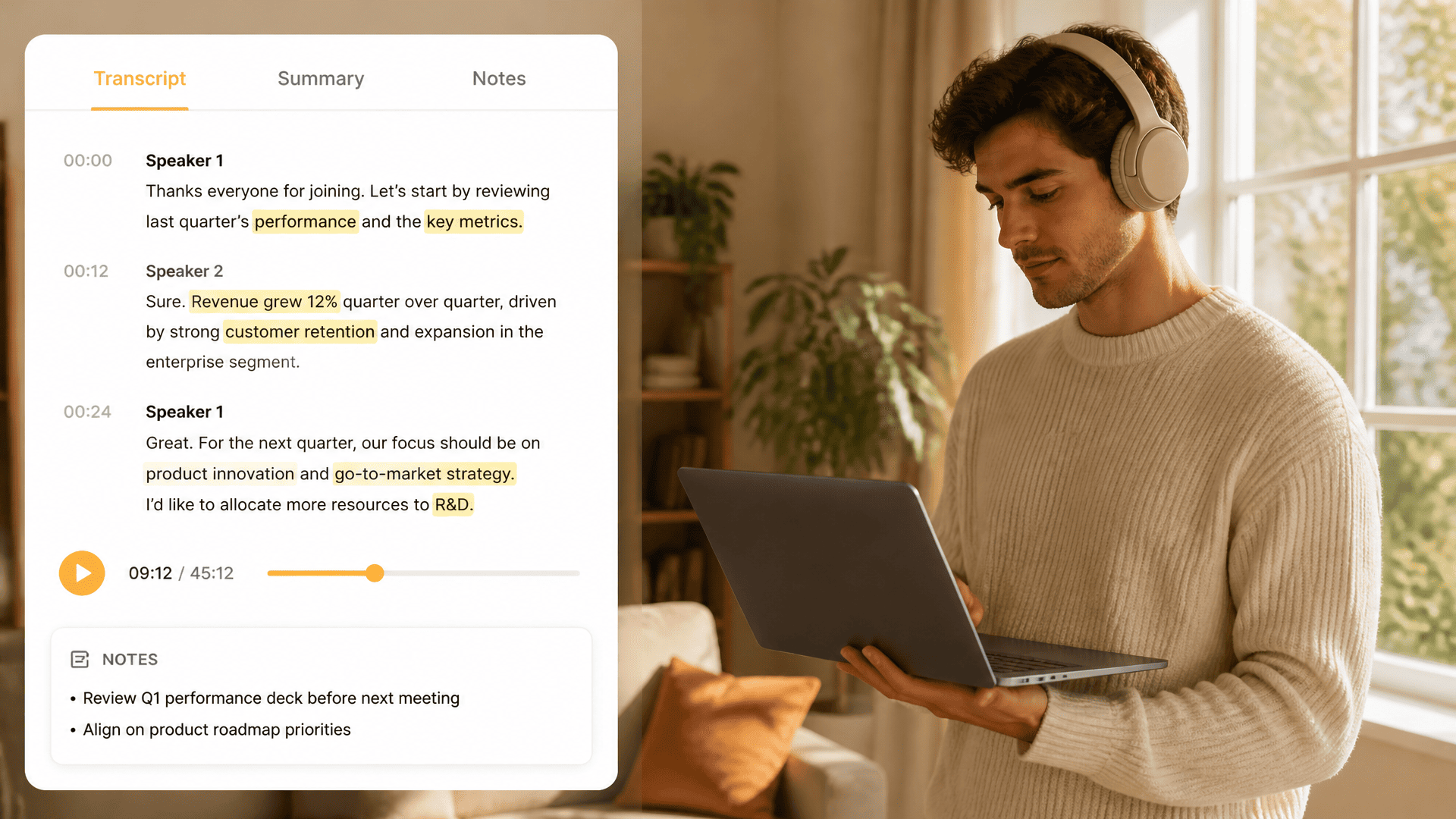
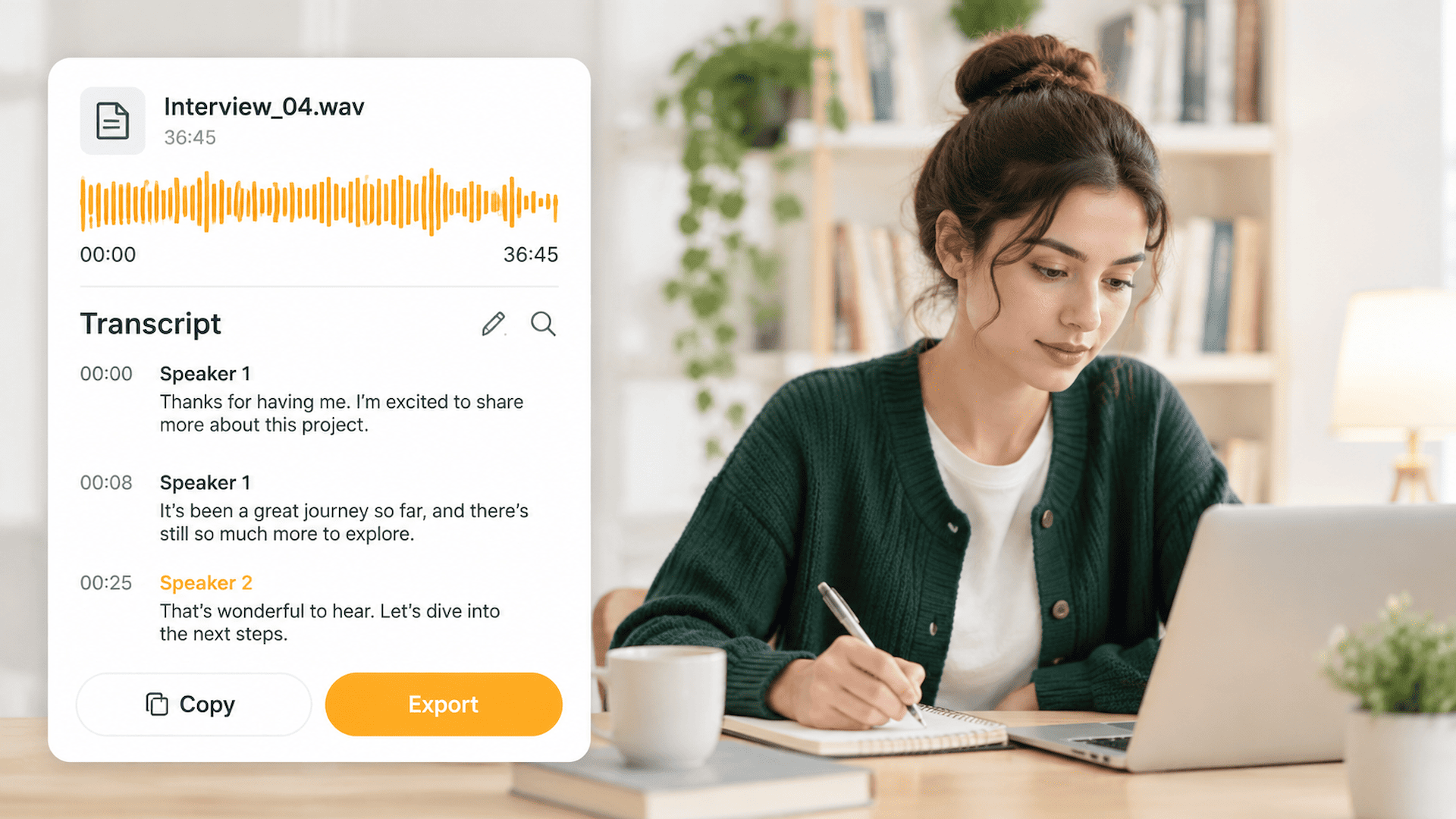
Upload an audio or video file, paste a supported video link, or record directly in the browser. The recording is transcribed with timestamps and optional speaker labels, so AI notes stay connected to the exact moment in the source audio.
Taking notes by hand means pausing, typing, and losing parts of the discussion. An AI note taker keeps the full transcript for search and verification, then drafts meeting notes, lecture notes, or study notes from the same recording. Accuracy still depends on audio quality.
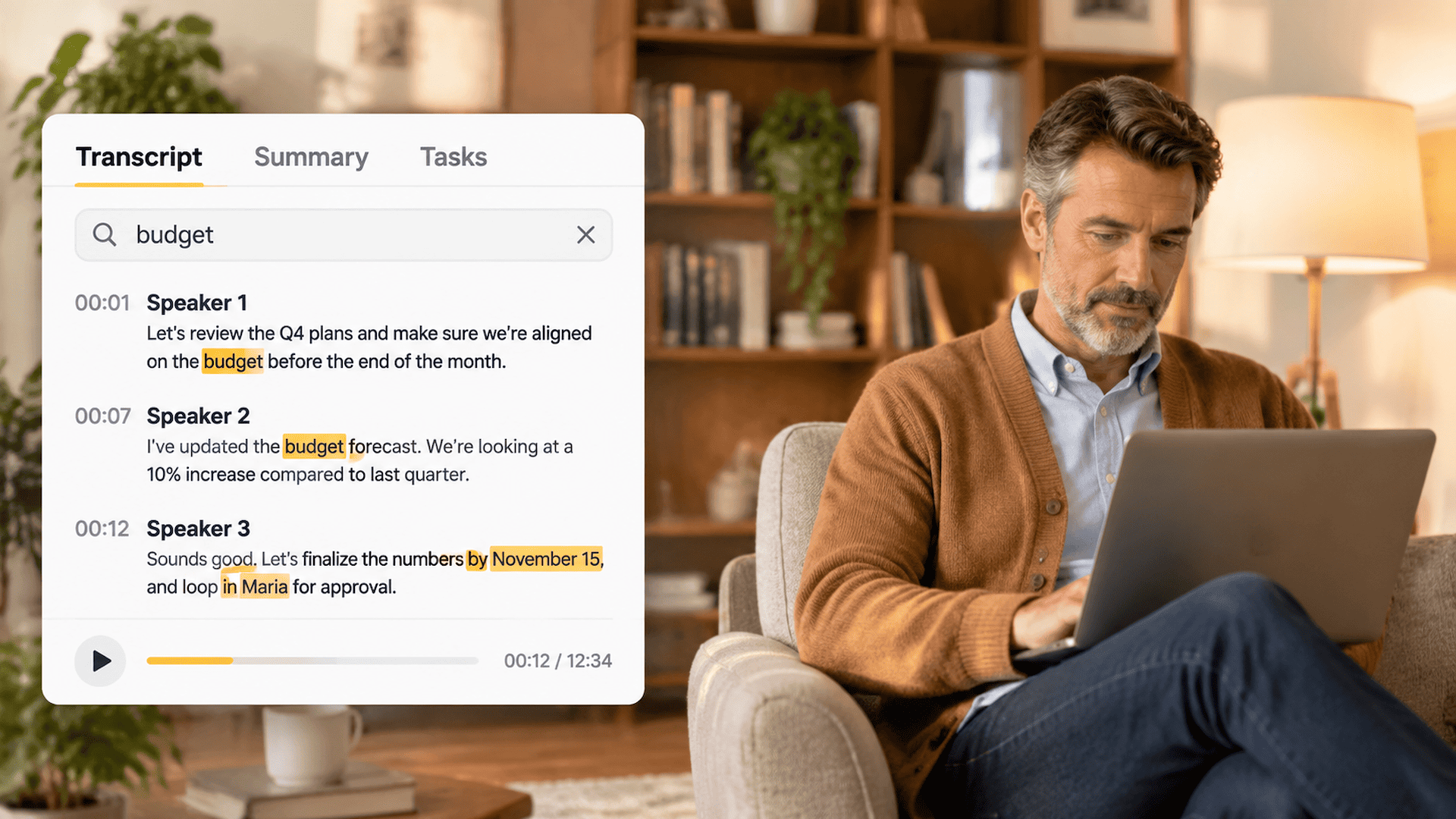
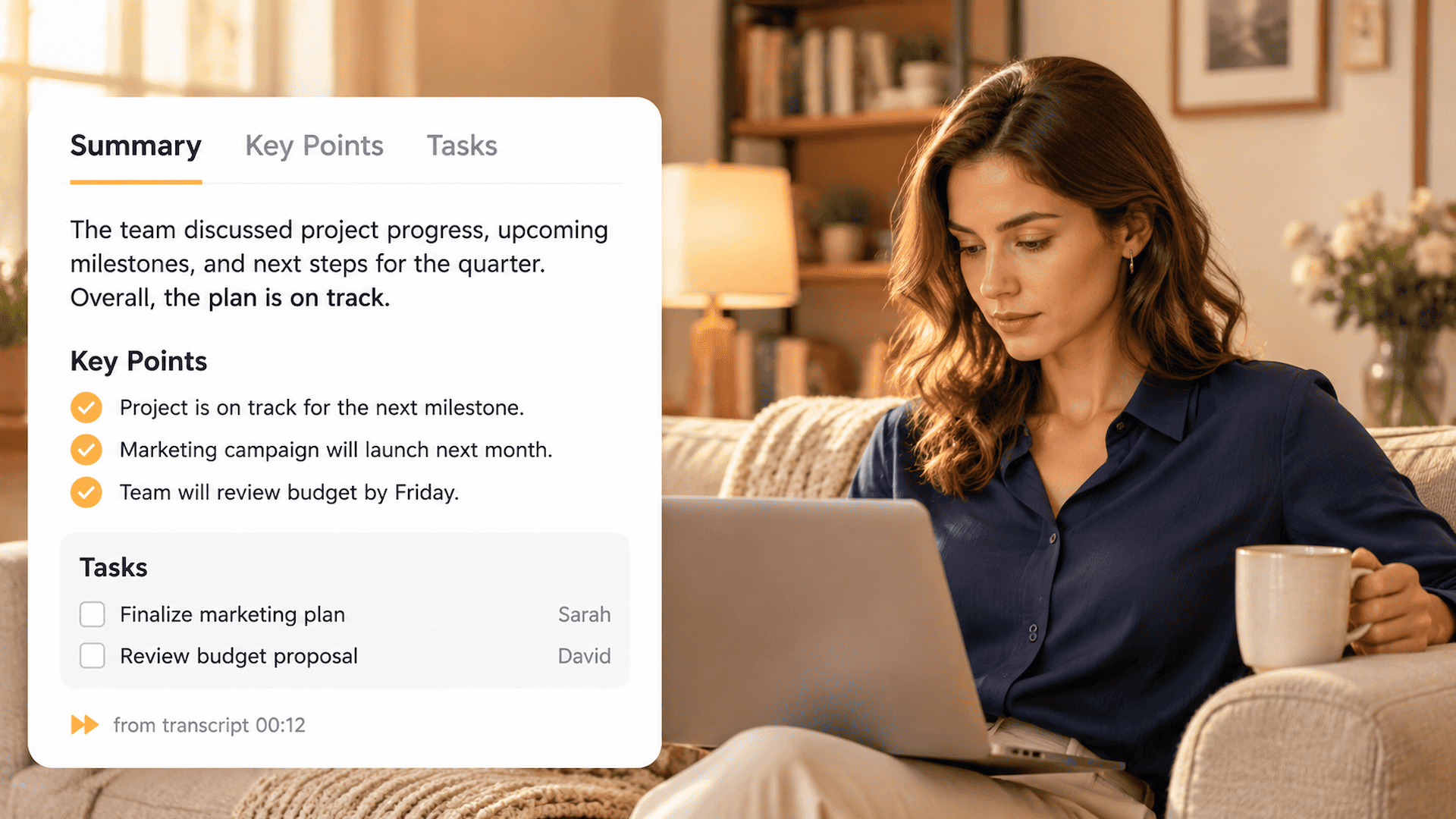
A transcript is the complete record; AI notes make it usable. Generate summaries, key takeaways, action items, and a mind map from one recording. For long files, you can use the YouTube video summarizer before you review exact quotes. Every note stays grounded in the transcript, so you can search a phrase, jump to its timestamp, and check what the note claims against the original recording.
Convert voice memos, calls, interviews, and podcasts into a full transcript, then turn that audio into concise AI notes.
Pull decisions, owners, deadlines, and follow-up tasks from a meeting transcript, so minutes and next steps are ready to share.
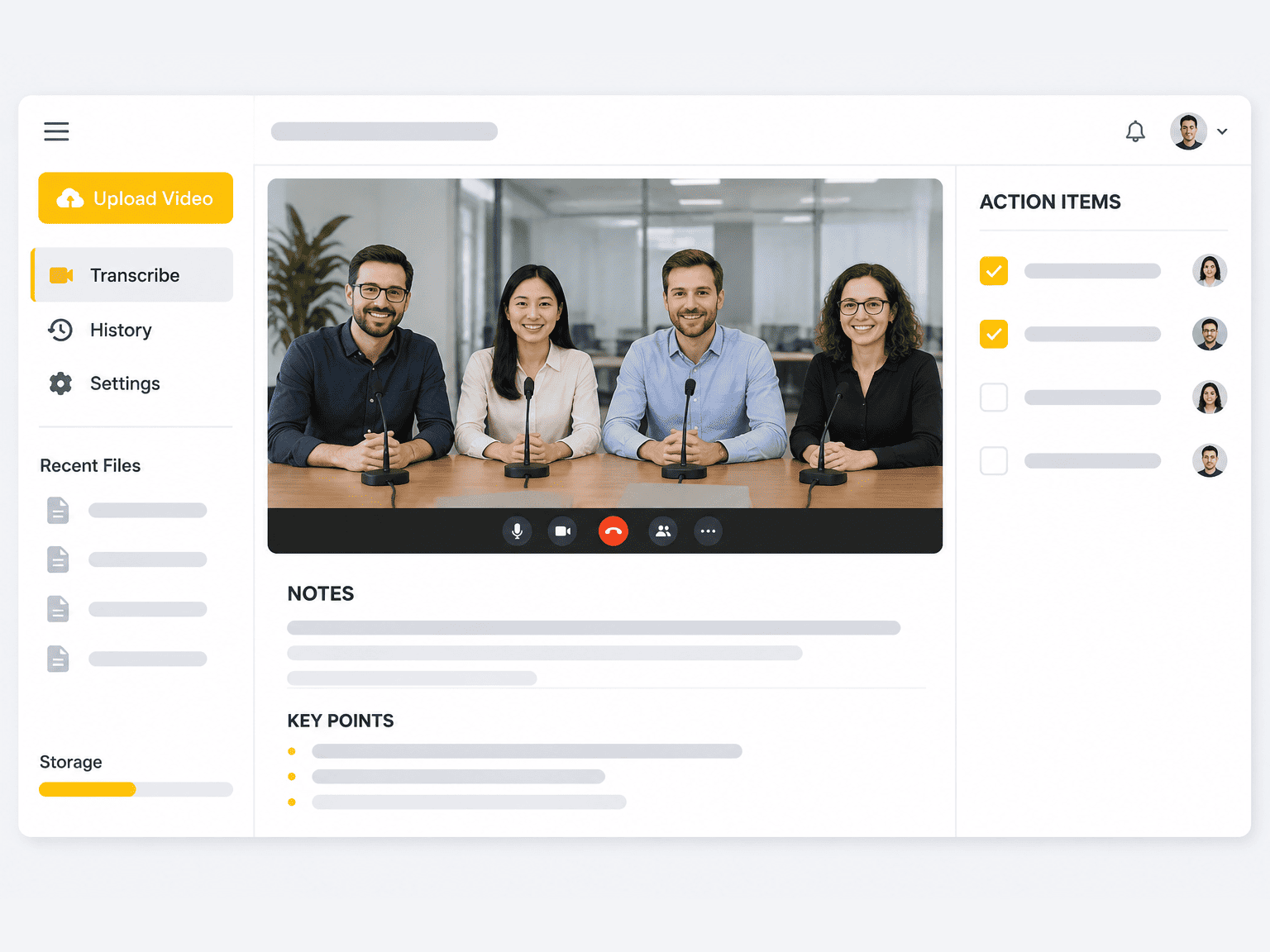
Every note links back to the source. Search a phrase in the transcript and return to that moment in the recording to verify it.
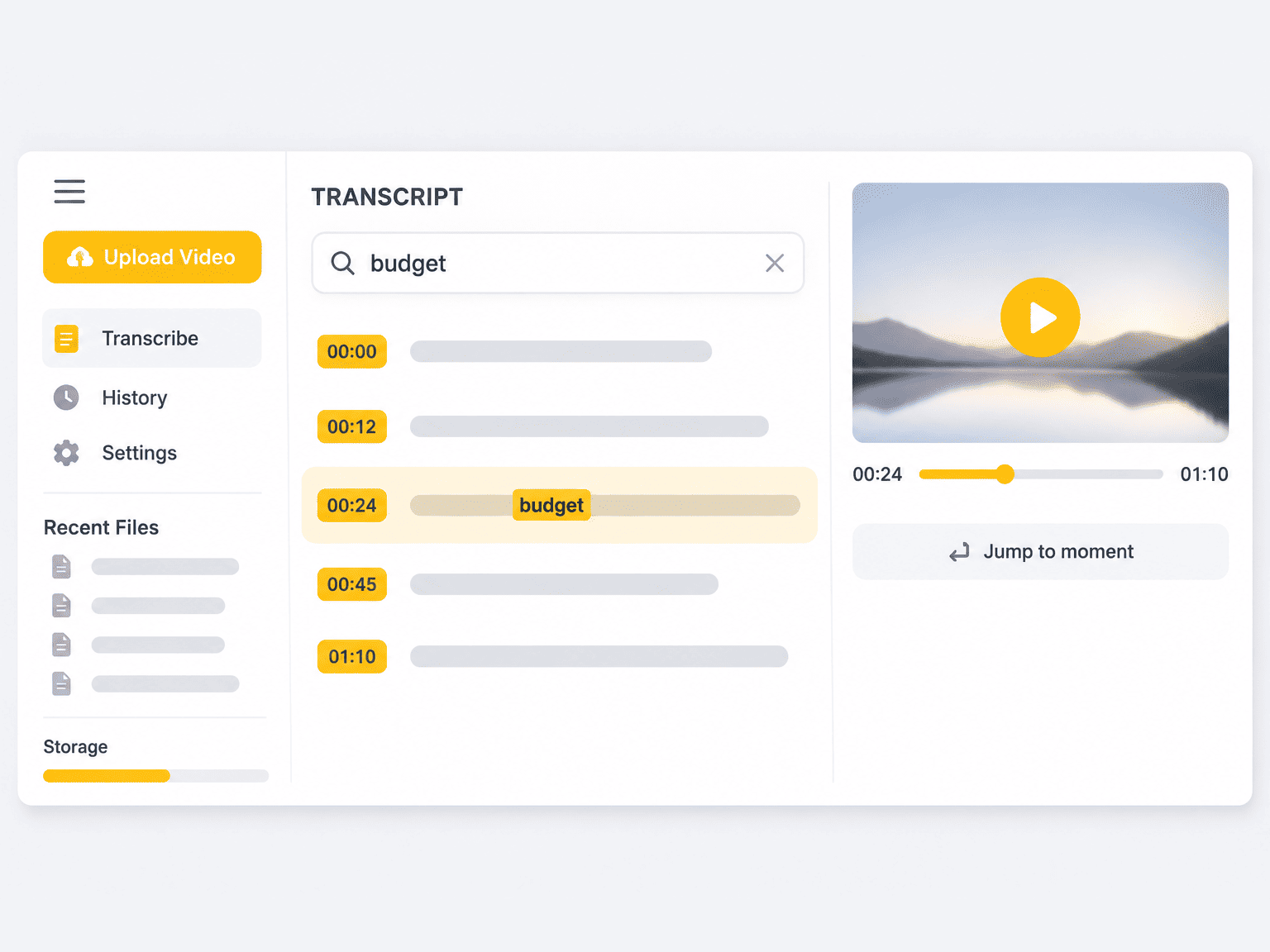
Speaker labels and editable names keep interview notes, panel discussions, and multi-speaker meetings easy to scan.
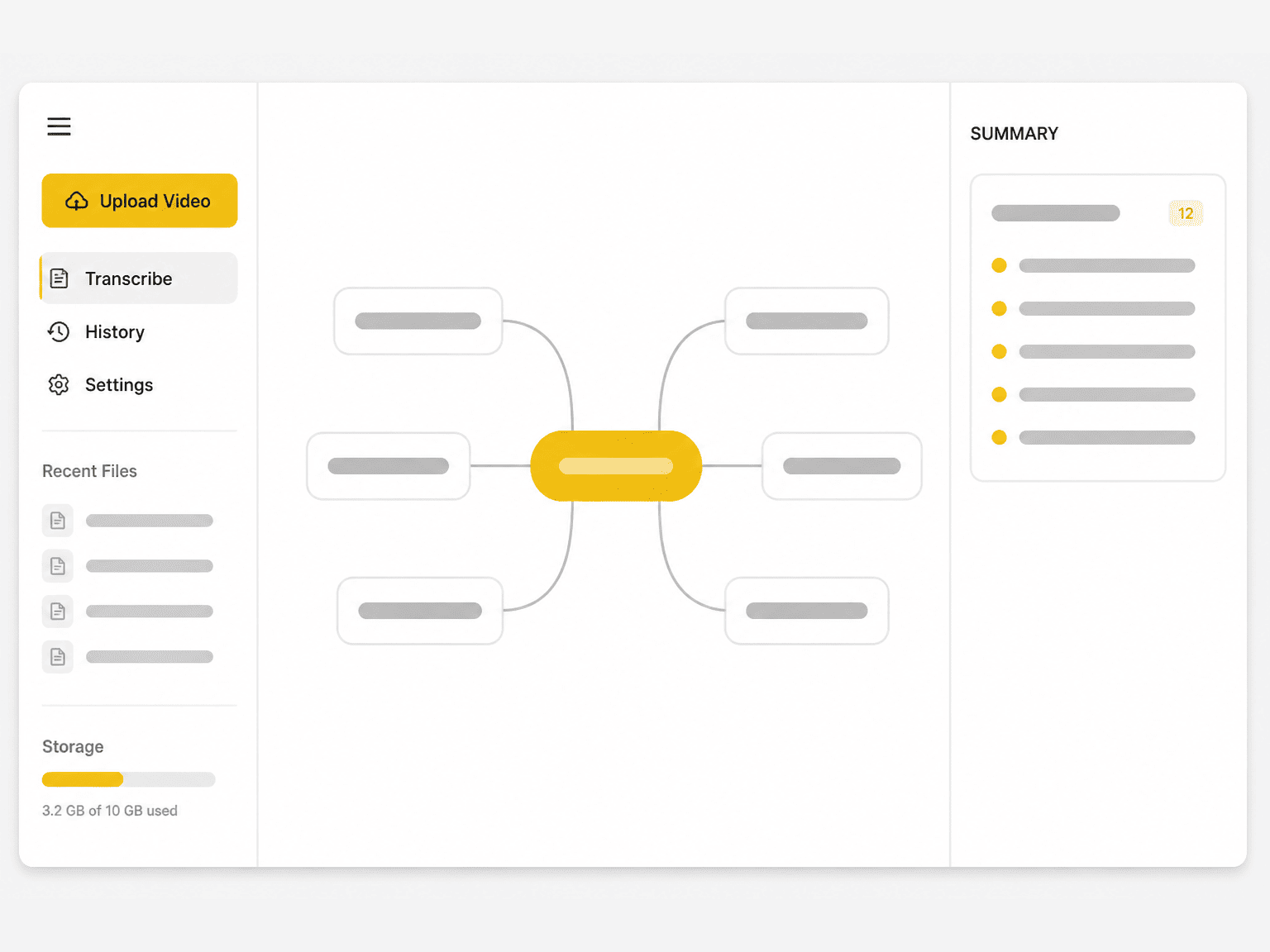
Condense a long transcript into a summary, key points, or a mind map exported as PNG, SVG, TXT, MD, or JSON.
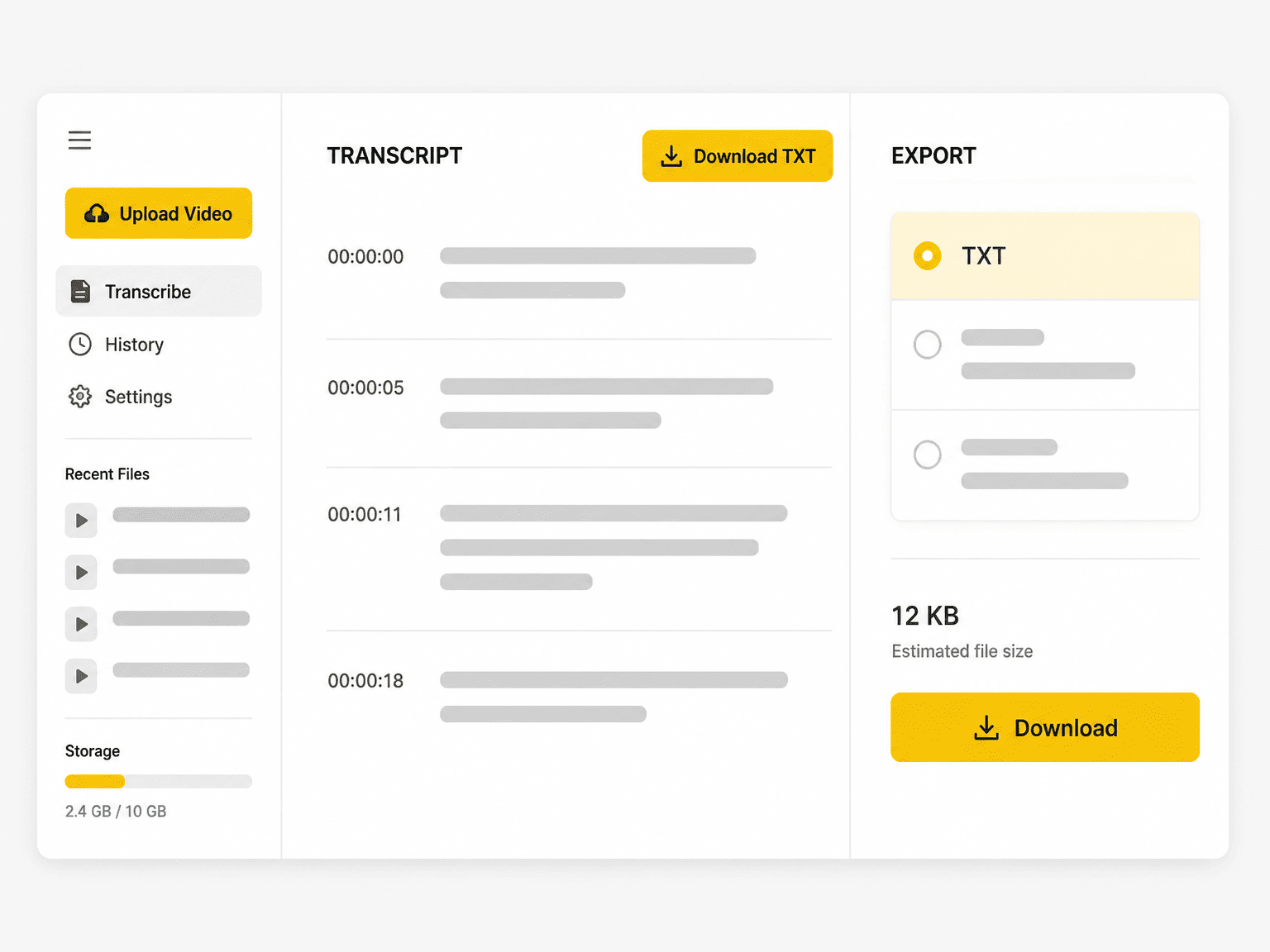
Copy clean notes into any document and export the transcript as TXT for a searchable archive and later editing.
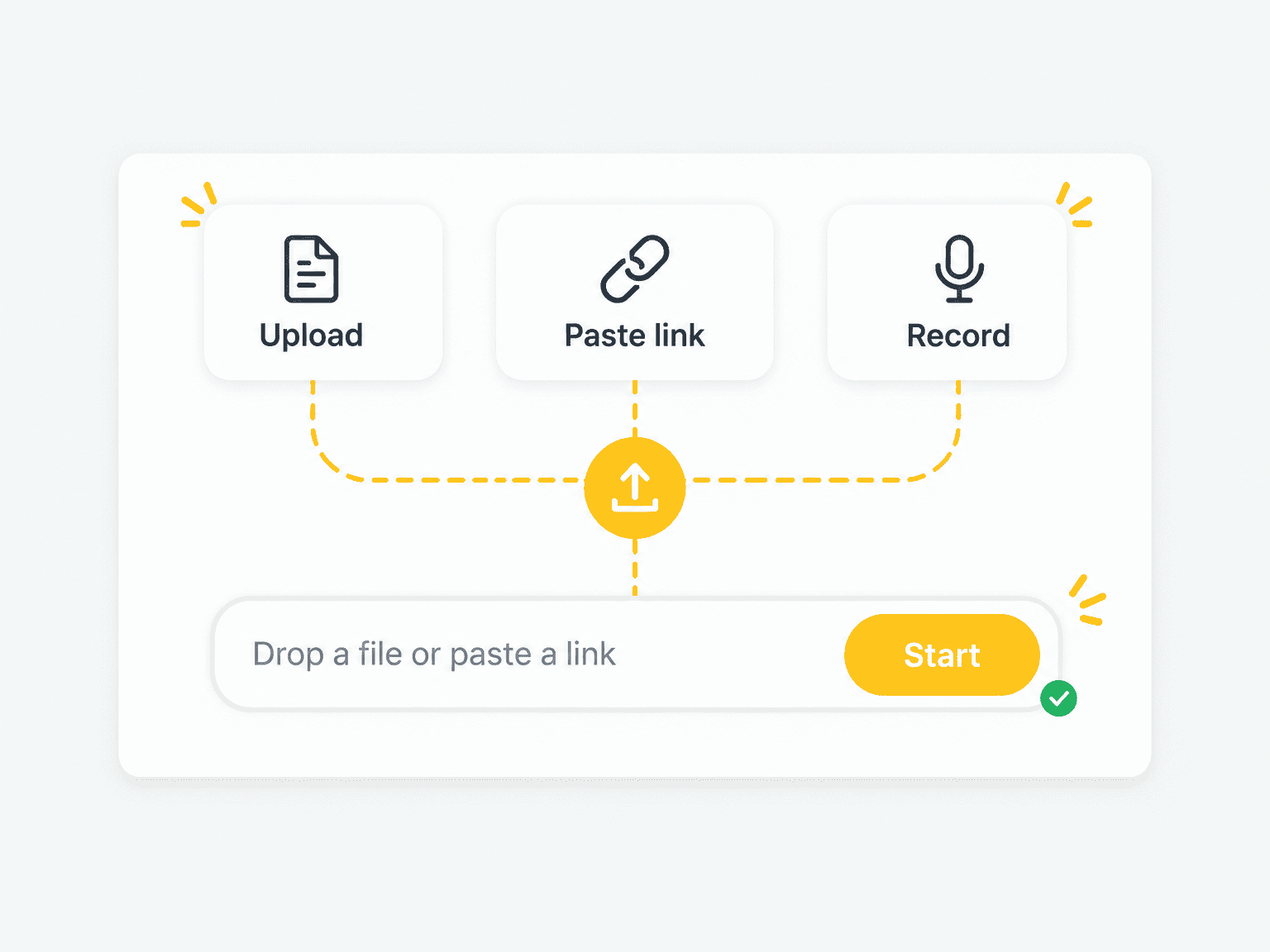
Add an audio or video file, paste a supported link, or record a voice note in your browser. Note taking starts from the spoken content, not a blank page.
1 / 6
Stay in the discussion while the AI note taker turns the recording into meeting notes with decisions, risks, and action items to share afterward.
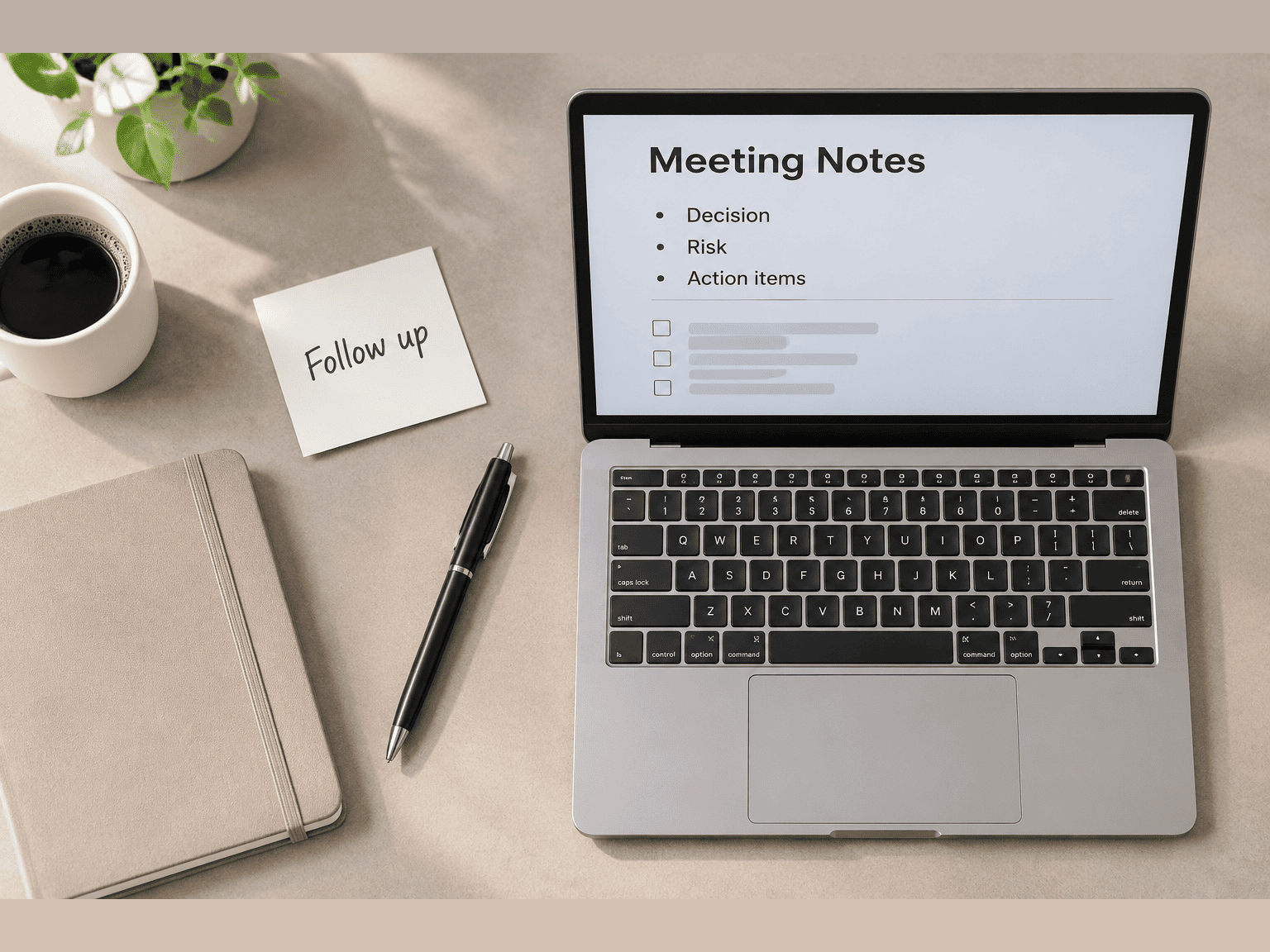
Upload a meeting, lecture, interview, podcast, or voice memo and let the AI note taker create a transcript you can search, summarize, and turn into organized notes and action items. Nothing to install.
See how teams, students, researchers, and creators turn recordings into meeting notes, study notes, and show notes they can search and act on.
"I stay engaged in meetings, then use the transcript to check decisions and turn the discussion into clear meeting notes with action items."
"The lecture transcript gives me searchable study notes. I can jump back to the exact example instead of replaying the whole recording."
"Interview notes are faster to review when every theme and quote can be checked against a timestamp."
"One transcript gives me show notes, an episode outline, and short content ideas without listening through the episode again."
"The AI note taker makes voice memos usable. I get a clean note I can search later instead of another audio file to sort through."
"I use the summary for a quick handoff and keep the full transcript when a client needs the exact wording."
An AI note taker transcribes spoken audio or video, then organizes the transcript into notes, summaries, key points, and action items. Unlike meeting bots that join a live call, this workflow starts from recordings you upload, links you paste, or audio you record in the browser.
Yes. Transcription and note generation run in the browser without a sign-up, a card, or an installation. Long recordings may take longer to process, but the workflow itself is free to use.
No. You can start without signing up. An account is only useful if you want to keep a history of past transcripts and notes.
Yes. Upload the meeting recording and the AI note taker produces a timestamped transcript first, then drafts meeting notes with decisions, open questions, owners, and action items.
Yes. Lecture videos, webinars, and recorded classes can be transcribed into study notes with timestamps, so you can jump back to the exact explanation while revising.
Yes. Voice memos, calls, interviews, podcasts, and uploaded video all work; the note-taking workflow uses the spoken track and keeps the transcript tied to timestamps.
Yes. Record a voice note in the browser or upload a memo file, and the AI organizes the transcript into a clean, searchable written note.
A voice memo app stores audio. An AI note taker turns that audio into a searchable transcript and structured notes you can review, edit, and export as text.
Yes. Search the transcript for a word or phrase and jump to the matching timestamp, which makes it easy to verify a note or find an exact quote.
Notes can be copied into any document, and the transcript can be downloaded as a TXT file for editing, archiving, or sharing.
Note quality depends on the source transcript. Clear speech in a quiet room transcribes cleanly, while background noise, overlapping speakers, and strong accents introduce errors. Check names, numbers, dates, and important quotes against the recording.
Speaker detection and editable speaker labels are available for supported transcription workflows. Review the labels when several people speak over one another.
Spoken content can be transcribed in multiple languages, and translated workflows help multilingual teams review the same recording.
Uploaded files and transcripts are not public and are not shared with other users. Review the Privacy Policy and manage saved history whenever you need to remove stored work.
Yes. Along with notes and summaries, the transcript can be turned into a mind map that shows how the main topics connect, with export options including PNG, SVG, TXT, MD, and JSON.