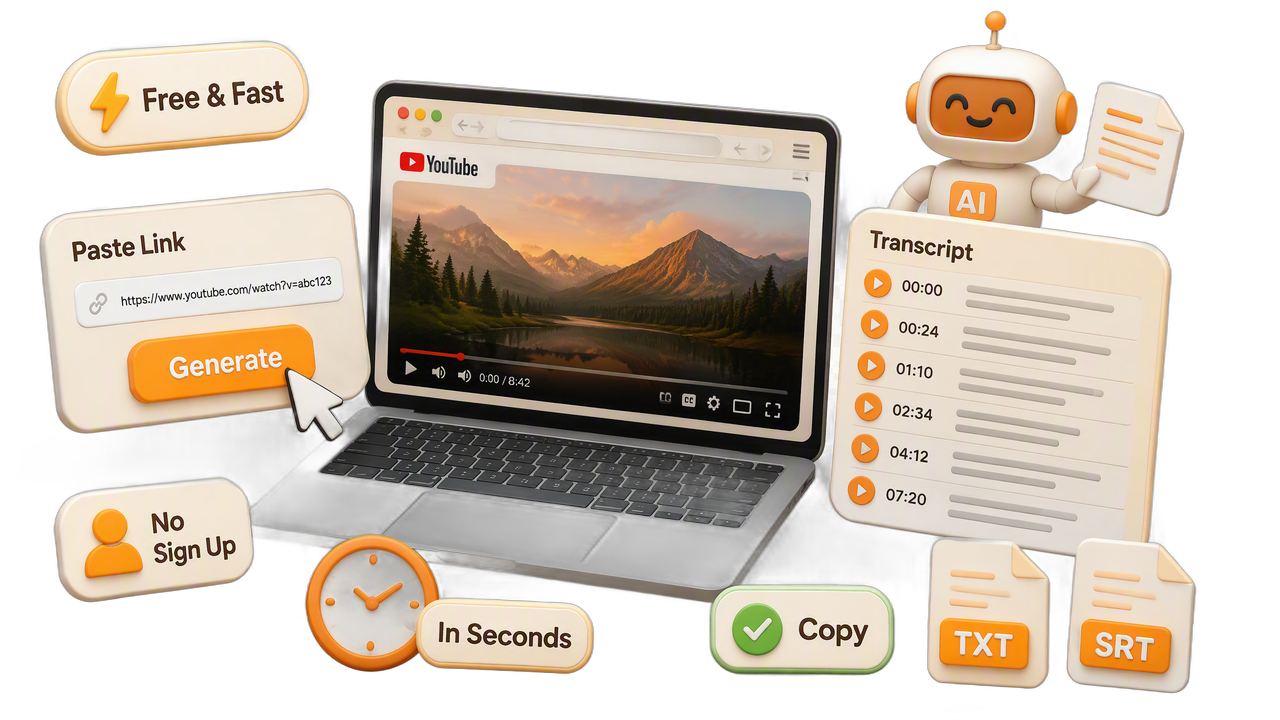
Fast AI Video to Text Conversion
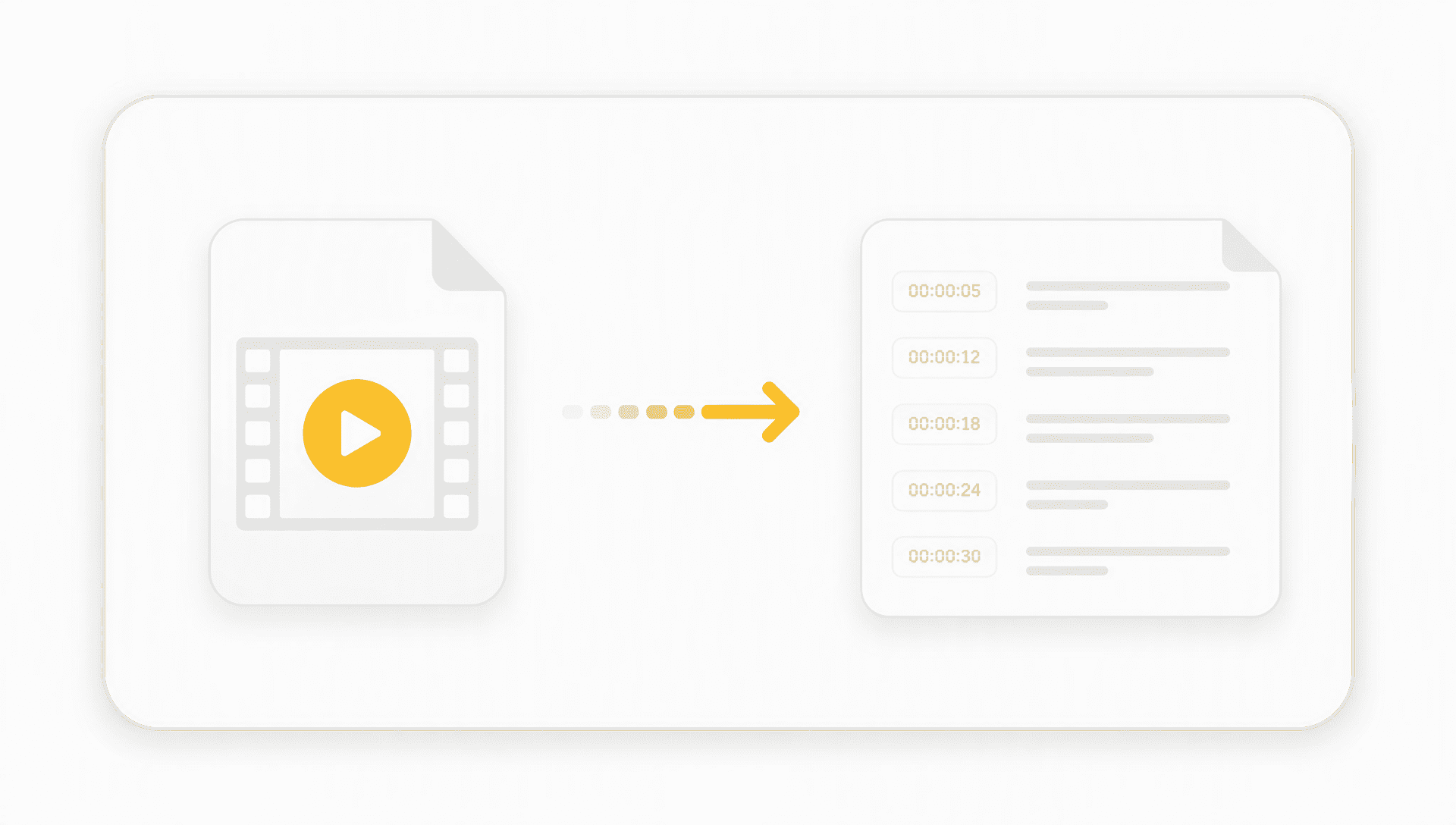
Convert videos with AI video transcription and automatic timestamps using a Video Transcriber. The video to text converter quickly creates searchable video transcripts.

Upload popular audio or video formats — up to 5 GB per file
Distinguish speakers
Choose whether the transcript should separate different speakers in the conversation.
Subtitle enhancement
Use AI to intelligently refine transcripts for greater clarity and readability.
Transcribe Audio is an online platform for video and audio transcription, helping you convert video to text from YouTube, TikTok, Instagram, Facebook, X, Bilibili, Zoom recordings, and uploaded files. It also offers multilingual transcription, subtitle translation, AI-powered content analysis, and API access for study, research, meetings, and content creation.
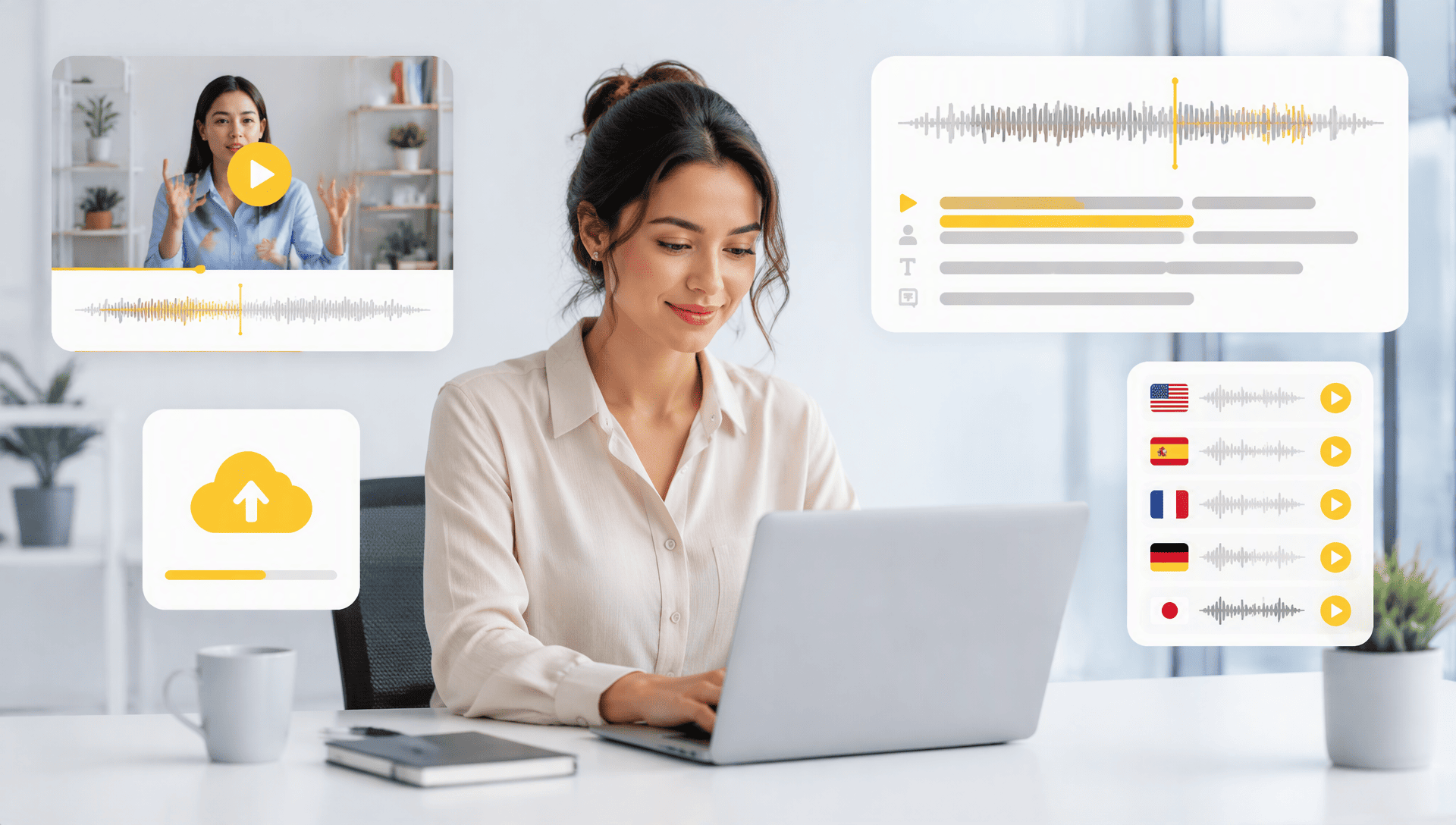
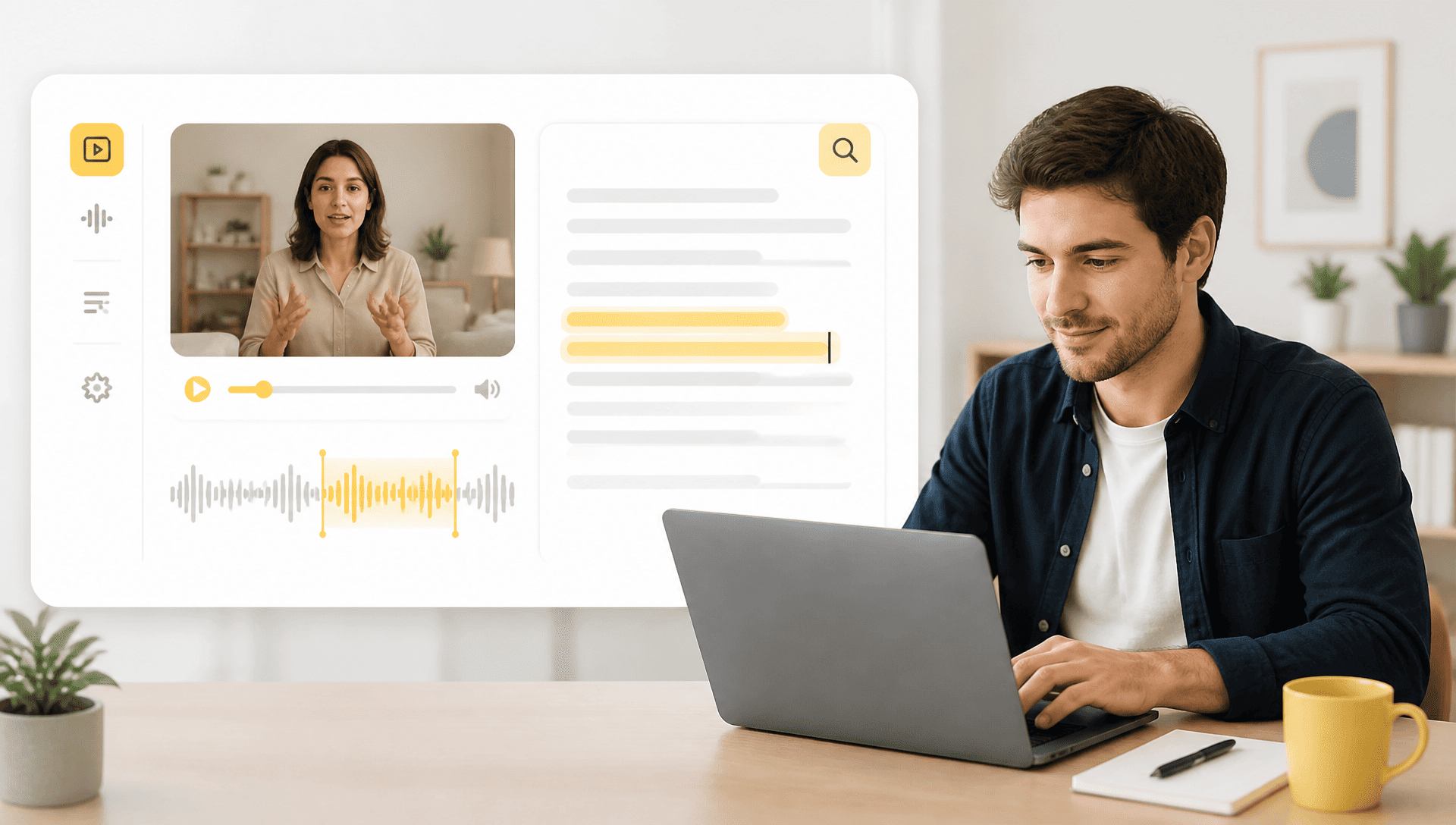
Video to text transcription turns spoken content into searchable, editable text. It helps you quickly find key information, quote specific parts, and reuse content from lectures, interviews, meetings, and other videos without watching the entire recording.
AI video summarizer can turn long videos and transcripts into concise summaries, highlighting the main ideas, key details, and conclusions. This makes it easier to review lectures, meetings, interviews, and other lengthy content without watching everything.
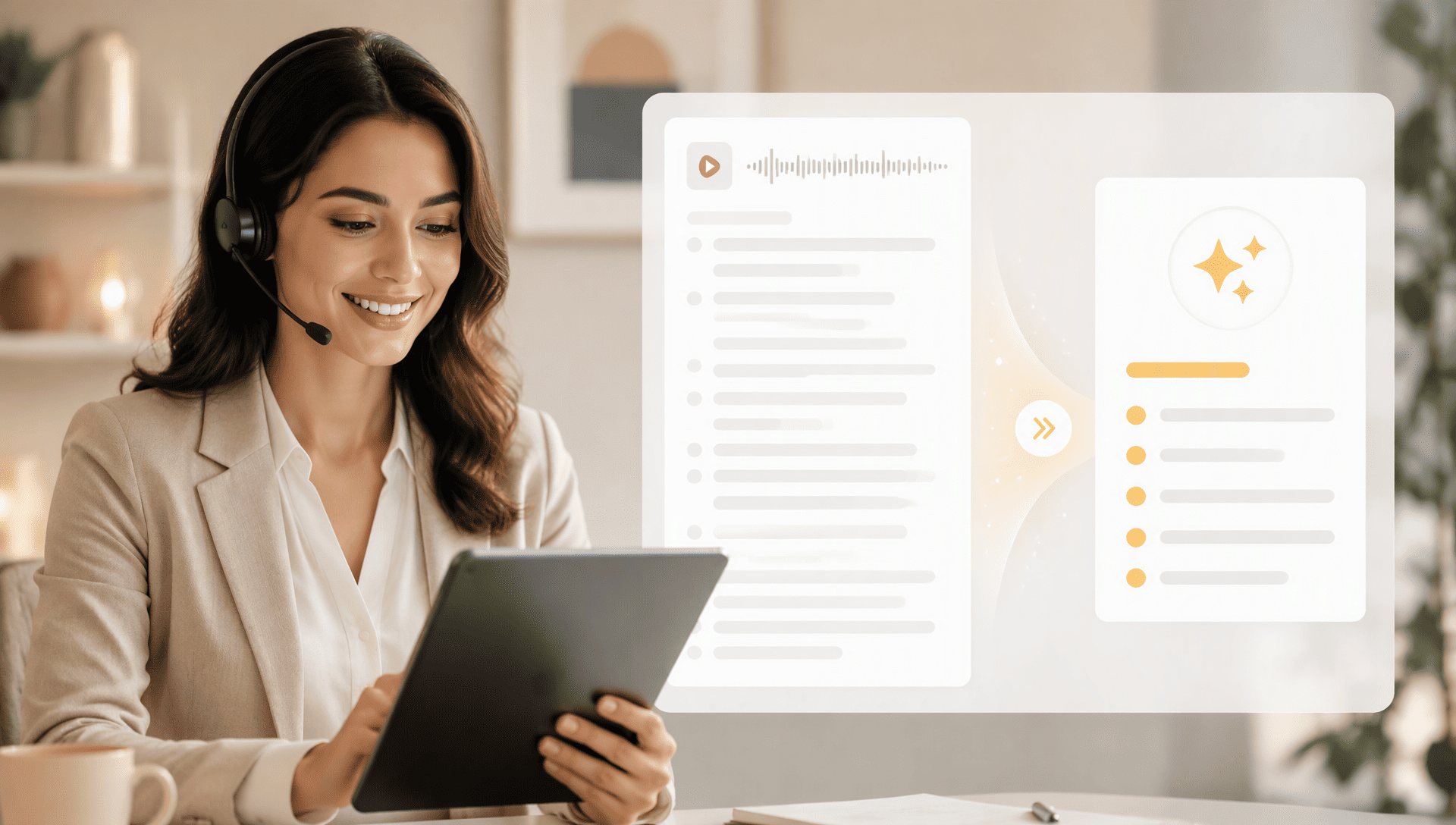
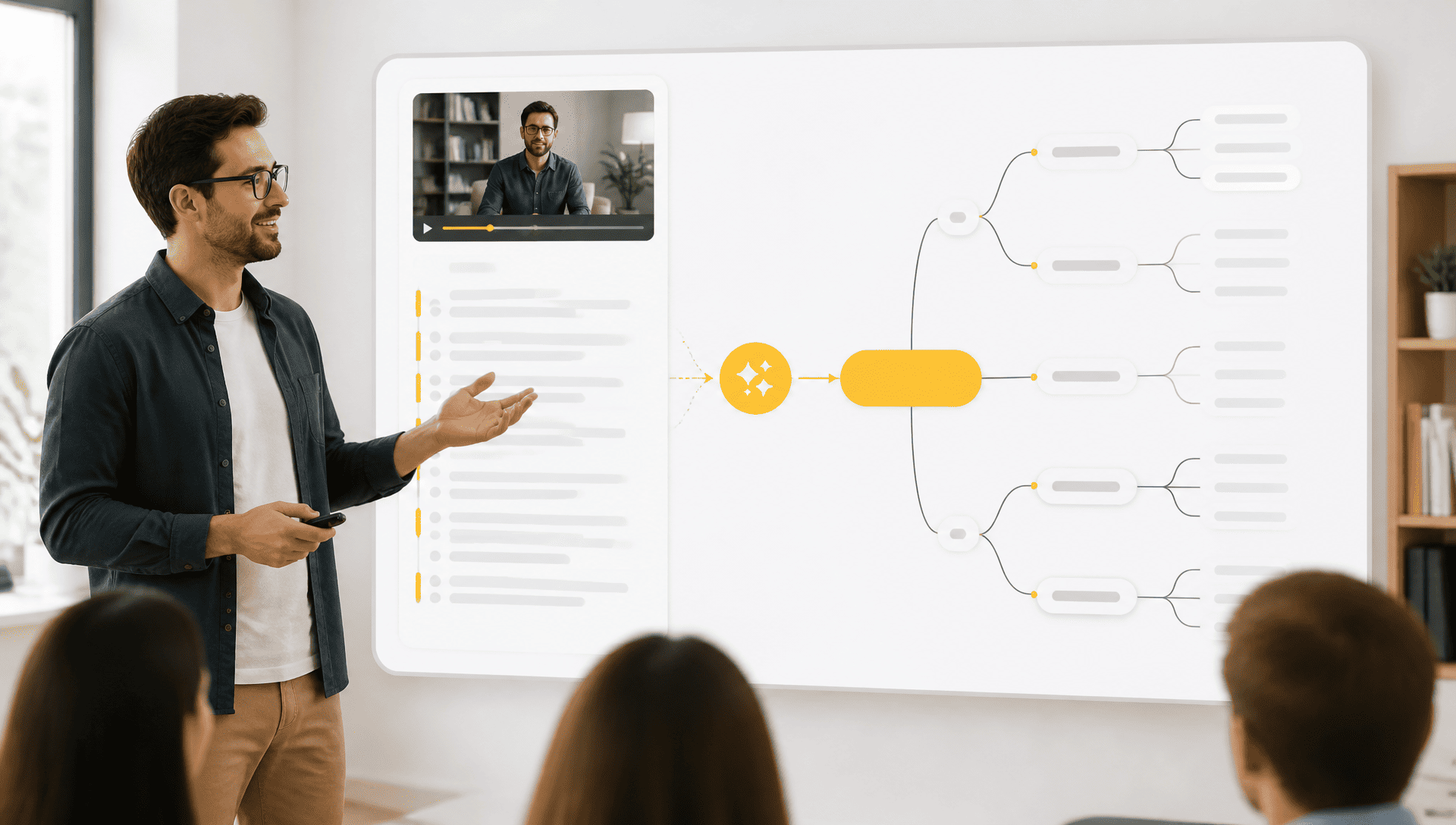
An AI mind map can organize information from a video transcript into a visual structure, making relationships between ideas easier to understand. It is useful for courses, lectures, interviews, research, and other information-heavy videos or web video transcription.
Convert videos with AI video transcription and automatic timestamps using a Video Transcriber. The video to text converter quickly creates searchable video transcripts.
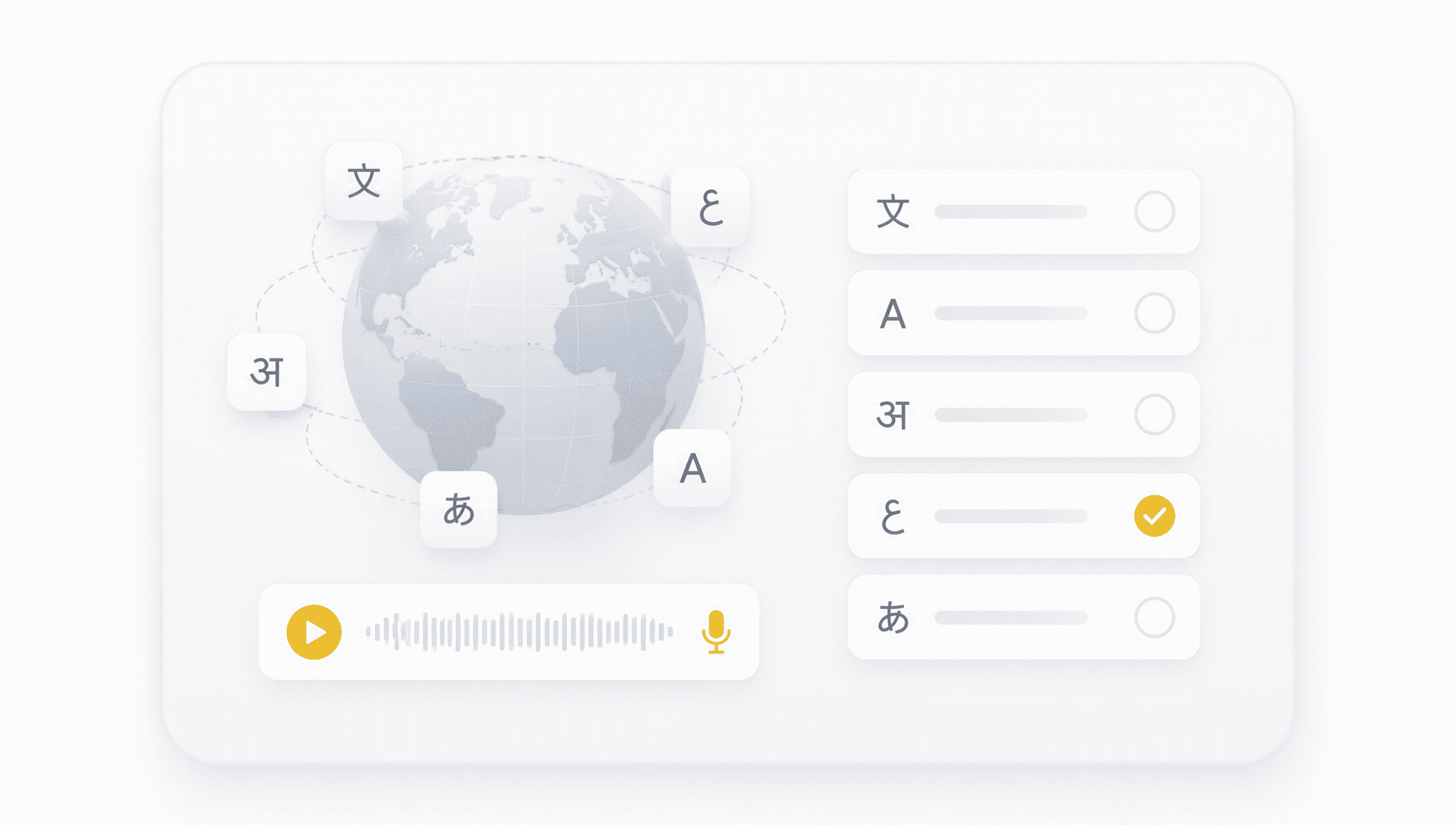
Use multilingual video transcription to convert speech into video transcripts across different languages.
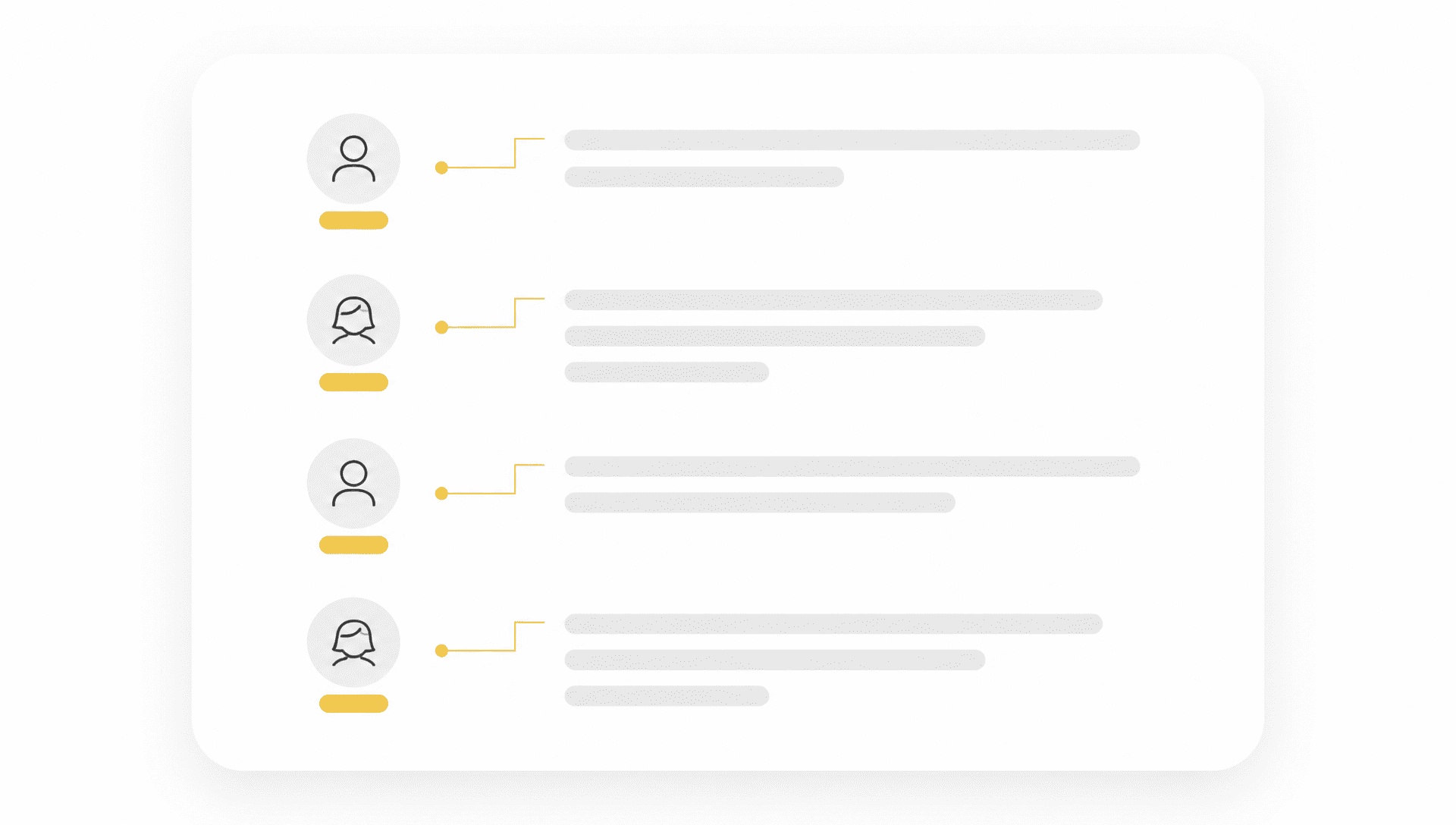
Speaker recognition identifies different speakers during video transcription, keeping video transcripts clear and organized.
Edit video transcripts while keeping timestamps linked to the source video. The transcript editor makes corrections quick and simple.
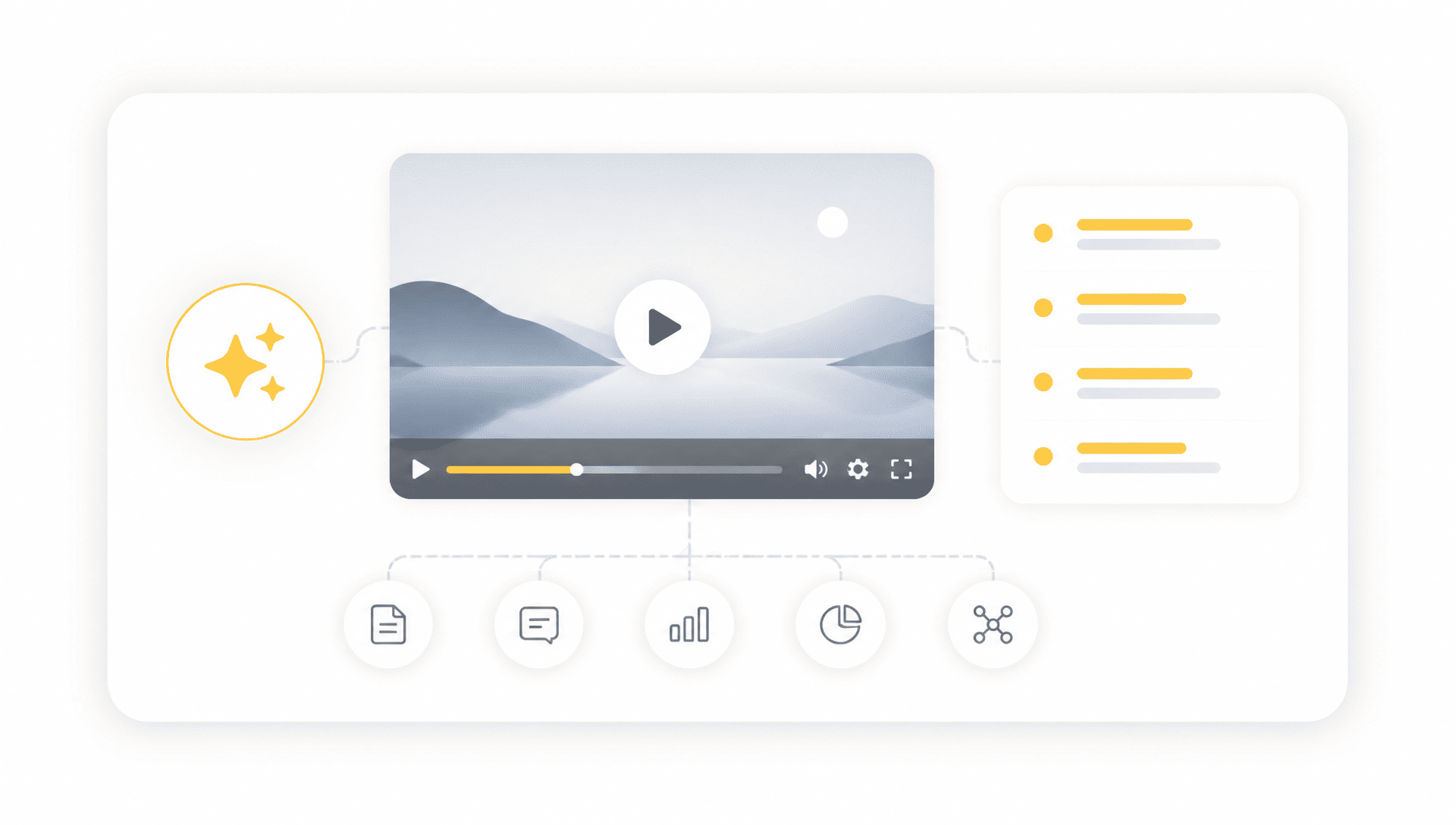
Go beyond video transcription with AI video analysis, including summaries, translation, Ask AI, and mind maps.
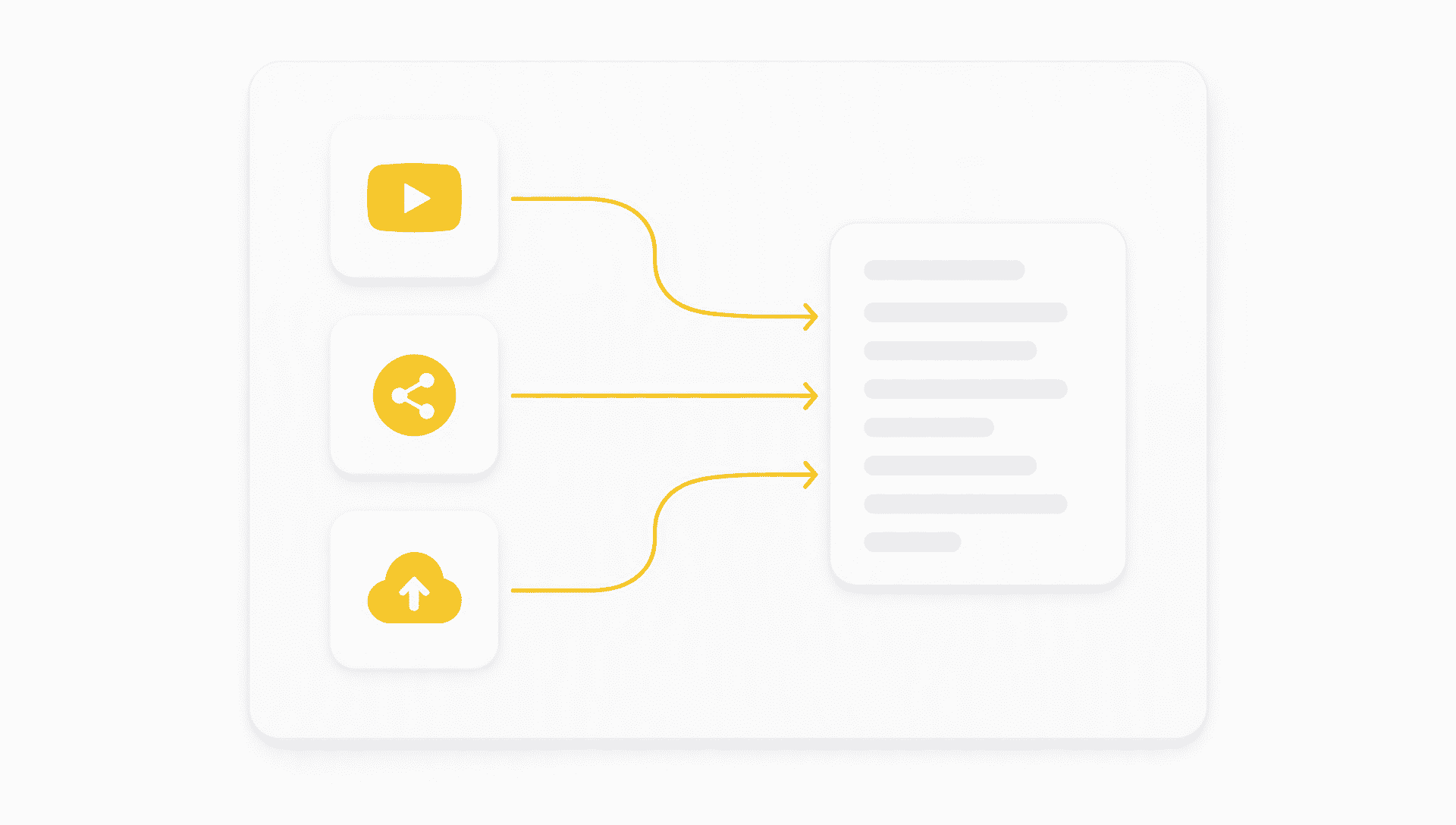
Transcribe YouTube videos, social media, and uploaded files with a flexible Video Transcriber that creates searchable video transcripts.
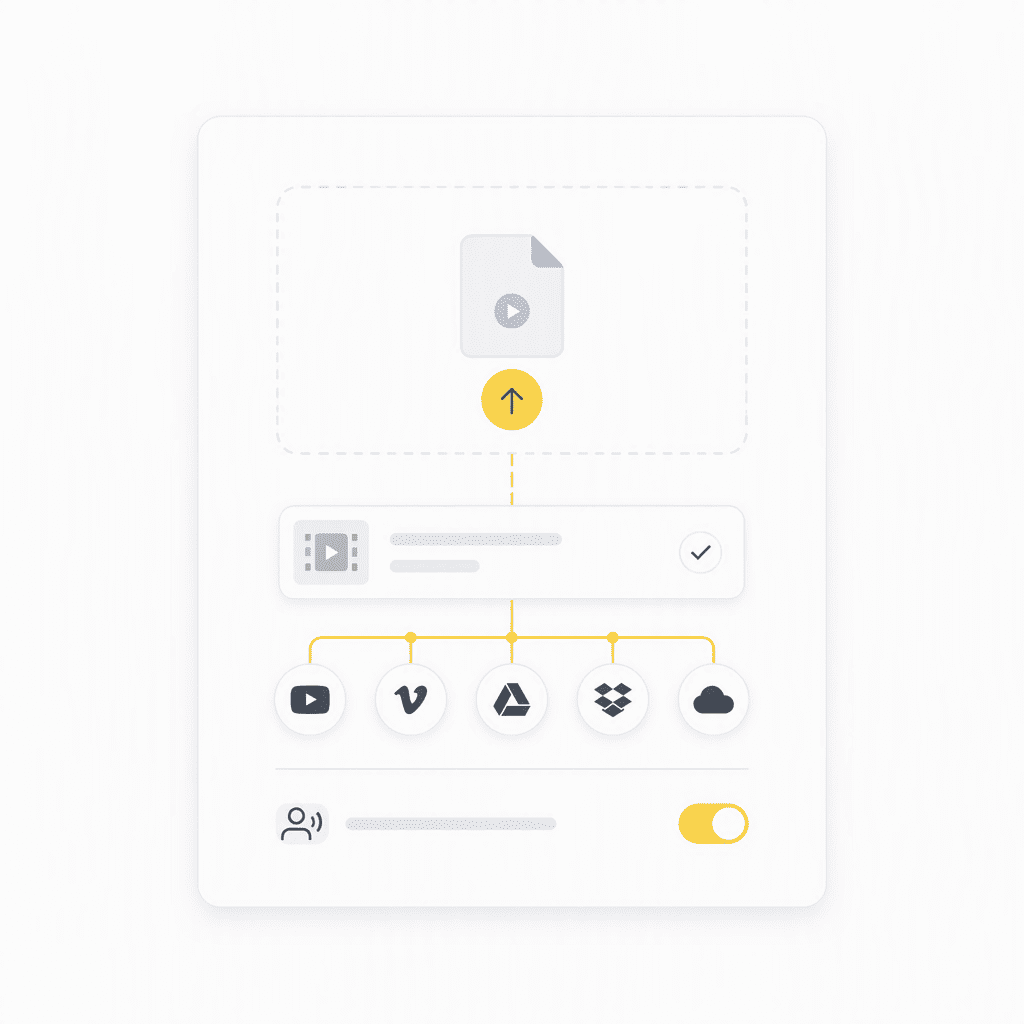
Upload a video file or add a video from a supported platform to use our Video Transcriber. Enable speaker recognition to separate dialogue when your recording includes multiple people.
1 / 6
Turn lecture videos into text for easier note-taking, review, and study. Search video transcripts to quickly find important explanations and key points.
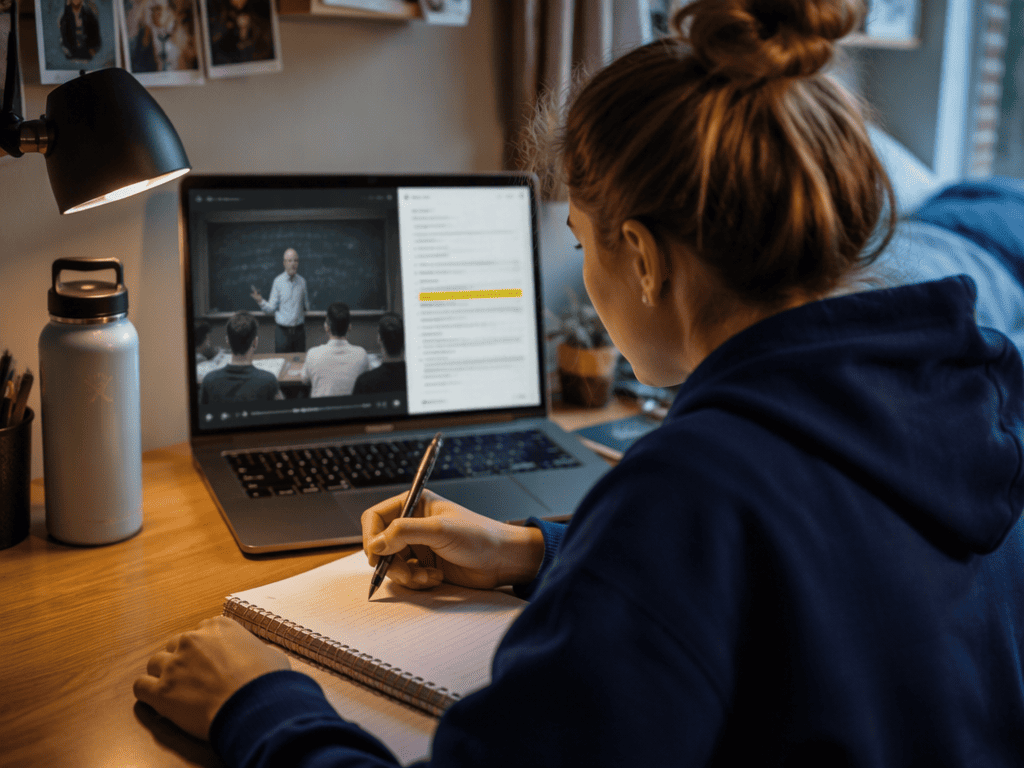
Transcribe audio files, videos, and YouTube links into searchable text with AI. Get accurate audio and video transcripts in minutes without manual typing.
See how creators, students, researchers, and teams use AI transcription to turn audio and video into text for everyday tasks.
"I use Transcribe Audio for customer interviews and research recordings. The AI transcription saves me hours of manual typing, and searchable transcripts make it incredibly easy to find important quotes and insights."
"I was spending way too much time rewatching lecture videos. Now I can turn them into transcripts, search for exactly what I need, and review the key points in minutes."
"Turning my videos into text has completely changed how I reuse content. I can pull out quotes, create notes, and turn one video into multiple pieces of content without starting from scratch."
"I used to take notes throughout every meeting and still miss important details. Now the transcript captures the whole conversation, so I can focus on the discussion instead of typing nonstop."
"I watch a lot of long YouTube videos for research, and transcripts are a huge time saver. Instead of scrubbing through an hour-long video, I can search the transcript and jump straight to the part I need."
"The speaker recognition is a game changer for interviews. It separates the conversation automatically, so I can review questions, answers, and key quotes without cleaning up the transcript line by line."
You can upload common video formats and convert them into searchable video transcripts without manually extracting the audio first.
Yes. Paste a supported YouTube video link to start transcription without downloading the video first.
Yes. Speaker recognition can separate different voices and organize their dialogue, which is useful for interviews, meetings, and group discussions.
Yes. You can edit the generated video transcript, correct mistakes, and refine names, numbers, or technical terms before exporting.
A Video Transcriber can create transcripts for notes, summaries, subtitles, translations, research, and content repurposing. You can also use AI tools to ask questions or create a mind map.
Yes. After video transcription, AI can summarize the transcript and highlight the main ideas, key points, and important details.
Yes. Ask AI lets you ask questions about the transcribed content and find specific information without manually searching through the entire video.
Yes. After generating a video transcript, you can turn the main ideas and information into an AI mind map for easier organization and review.
No. Video transcription runs directly in your browser, so you can upload a file or add a supported video without installing additional software.
Yes. A completed video transcript can be downloaded as a TXT file for notes, research, editing, or archiving.
Accuracy depends on audio quality, accents, and background noise. Clear recordings generally produce better video transcription results, and the transcript can be reviewed and edited afterward.
Uploaded files are processed for transcription, and data handling depends on the platform's privacy and storage policies. Review the Privacy Policy for details on how your files are handled.
Yes. Video transcripts include timestamps that let you jump back to the corresponding moment in the original video.
Yes. The browser-based video transcription tool works on phones, tablets, and computers without requiring an app or desktop software.