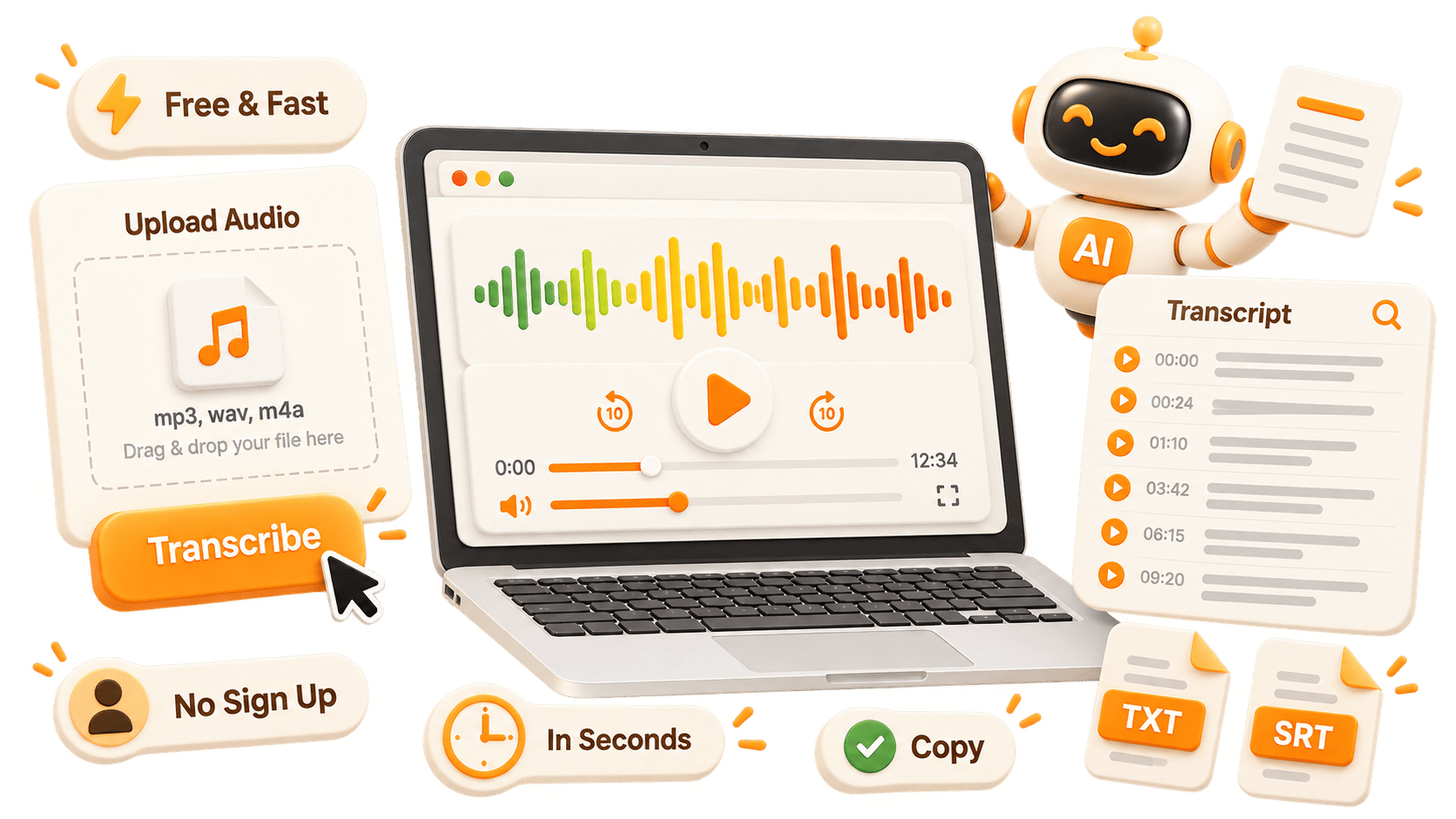
Flexible Audio Sources
Upload files, paste links, or record voice memos and meetings directly. Voice recording to transcript works with common audio formats without extra software.
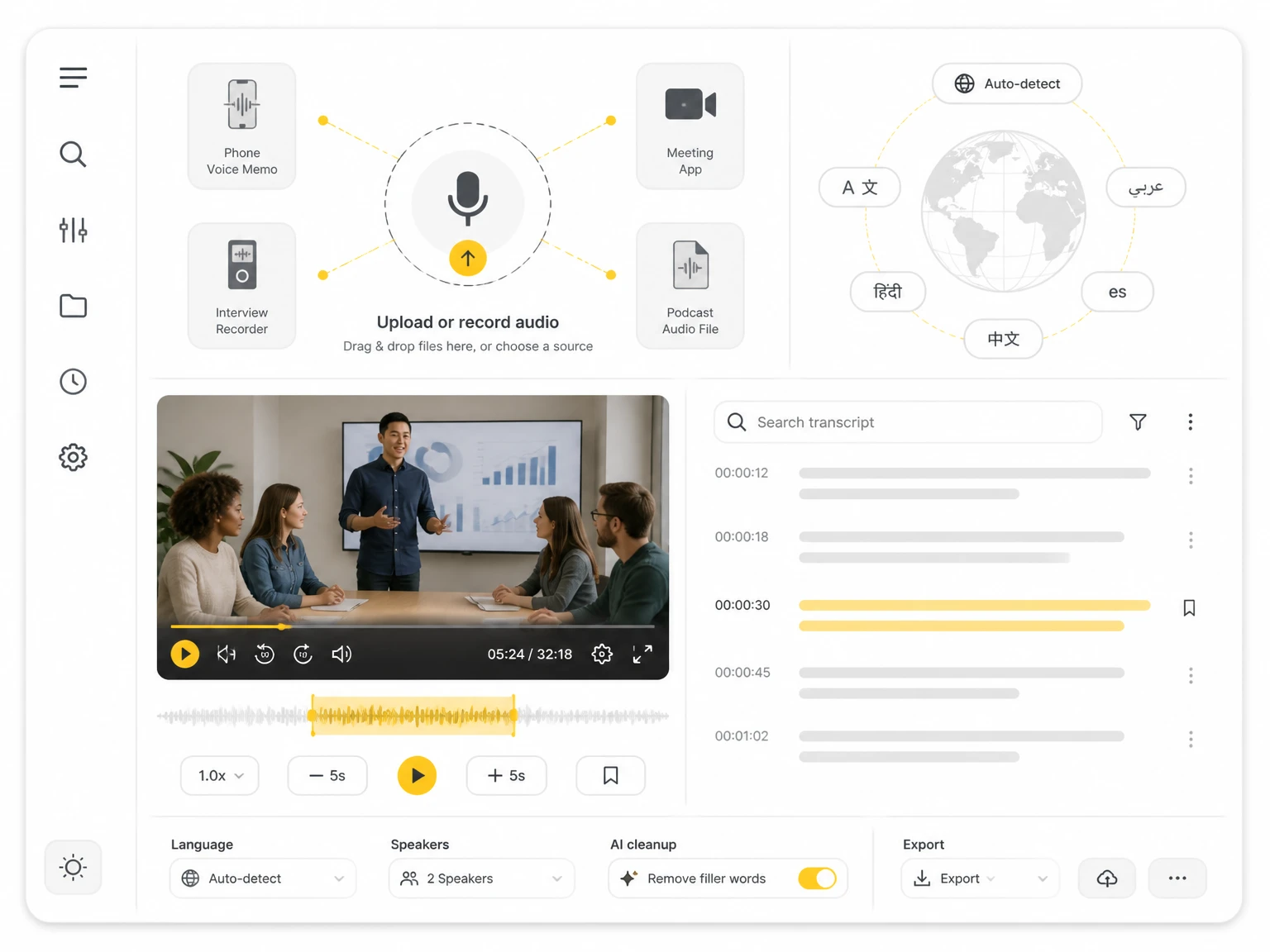

Upload popular audio or video formats — up to 5 GB per file
Distinguish speakers
Choose whether the transcript should separate different speakers in the conversation.
Subtitle enhancement
Use AI to intelligently refine transcripts for greater clarity and readability.
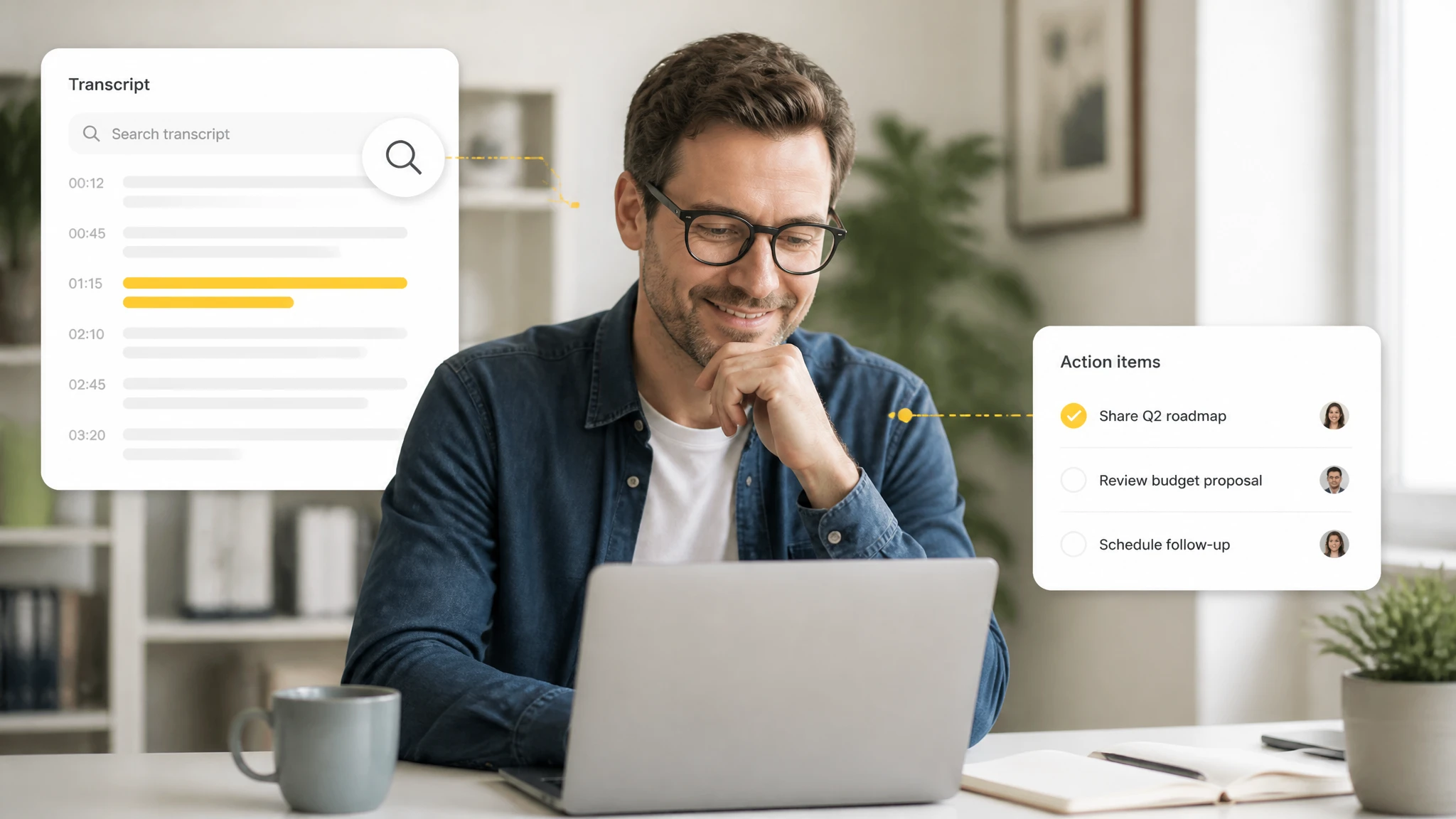
Turn spoken audio such as voice memos, meetings, and interviews into written text you can read and search. Instead of pausing to type, a voice to text tool returns an editable transcript with timestamps, making audio to text conversion faster and easier to review.
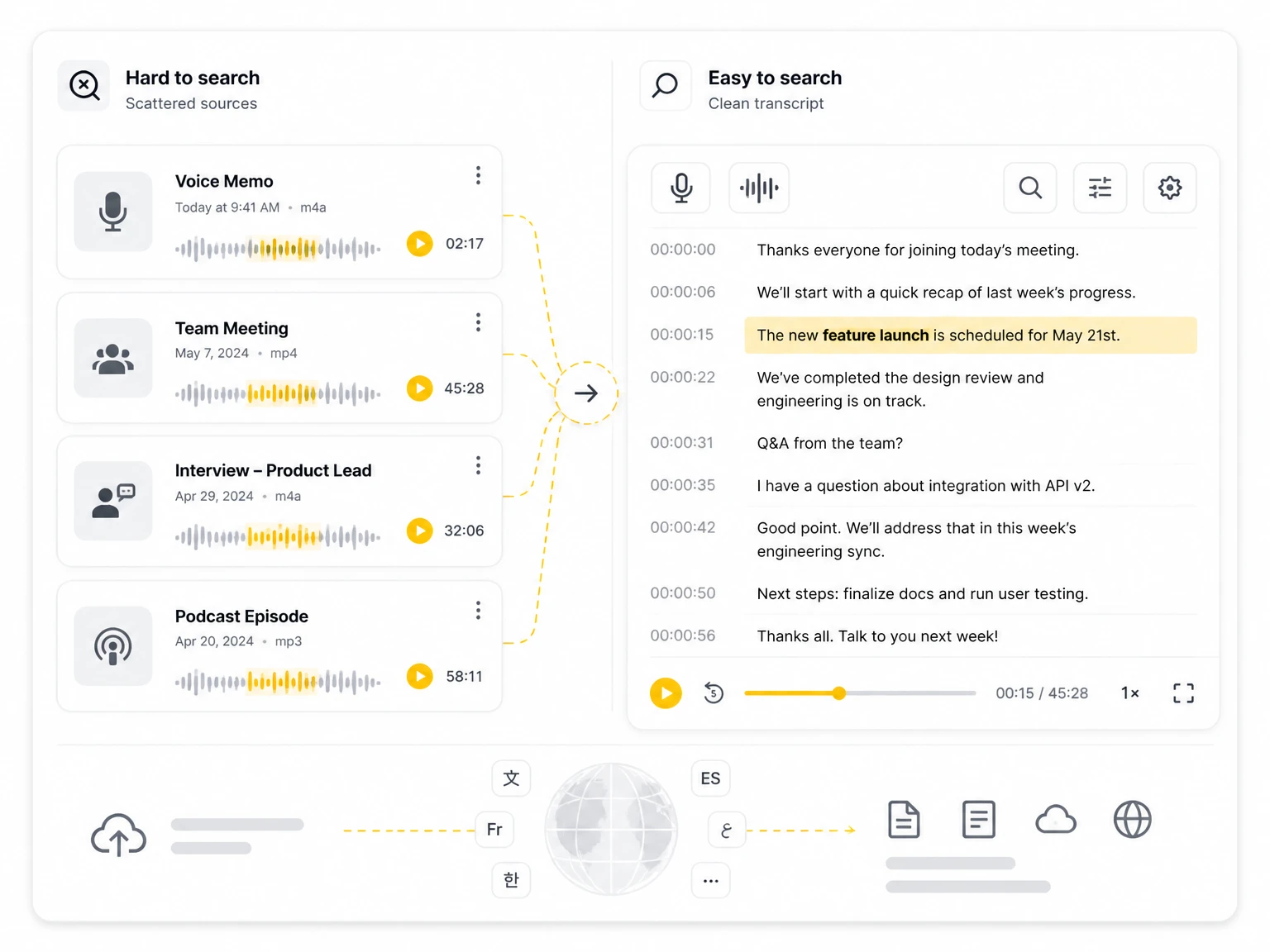
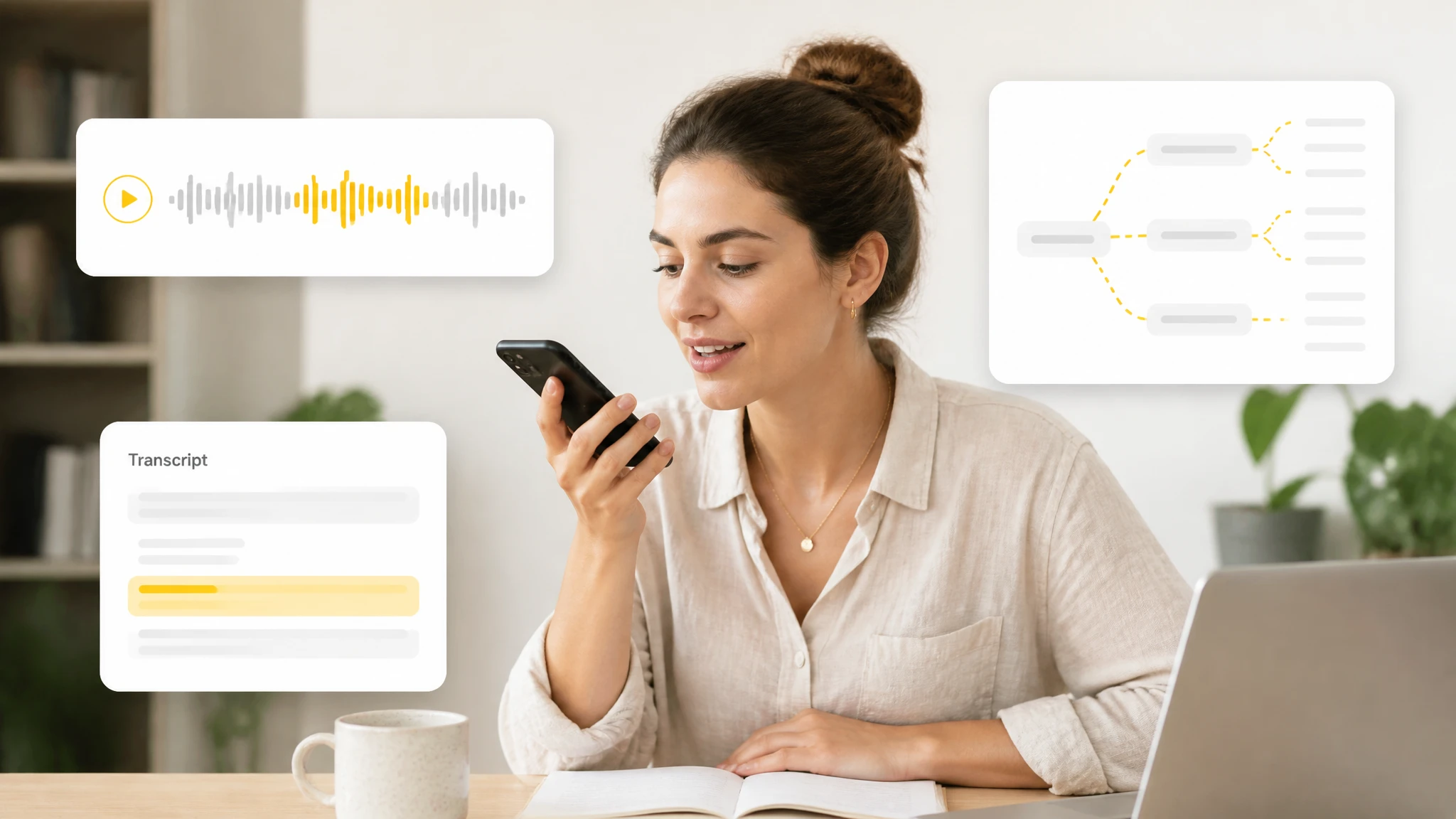
Voice recording to transcript converts speech into copyable text you can quote, translate, and reuse without replaying the source. The same transcript feeds AI summaries and mind maps, so a long recording becomes scannable notes through speech to text.
Searchable transcripts make spoken content easy to revisit, so you can jump to the exact moment, name, or decision in a meeting or lecture. Teams share notes from audio to text without relying on memory.
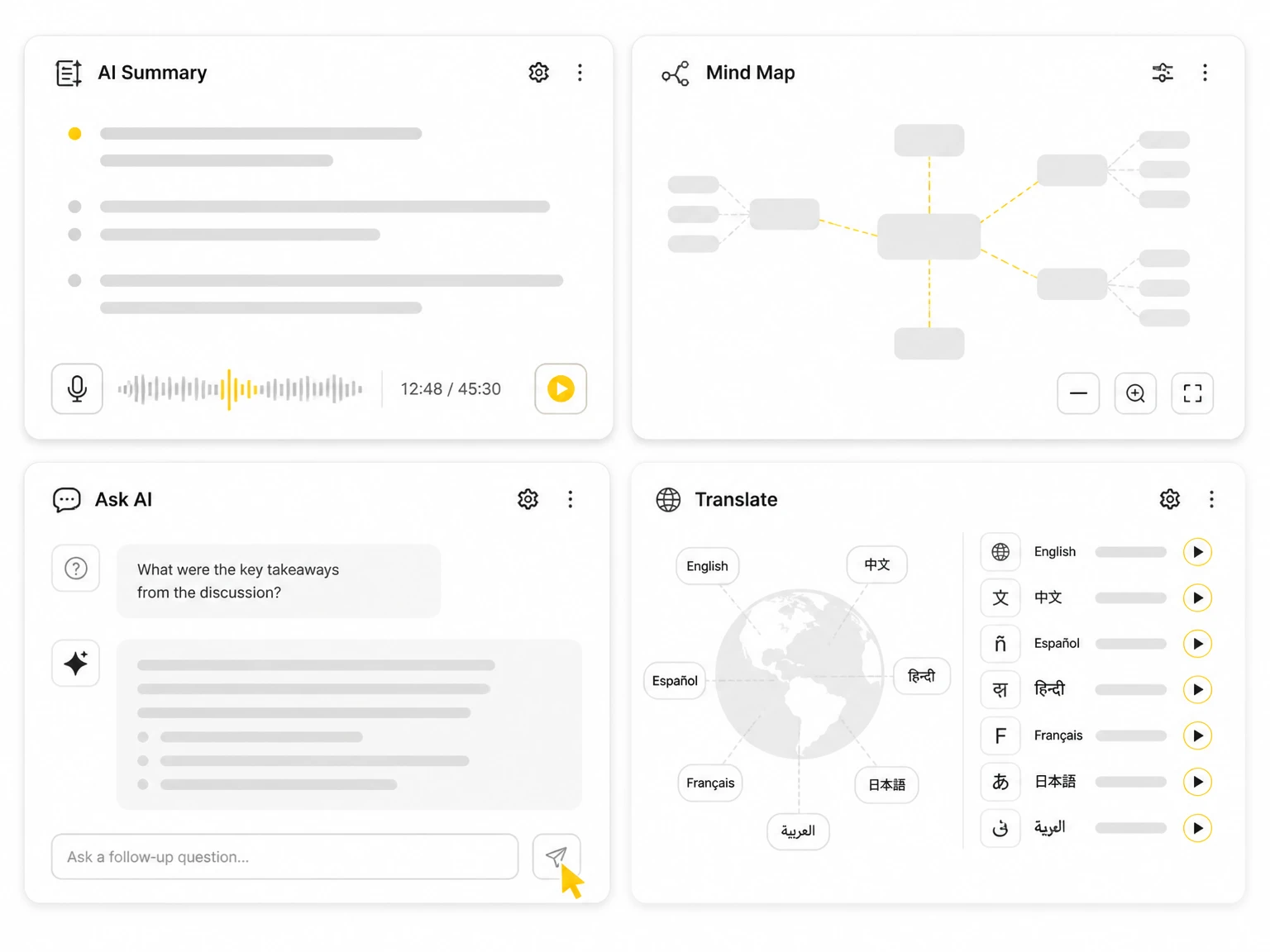
After a voice recording to transcript job, AI tools summarize the text, build a mind map, answer questions, and translate it into other languages. This turns raw voice transcription into organized, shareable output and social media transcription without starting from a blank page.
Upload files, paste links, or record voice memos and meetings directly. Voice recording to transcript works with common audio formats without extra software.
Detect and label different speakers in a recording so interviews and meetings are easier to read and attribute to the right person.
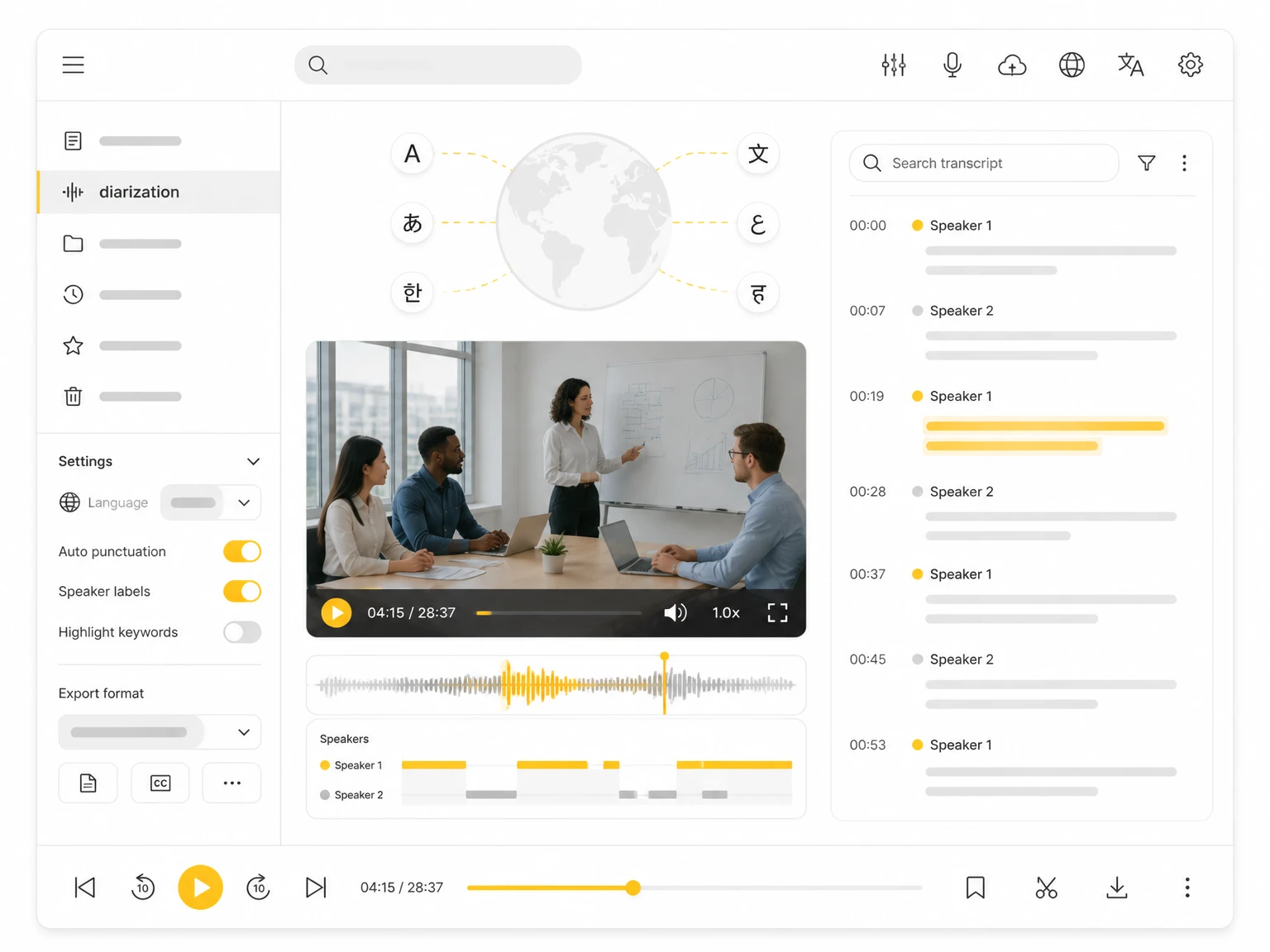
Each segment keeps its place in the audio, making it easy to jump back to the original voice recording and verify the context.
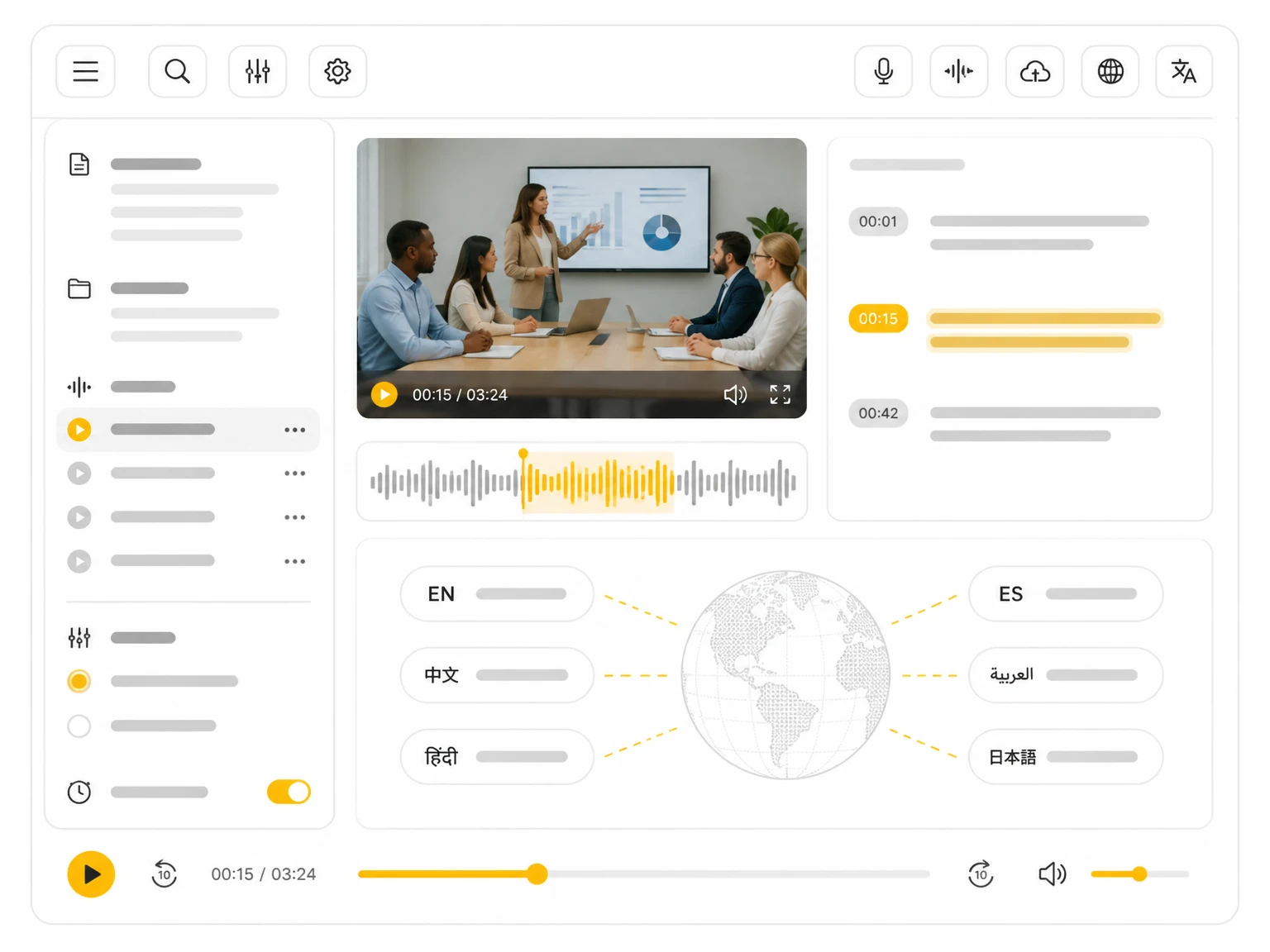
Turn a long voice transcript into a concise summary or a visual mind map that you can export as PNG, SVG, TXT, MD, or JSON.
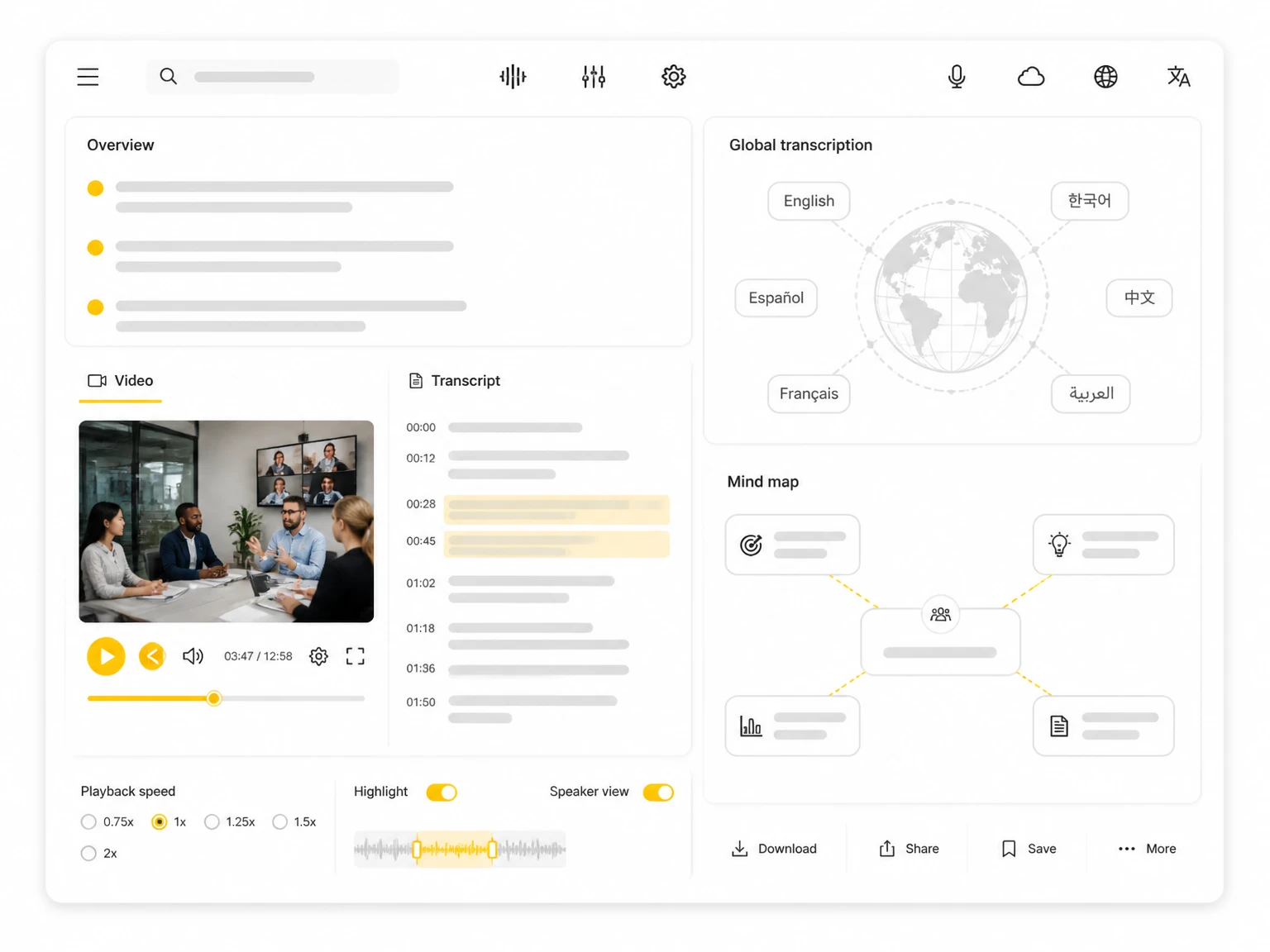
Chat with the transcript to pull key points, find quotes, and answer questions without replaying the whole recording.
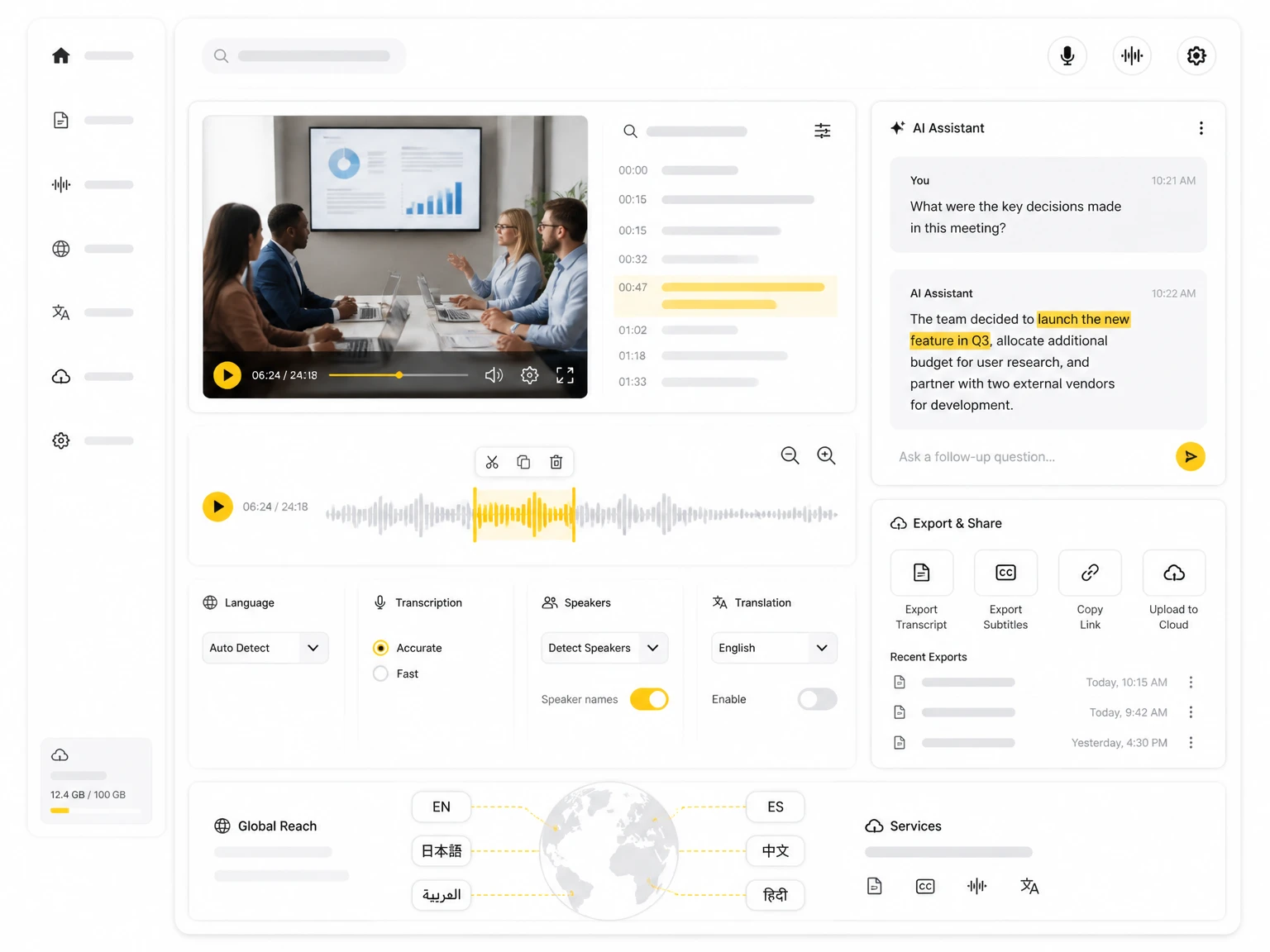
Transcribe audio in multiple languages and export the result as a plain TXT file for notes, reports, or long-term archiving.
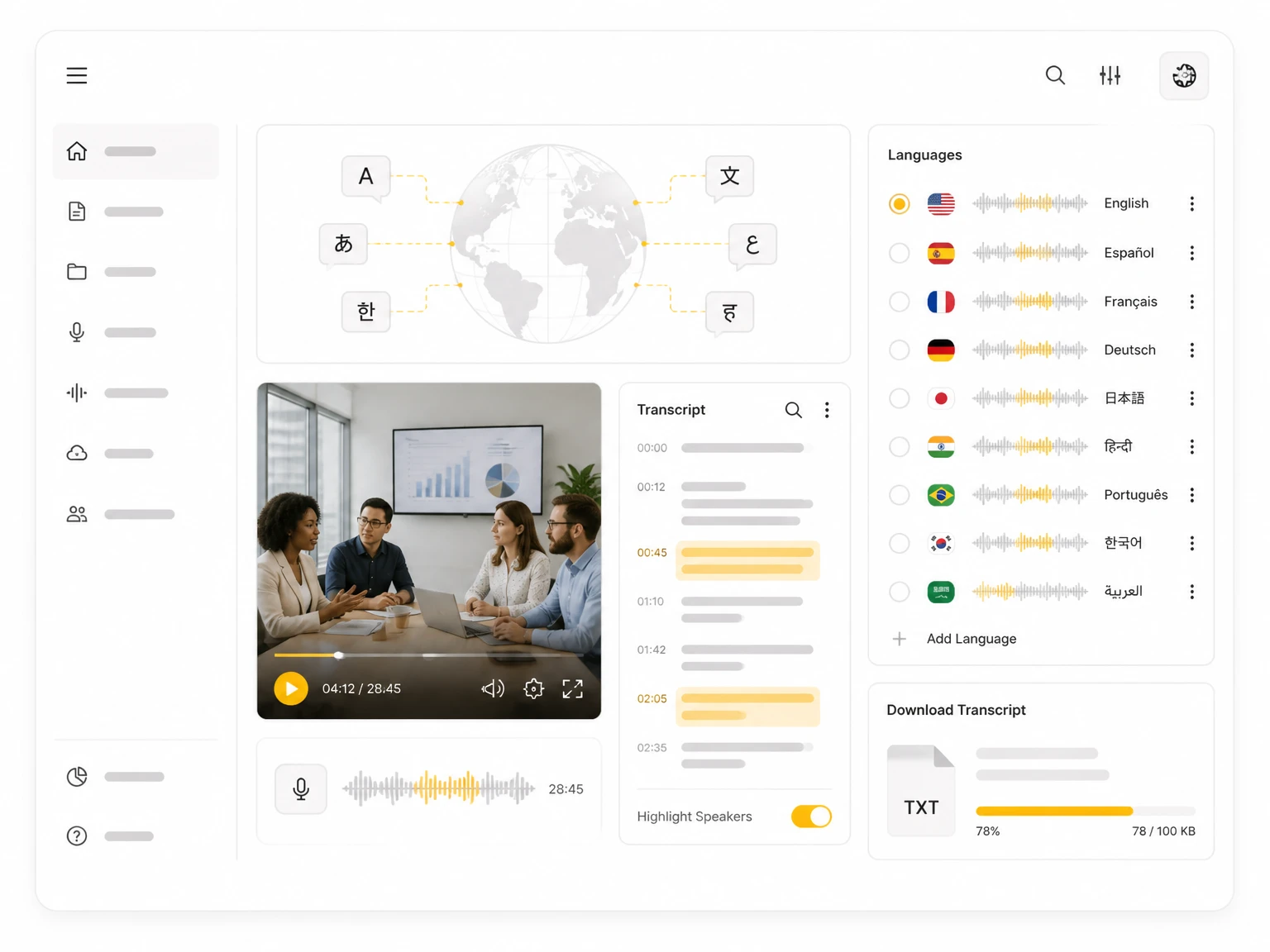
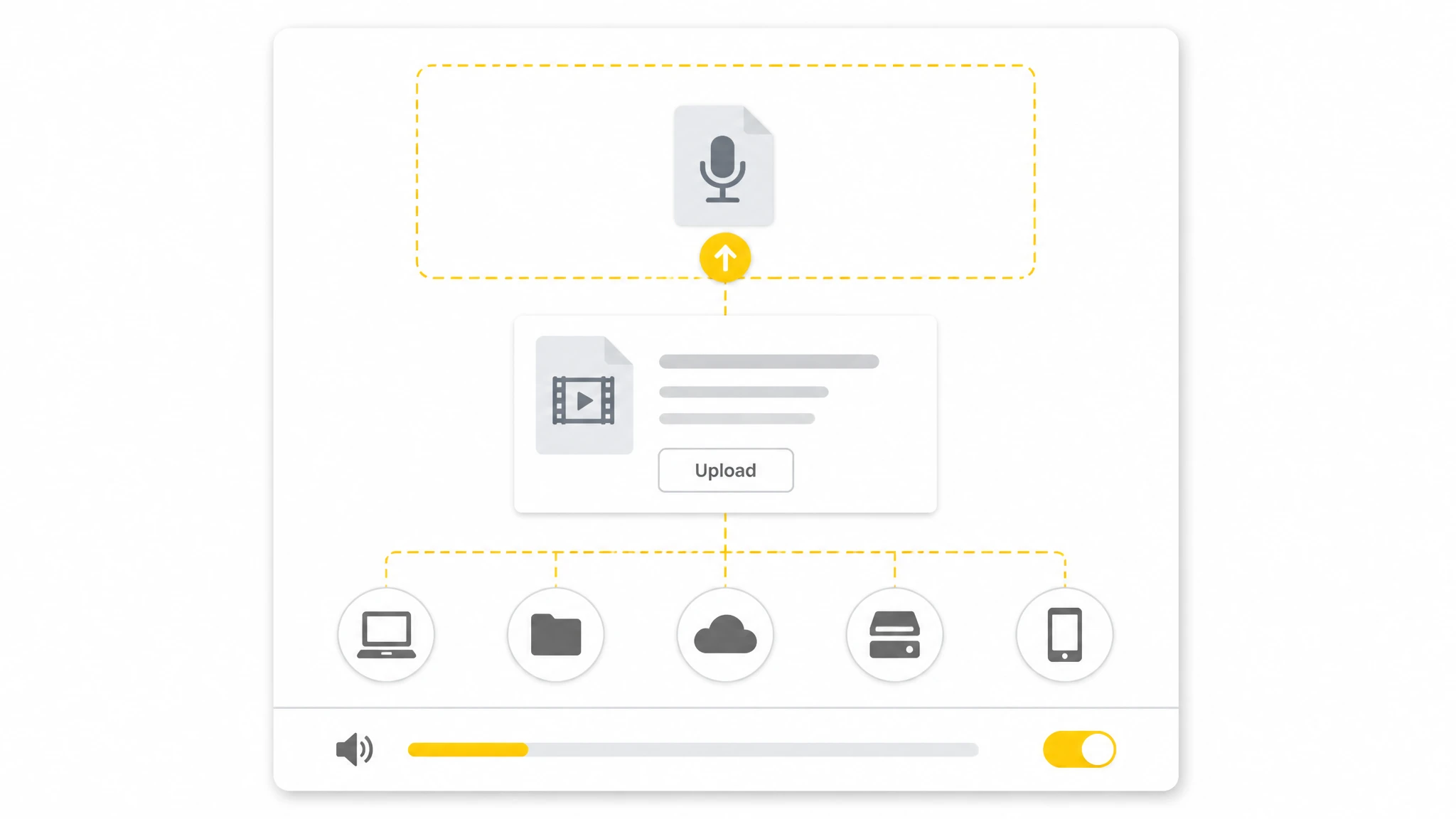
Upload an audio file, paste a link, or record audio directly in your browser. Enable speaker identification to separate different voices in the recording.
1 / 6
Turn recorded lectures and voice notes into searchable text for study and review. Scan the transcript instead of replaying the full recording.
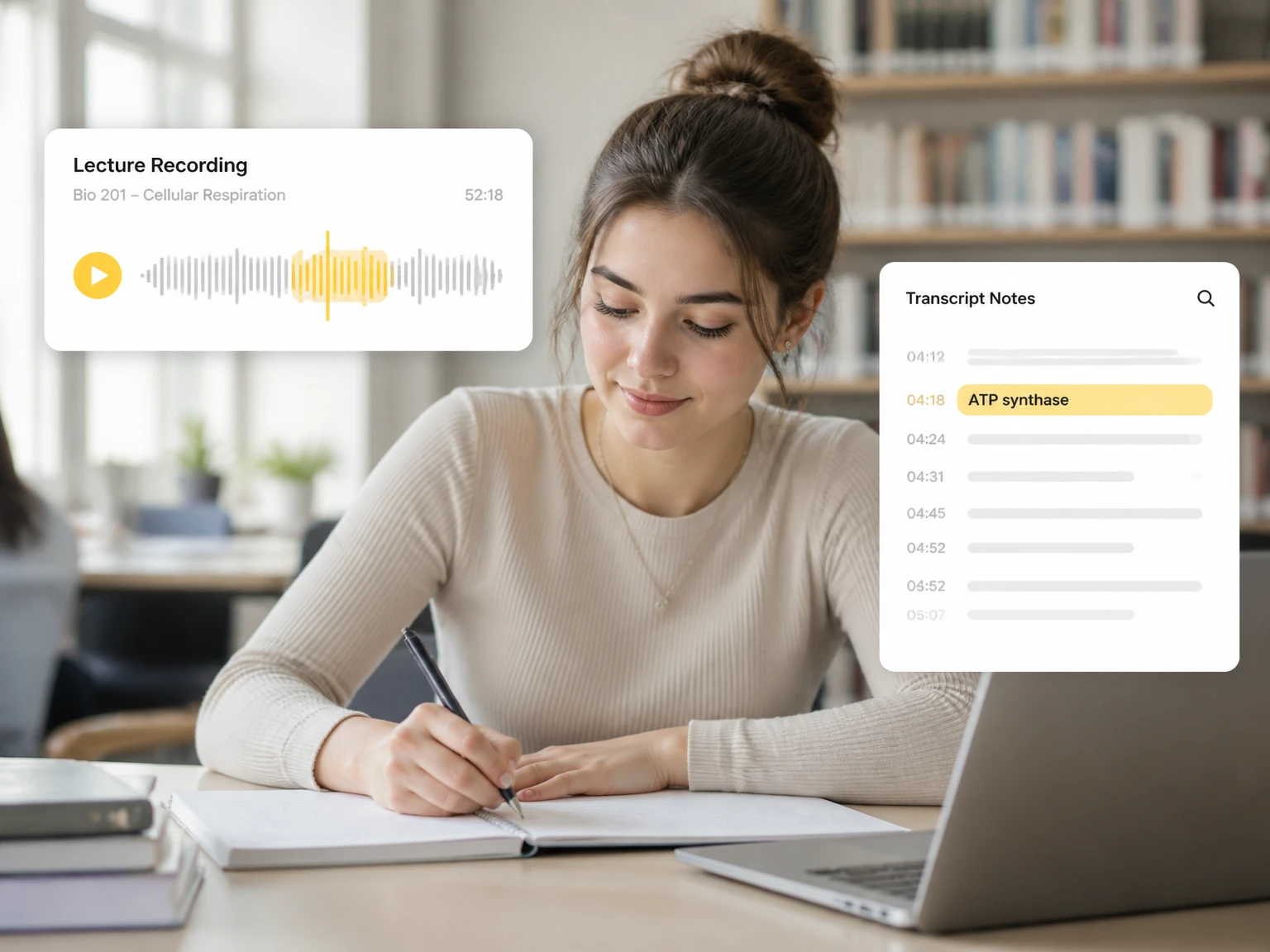
Upload a voice memo, meeting, or interview and let TranscribeAudio create an accurate transcript. Start converting voice recording to transcript today.
See how creators, students, researchers, and teams use AI transcription to turn audio into text for everyday tasks.
"I use TranscribeAudio for customer interviews and research voice notes. The AI transcription saves hours of manual typing, and searchable transcripts make it easy to find quotes and insights."
"I used to replay lecture recordings for hours. Now I get a voice recording to transcript, search for what I need, and review key points in minutes."
"My voice memos become transcripts and content ideas. Summaries and AI tools help me turn a recording into posts and notes quickly."
"I used to type through every meeting and still miss details. Now the transcript captures the conversation so I can focus on the discussion instead of typing nonstop."
"Long audio is much easier with a transcript. Instead of scrubbing, I search the text and jump straight to the part I need."
"Speaker identification is a big help for interviews. It separates voices automatically so I can review questions and answers without cleaning up line by line."
Voice recording to transcript is converting spoken audio such as voice memos, meetings, and interviews into written text you can read, search, and edit.
TranscribeAudio supports common audio formats. You can upload a file, paste a link, or record audio and convert it into a searchable transcript.
Yes. The tool can transcribe audio in multiple languages, and you can translate the resulting transcript for cross-language work.
Yes. Enable speaker identification to detect and label different voices. You can review labels and rename speakers after transcription.
Accuracy depends on audio quality, background noise, speaker clarity, and language. Clear recordings generally produce better transcripts, and you can review and edit afterward.
Yes. You can edit the generated transcript, fix mistakes, and refine names, numbers, or technical terms before exporting.
Yes. After transcription, AI can summarize the transcript and highlight main ideas, key points, and details.
Yes. You can turn the transcript into an AI mind map and export it as PNG, SVG, TXT, MD, or JSON.
You can download the transcript as a TXT file for notes, research, editing, or archiving.
Uploaded files and transcripts are not made public or shared with other users. You can manage and delete stored history when you need to.
Yes. The browser-based tool works on phones, tablets, and computers without installing an app.
No. Voice recording to transcript runs in your browser, so you can upload a file or record audio without extra software.
Yes. Ask AI lets you question the transcribed content and find specific information without searching the whole recording.
Yes. Transcripts include timestamps that let you jump back to the corresponding moment in the original audio.