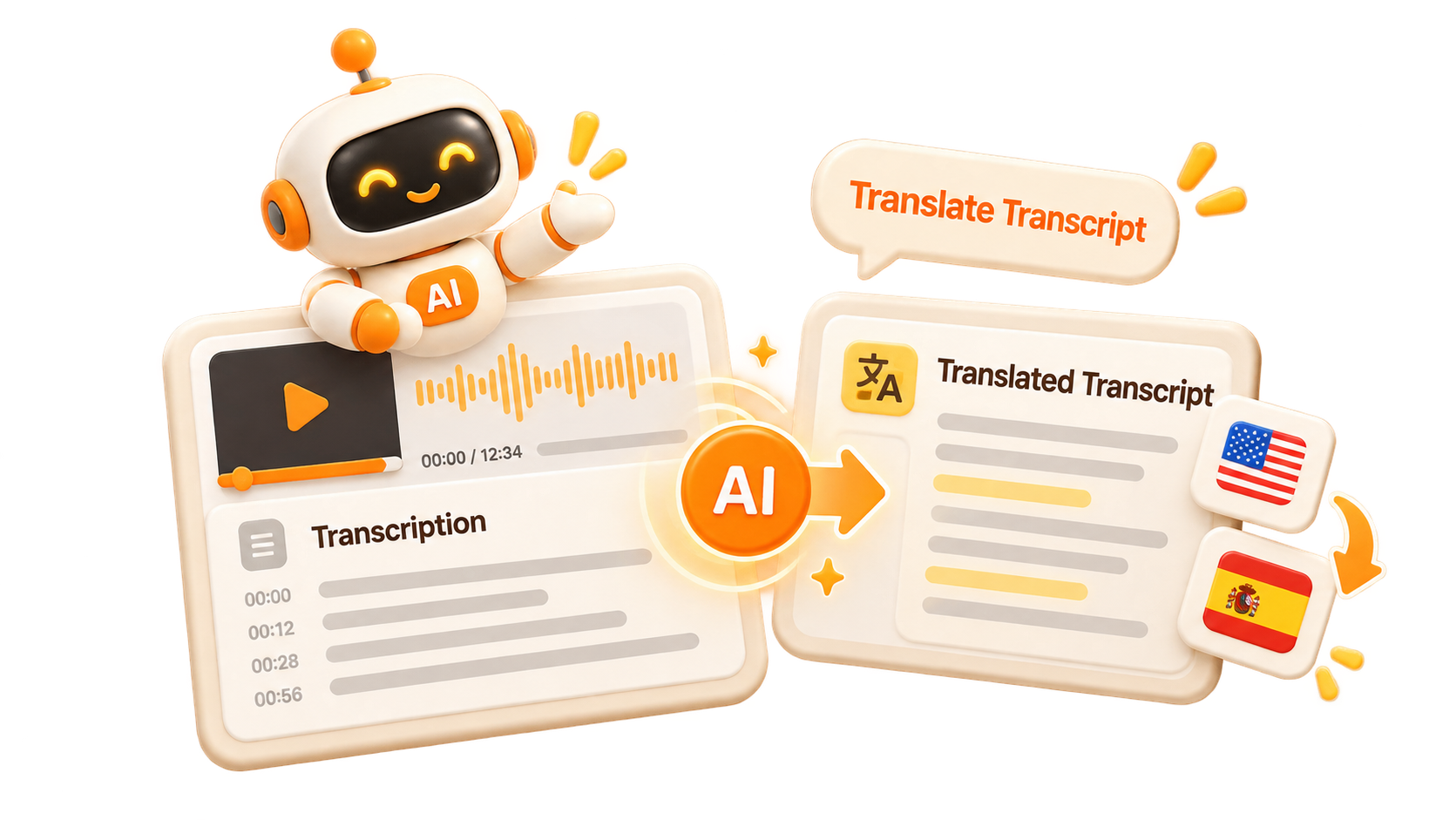
Video to Text Transcription
A video translator starts with accurate transcription. Convert video speech into a text transcript first, because the translation is generated from that transcript rather than the raw audio.
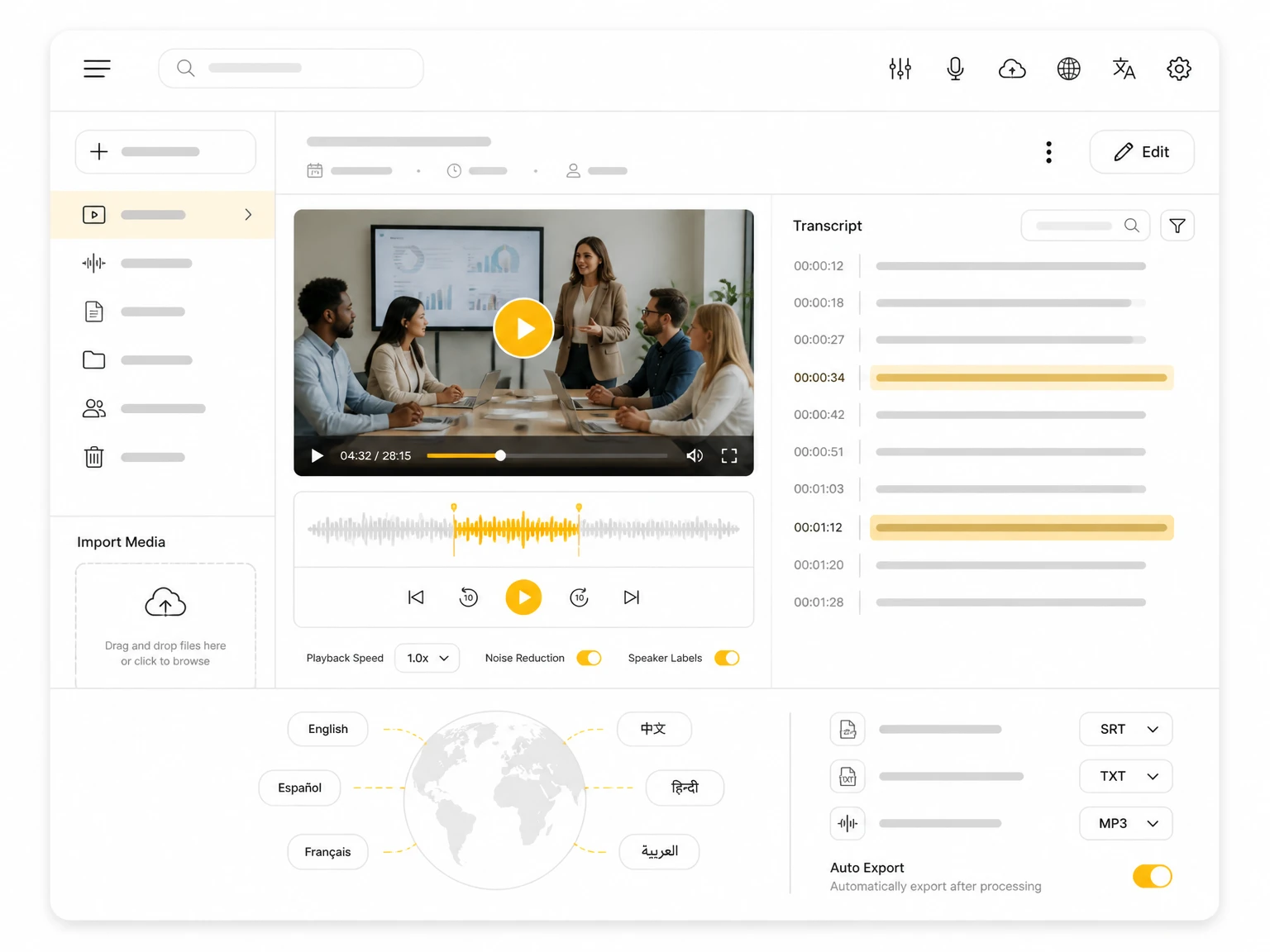

Upload popular audio or video formats — up to 5 GB per file
Distinguish speakers
Choose whether the transcript should separate different speakers in the conversation.
Subtitle enhancement
Use AI to intelligently refine transcripts for greater clarity and readability.
A video translator turns the spoken content of a video into another language. TranscribeAudio works on text, not audio: it starts with a video transcription, then renders that text in your language. Speech-to-text comes first and translation second, so you get a readable transcript rather than a dubbed track. Lectures and interviews are the common sources.
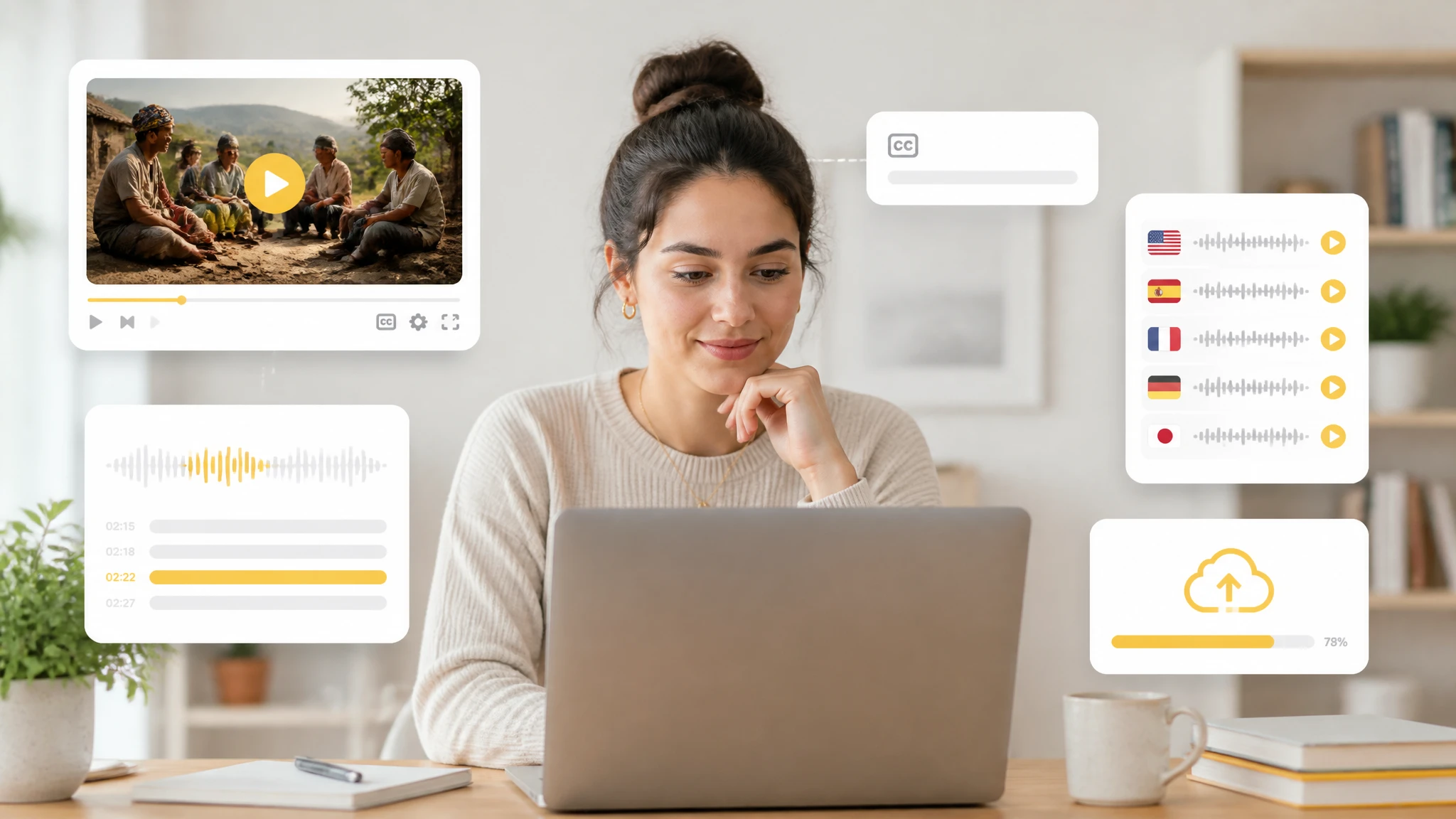
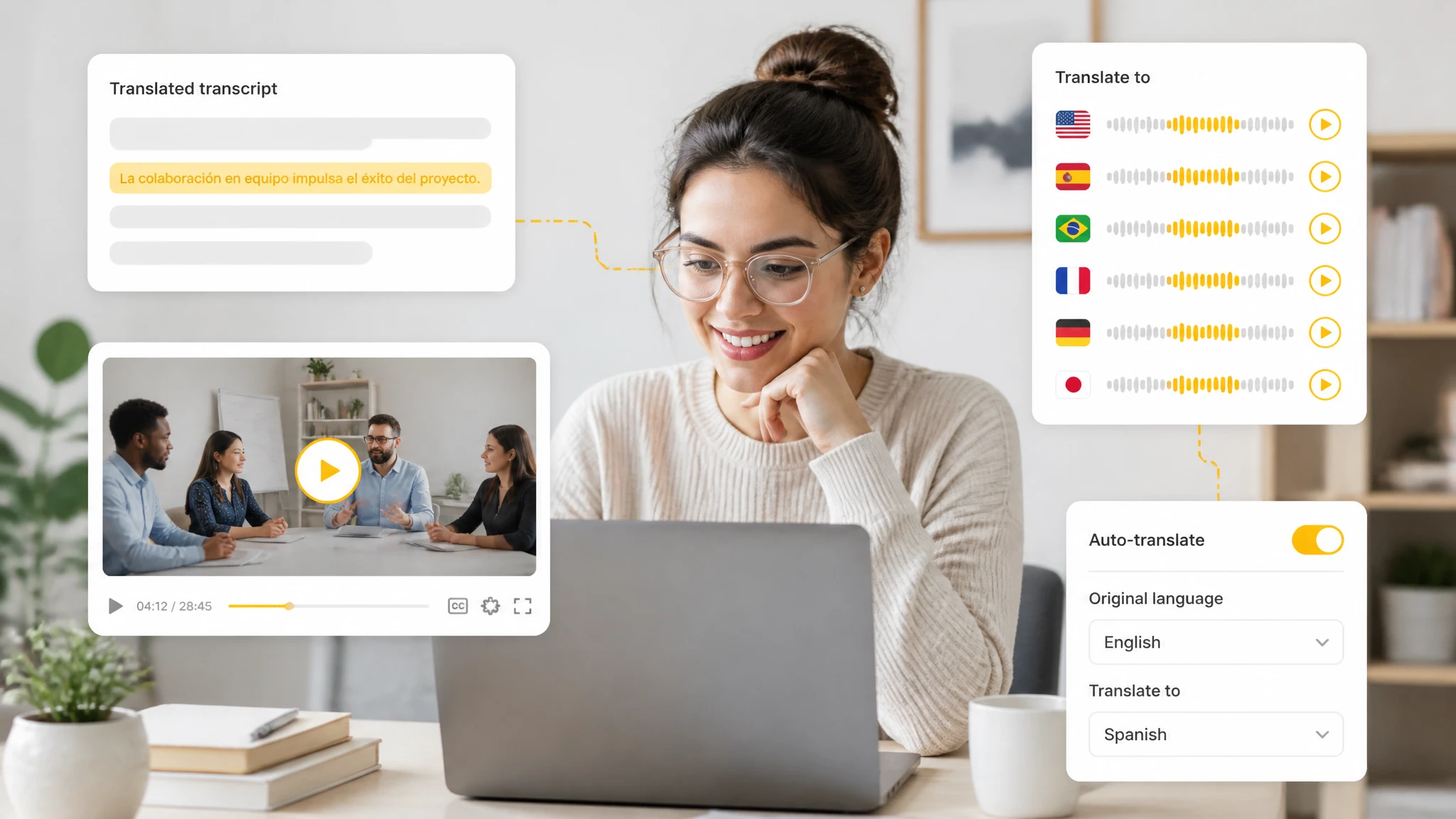
A video translator follows a fixed order: the video to text step runs first, then the transcript is translated. You supply a file or a link and pick the source and target language; the tool returns a translated transcript you can read, search, and quote line by line. Translation runs on text, so each line can be checked against the original wording.
Translating a video into text helps you follow content in a language you do not speak. Video translation replaces a clip you must replay with a searchable, editable document: find one sentence, copy a quote with its context, and share the translated transcript with readers of another language. Research and training reuse the text more than the video.
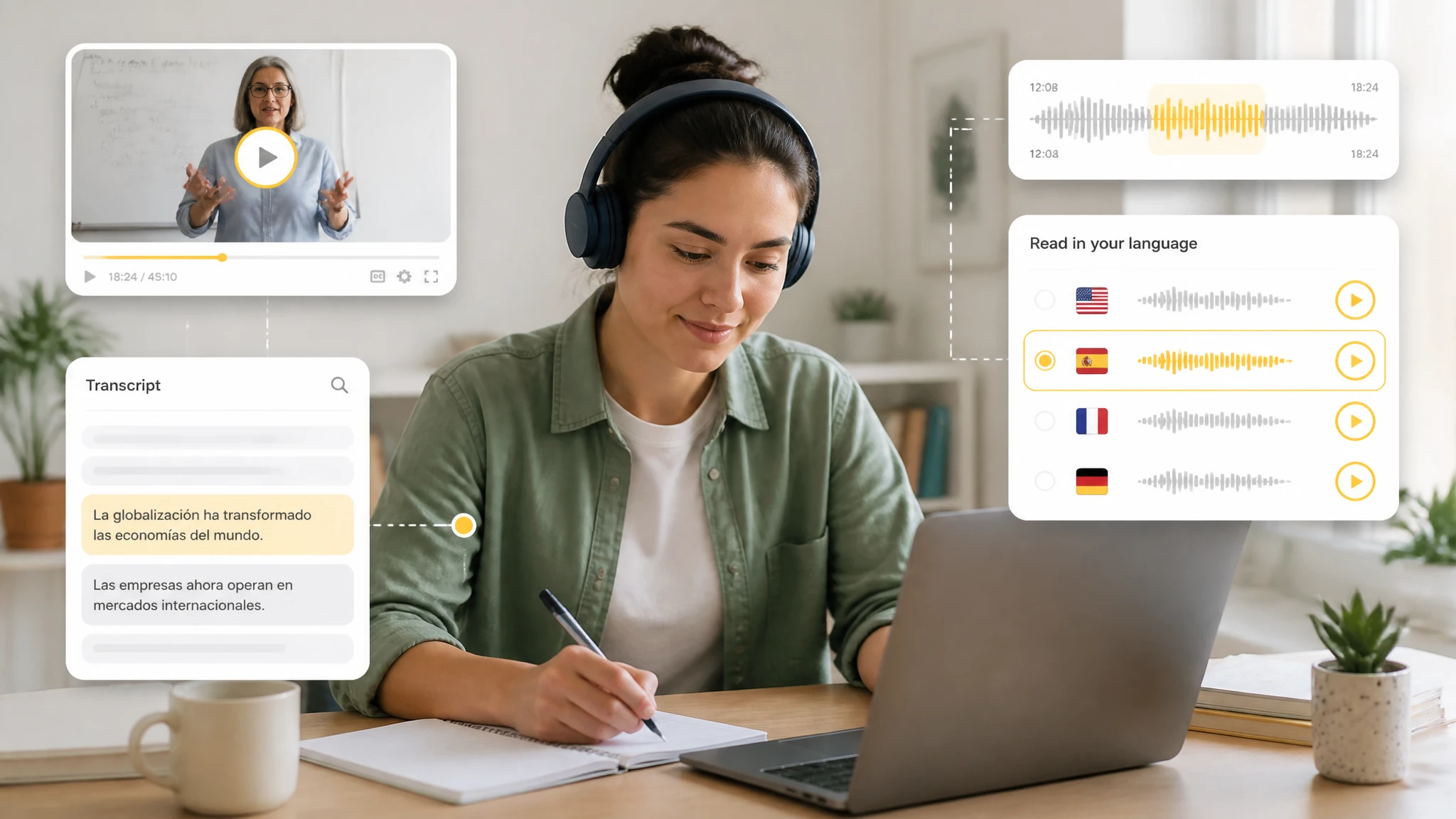
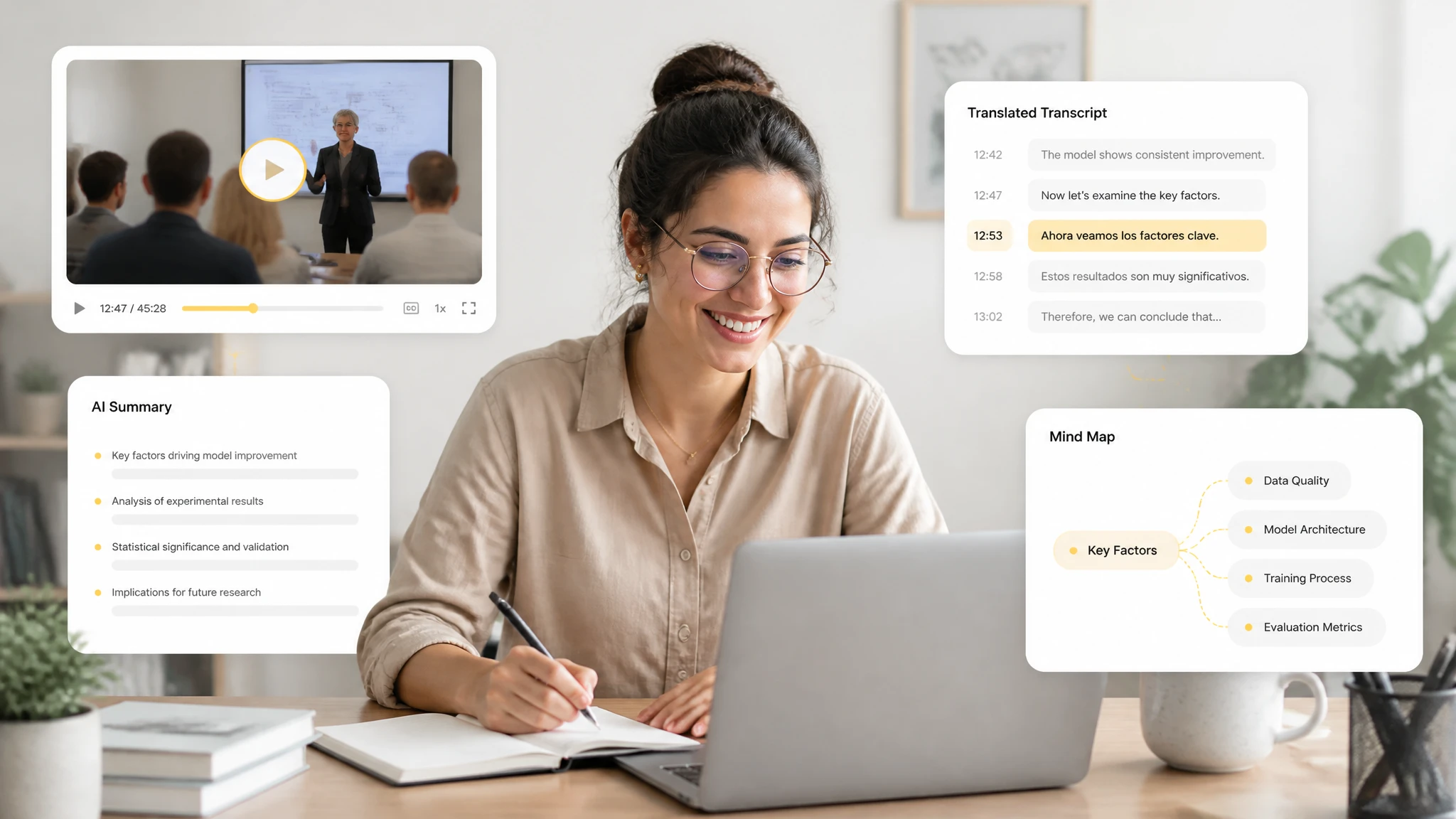
After a video translator finishes, the transcript becomes a working document. You can summarize it, ask AI questions about specific passages, build a mind map from the structure, or export the translated text as a TXT file for notes and sharing. In text form, the same material works as a study note, a meeting record, or a base for further translation.
A video translator starts with accurate transcription. Convert video speech into a text transcript first, because the translation is generated from that transcript rather than the raw audio.
Translate the transcript into your chosen language after transcription. This keeps the translated text editable and searchable, and lets you review the source and target side by side.
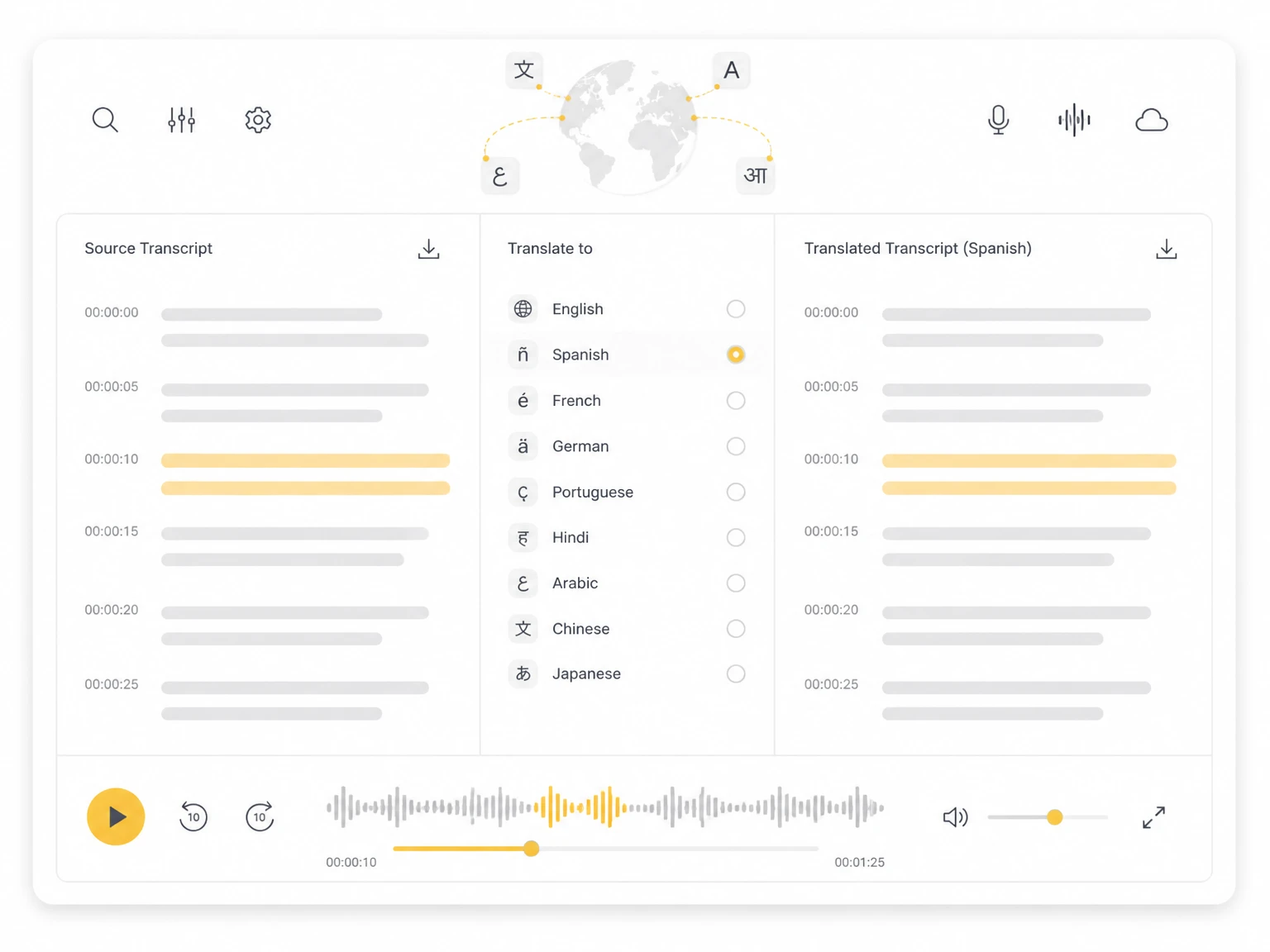
The translated text follows the original transcript order with timestamps, so it reads like subtitles. Use it for foreign-language videos, lectures, or interviews you need to follow closely.
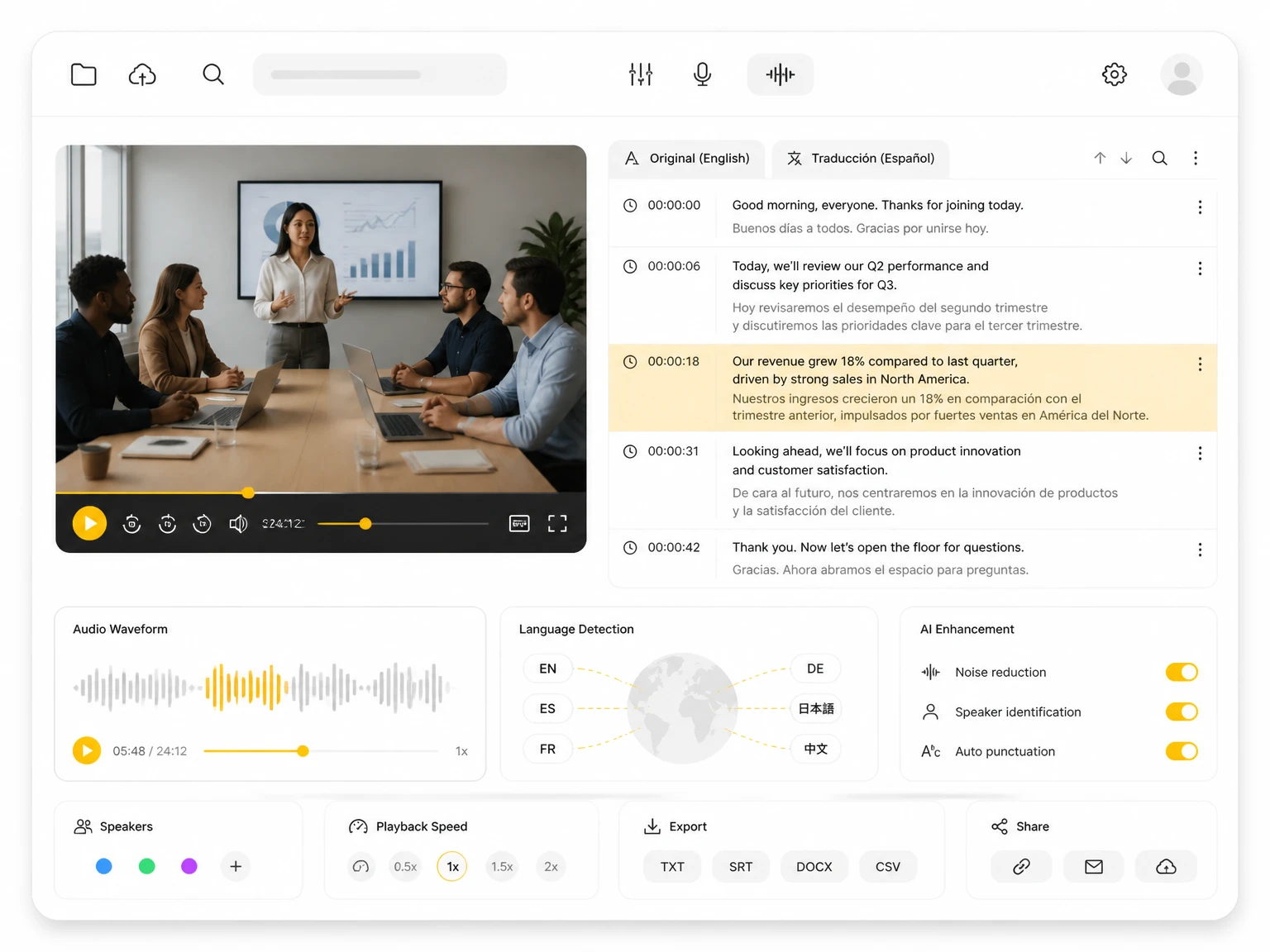
When a video has more than one person speaking, speaker recognition separates the dialogue. This makes the translated transcript easier to read and attribute to the right participant.
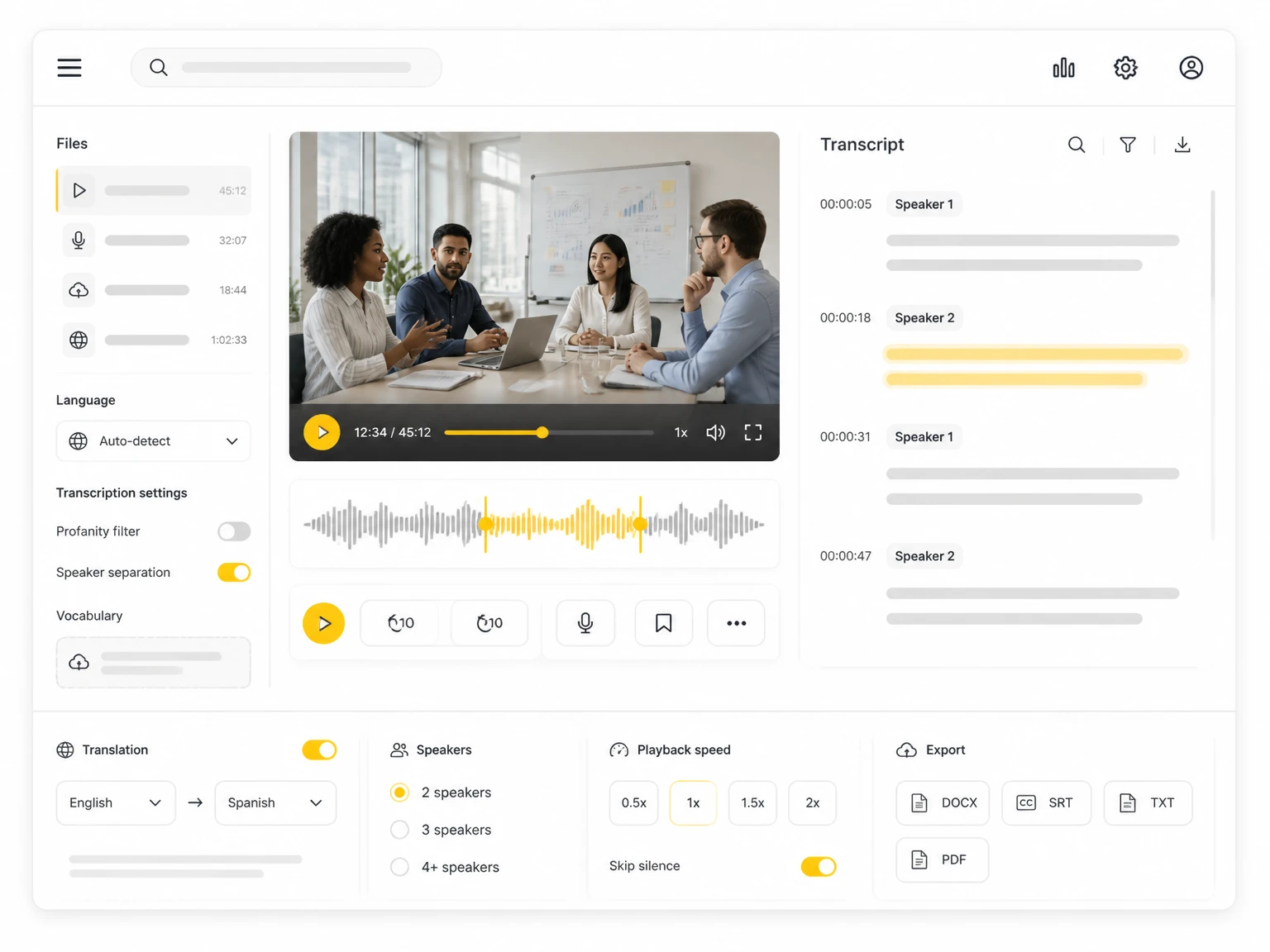
After translation, ask AI questions about the content in your language. Pull specific facts, decisions, or quotes from a long video without replaying the original recording.
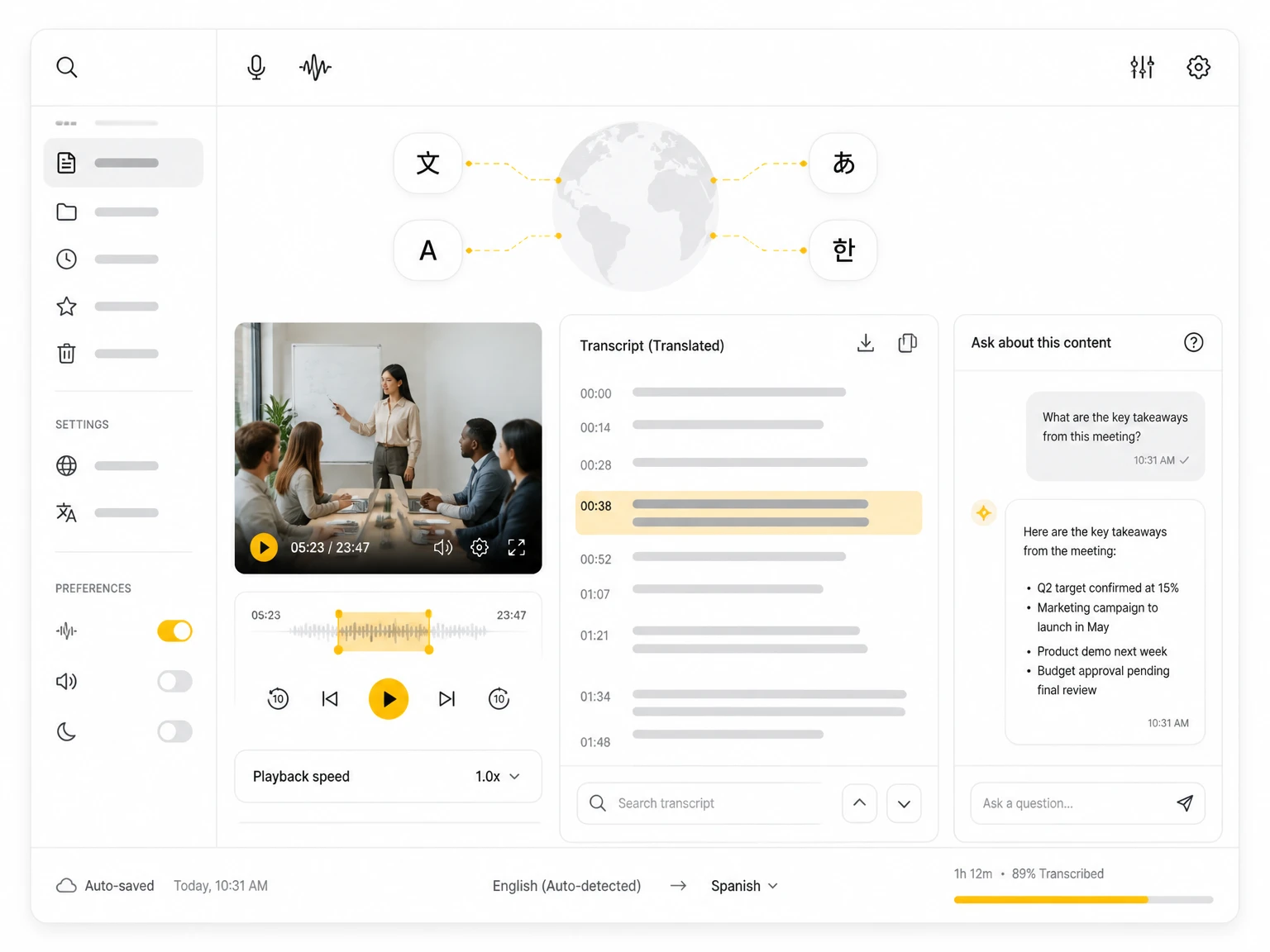
Export the translated transcript as a TXT file for notes, research, or archiving. The plain-text format works with editors, translation memories, and most document workflows.
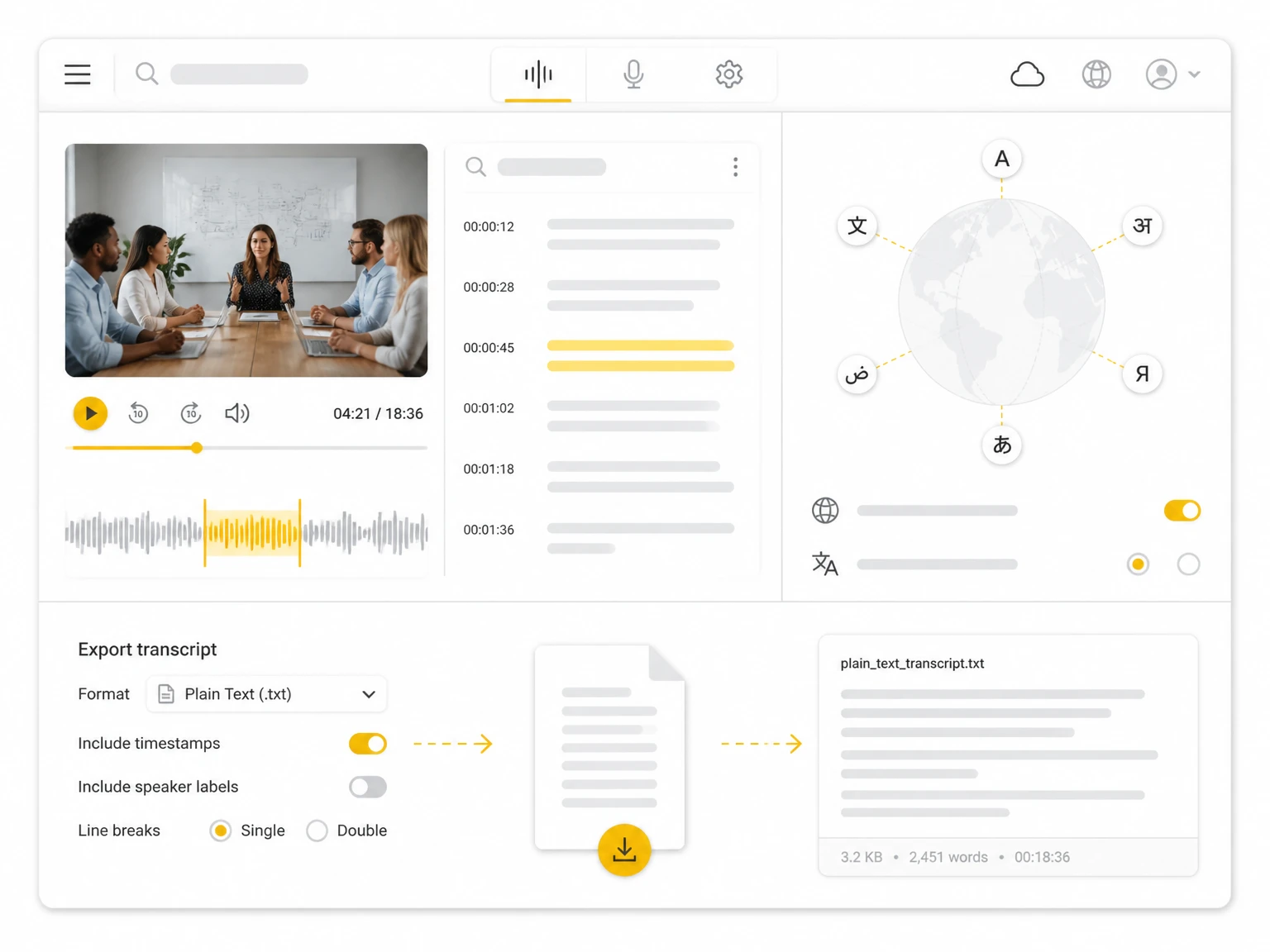
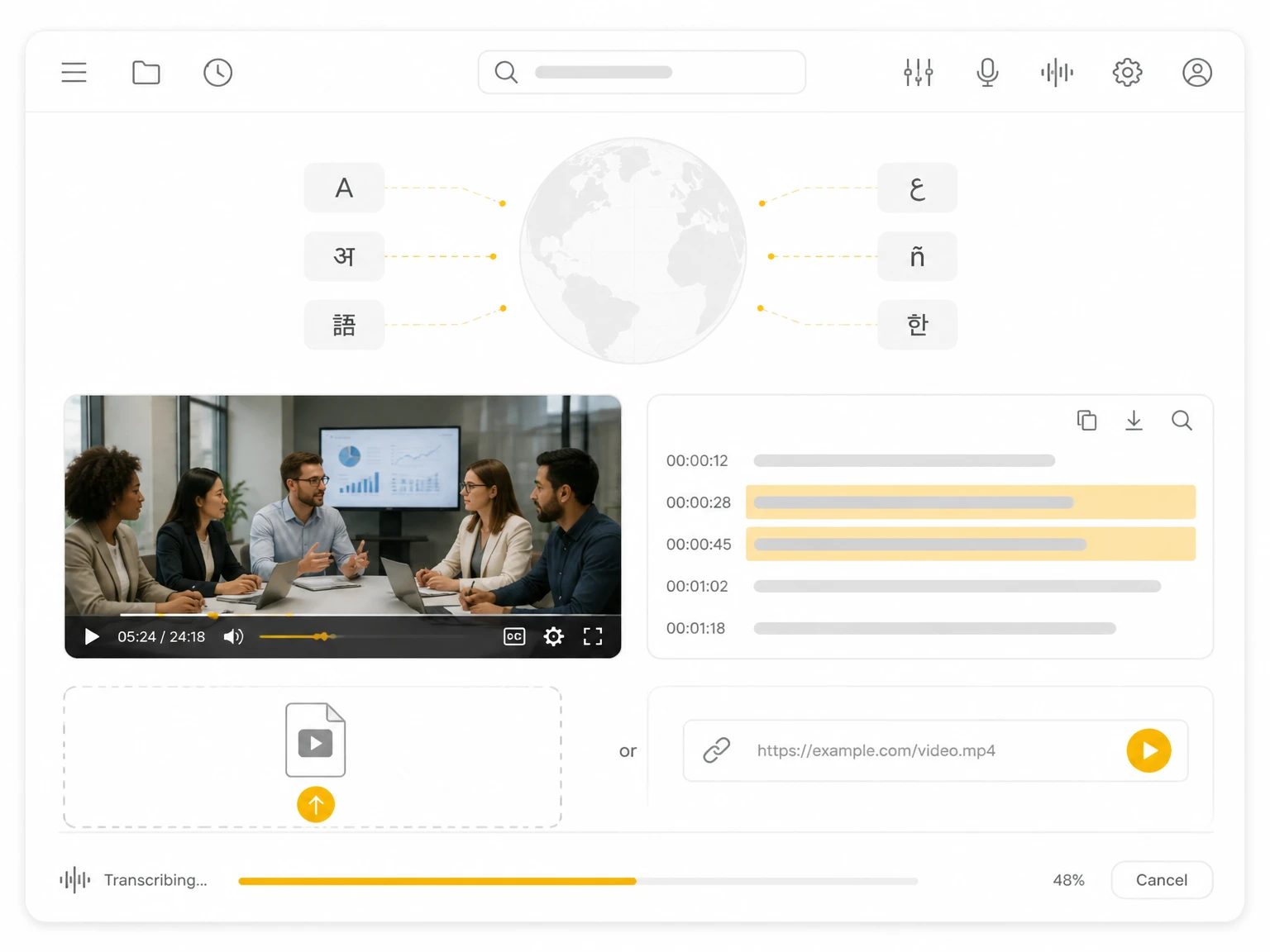
Upload a video file or paste a public video or YouTube link. TranscribeAudio accepts common formats and links so you can start a video translation job without re-downloading the media.
1 / 6
Read a foreign-language lecture in your own language. Translate the transcript so you can study the key points, quotes, and examples without pausing and rewinding the video.
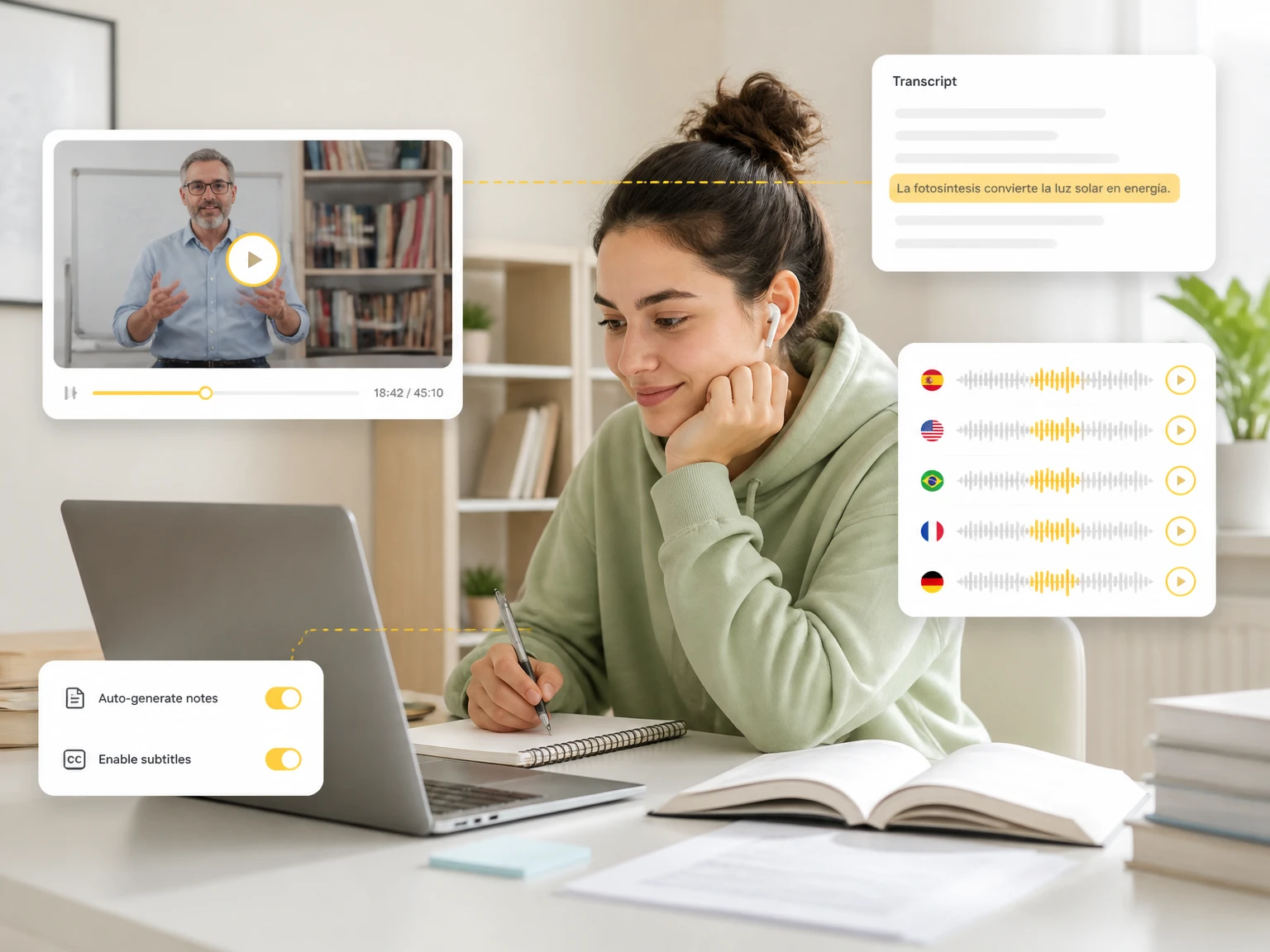
Transcribe audio, video, and YouTube links, then turn the result into a translated video transcript you can read in your own language. Get started without manual transcription or copy-paste translation.
See how students, researchers, and teams use video translation to understand content across languages.
"I follow lectures recorded in another language by translating the transcript. I can read the key points in my own language and review them without rewinding the video again and again."
"Interviews in other languages used to slow me down. Now I translate the transcript and search it for findings, which makes cross-language research much more manageable."
"Our meetings often include people who joined in another language. Translating the transcript keeps decisions and action items clear for everyone on the team."
"I turn videos into translated transcripts to reach more viewers. The text follows the original order, so it is easy to reuse as notes or captions in another language."
"For interviews spoken in another language, translation gives me a readable transcript fast. Speaker separation helps me tell questions from answers before I translate."
"I compare translated talks with my own sources by searching the transcript. It saves the time I used to spend replaying long videos just to find one statement."
A video translator converts the spoken content of a video into another language as text. TranscribeAudio does this by first transcribing the video, then translating that transcript into your chosen language.
Yes. Upload a video or paste a public link, let the tool transcribe the speech, then translate the transcript into your language. The result is a readable, searchable text version of the video.
The process is transcription first, translation second. Speech becomes a timestamped transcript, and the translation is generated from that text, which keeps the output editable and accurate to the source.
It translates the transcript. The audio is converted to text first, and the translation is applied to that text. This is different from voice dubbing, which re-records the speech in another language.
You can translate the transcript into a wide range of languages. The exact list depends on the available translation models, so check the language picker after the transcript is ready.
Yes. Paste a public YouTube link to transcribe it, then translate the transcript. Private or restricted videos are not supported, and translation is based on the generated transcript.
They solve related needs differently. HeyGen focuses on avatar-driven dubbed video, while this tool translates the transcript into readable text and subtitles. Choose the one that fits whether you need text or a dubbed clip.
Yes. The translated text keeps the original transcript order and timestamps, so it reads like subtitles. You can read, search, or export it as a TXT file for further use.
Accuracy depends on the transcript quality. Clear audio, one speaker at a time, and correct terms improve results, while accents and noise can reduce both transcription and translation quality.
Yes. Speaker recognition separates multiple voices in the transcript, which makes the translated dialogue easier to follow and to attribute to the right participant. It is useful for interviews and group discussions.
The translated transcript can be exported as a TXT file. This plain-text format works with editors, translation memories, and most document workflows, and it keeps the timestamps for reference.
No. Video translation runs in your browser. Upload a file or add a public link, transcribe, then translate, without installing desktop software or creating an account to preview the result.