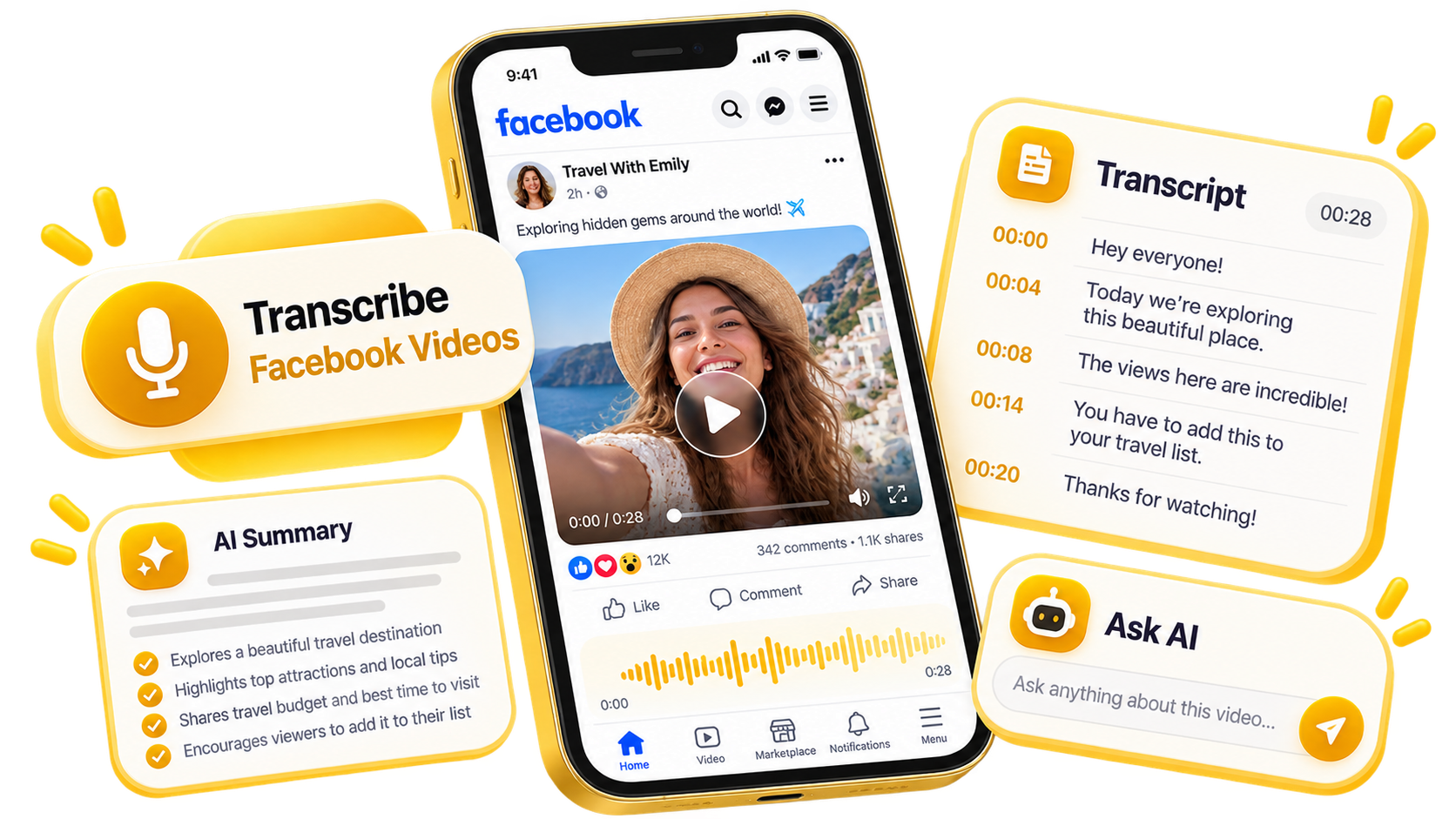
Facebook Video to Text in One Paste
Like a Facebook script extractor, a transcript generator turns a post's spoken audio into text, then you read or export it.
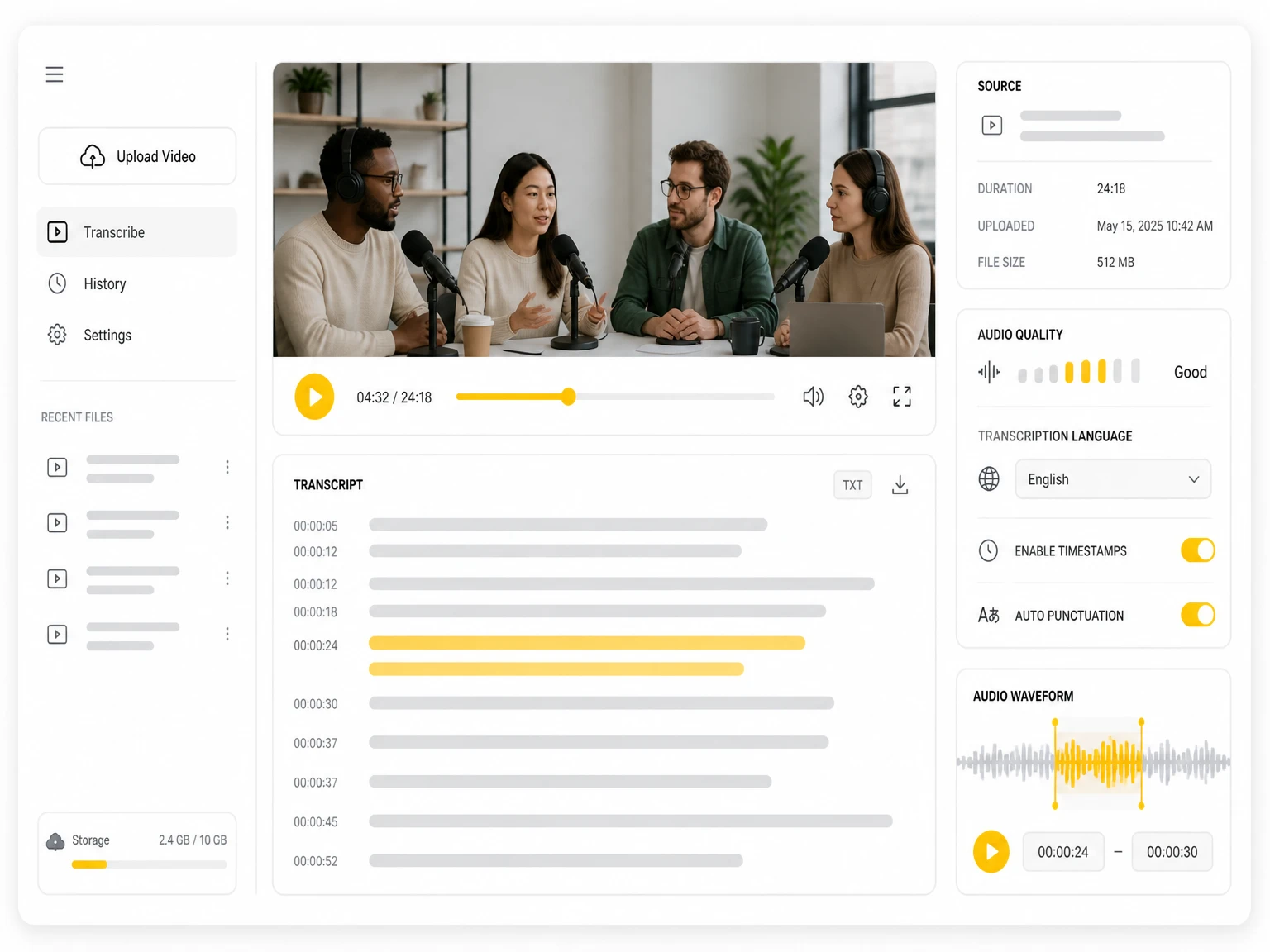

Paste a public X, Instagram, Facebook, TikTok, or YouTube video link to generate a searchable transcript, summary, subtitles, and AI notes.
Distinguish speakers
Choose whether the transcript should separate different speakers in the conversation.
Subtitle enhancement
Use AI to intelligently refine transcripts for greater clarity and readability.
A Facebook post holds its meaning in the audio — the interview, the talk, the Live exchange. A Facebook video to text tool turns that spoken layer into text. To convert Facebook video to text, paste a public link: a Facebook video transcript appears for captions or notes, no app needed. Transcribe Facebook videos of any length the same way.
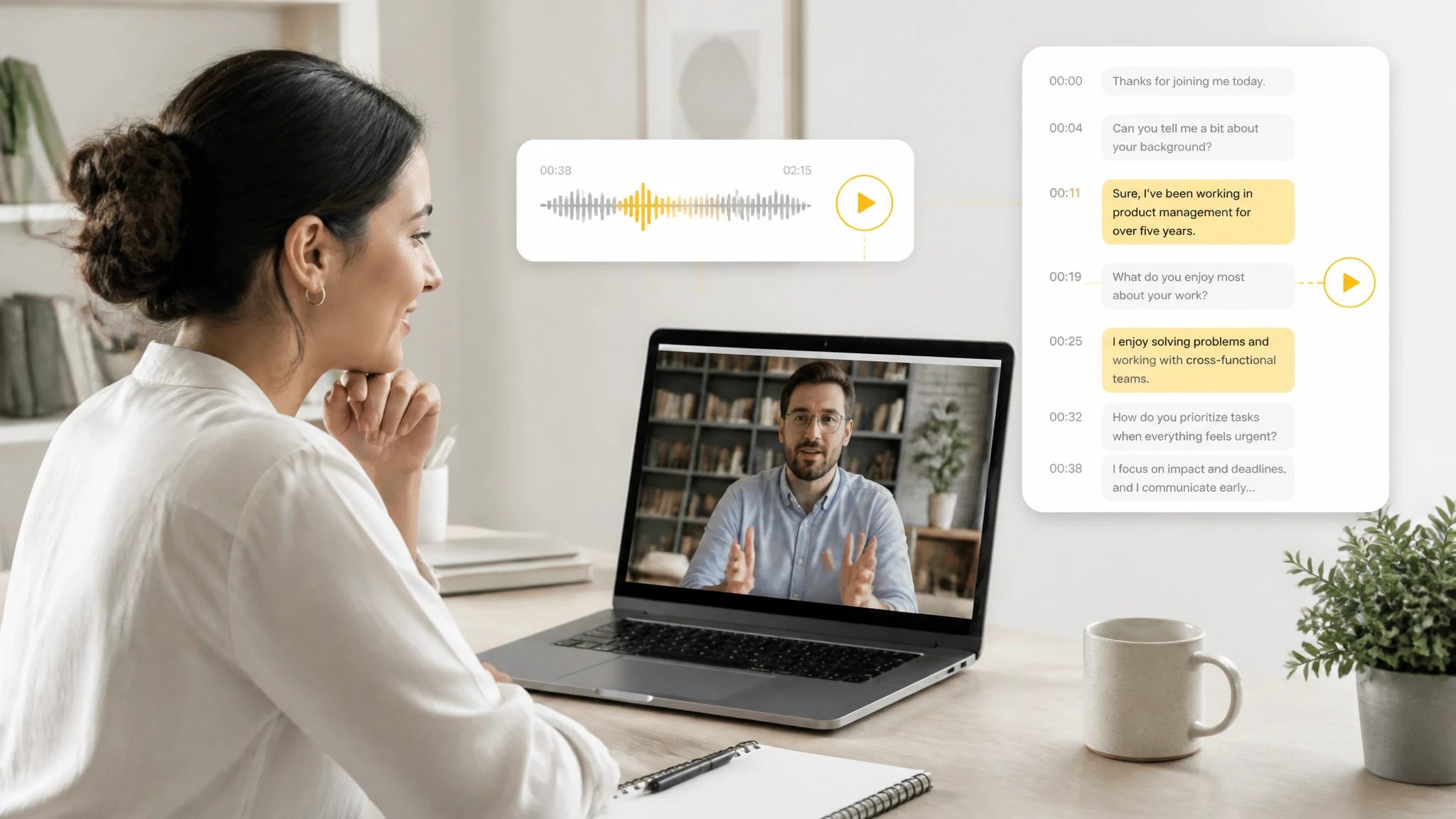
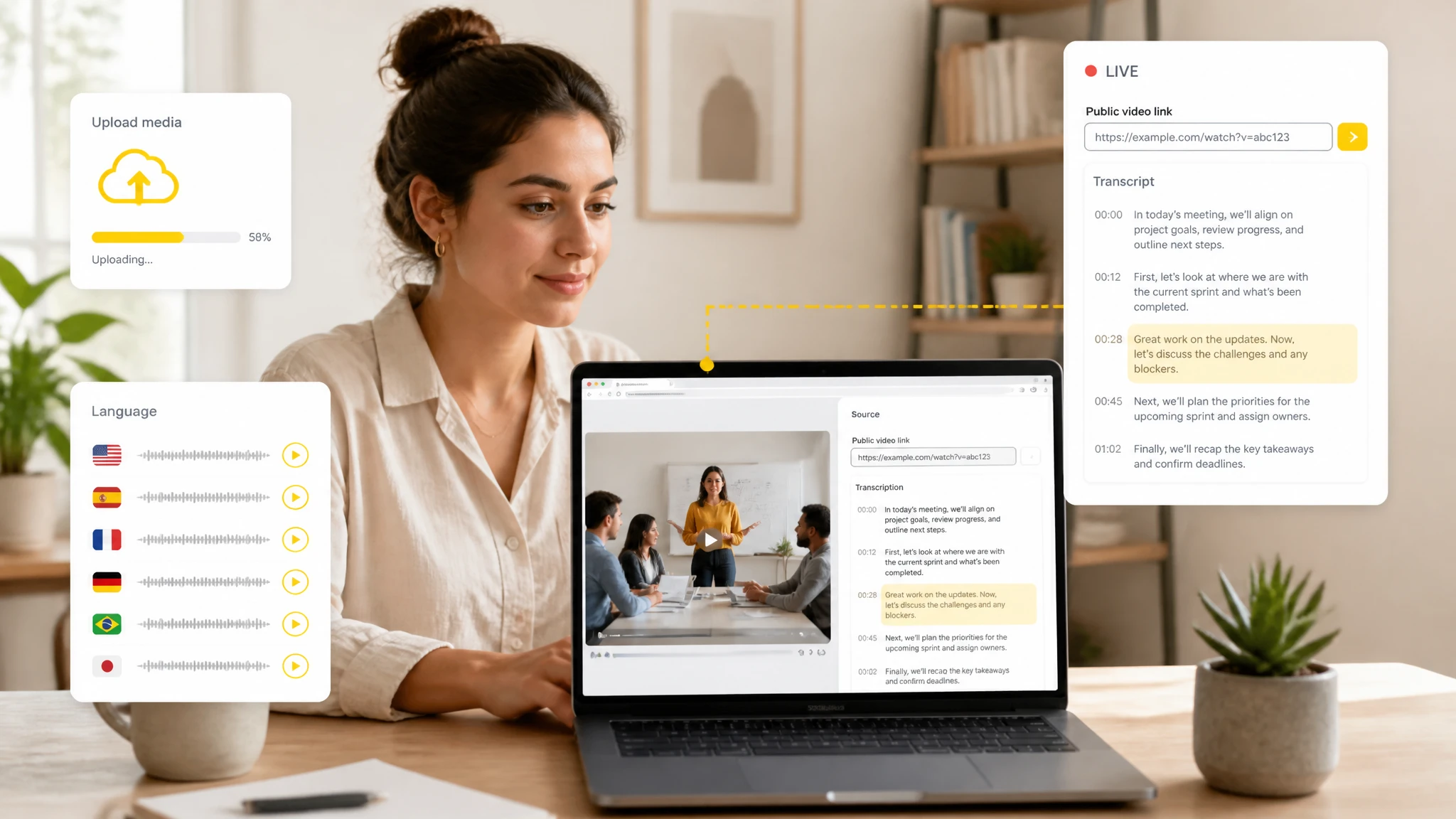
Reels and Live streams are what people most want in text. A Facebook Reel transcription pass captures short clips when captions are missing; a Facebook Live transcription pass handles the longer broadcast once the replay is public. Transcribe Facebook Live videos and Reels the same way — paste the link and get timestamped text.
Watching a forty-minute Live to catch one line means replaying it again and again. Free Facebook video transcription online skips that: paste the public link and get timestamped text you can skim — no sign-up, no software to install. Accuracy still varies with audio clarity, so key quotes deserve a quick check against the clip.
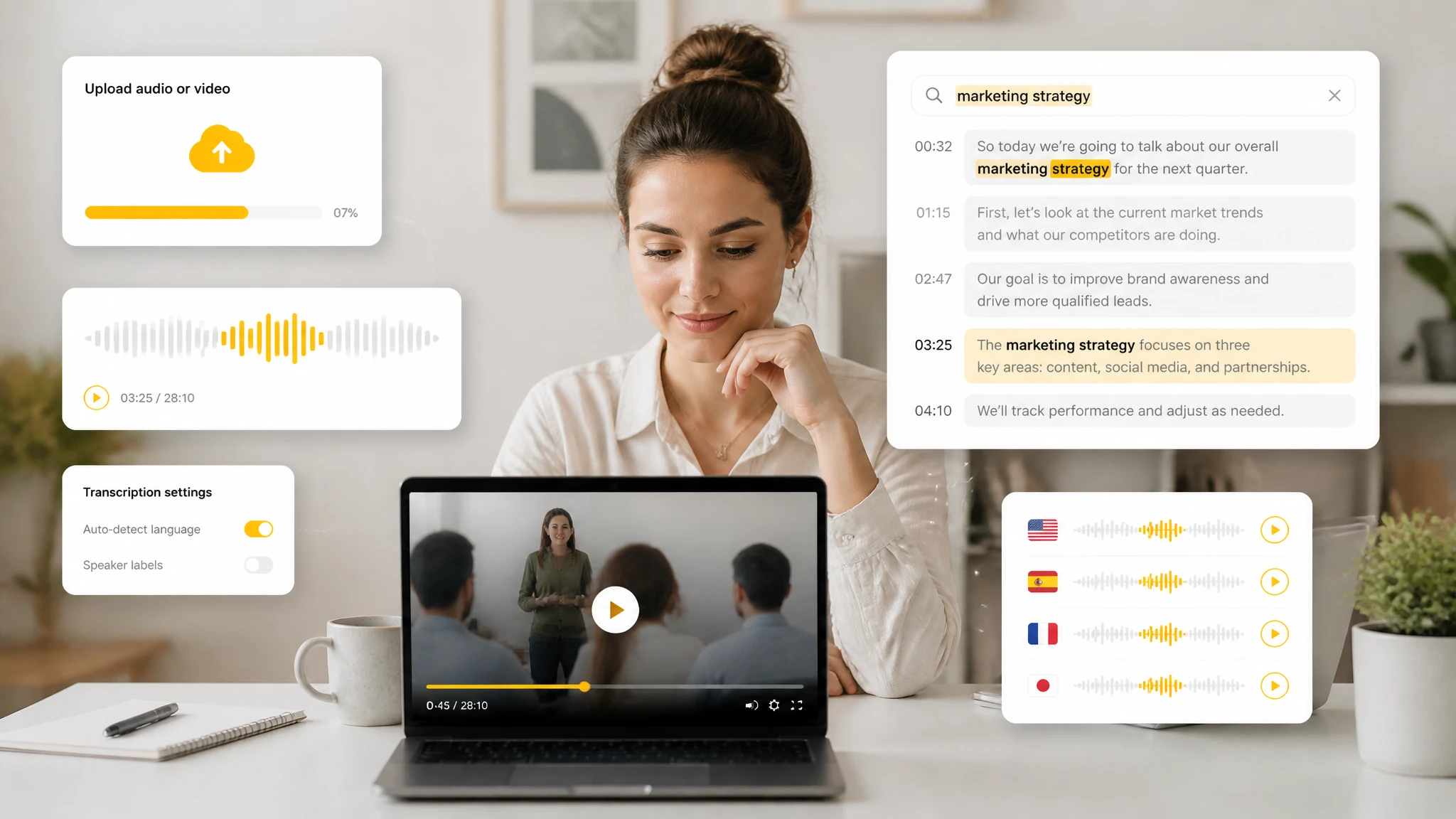
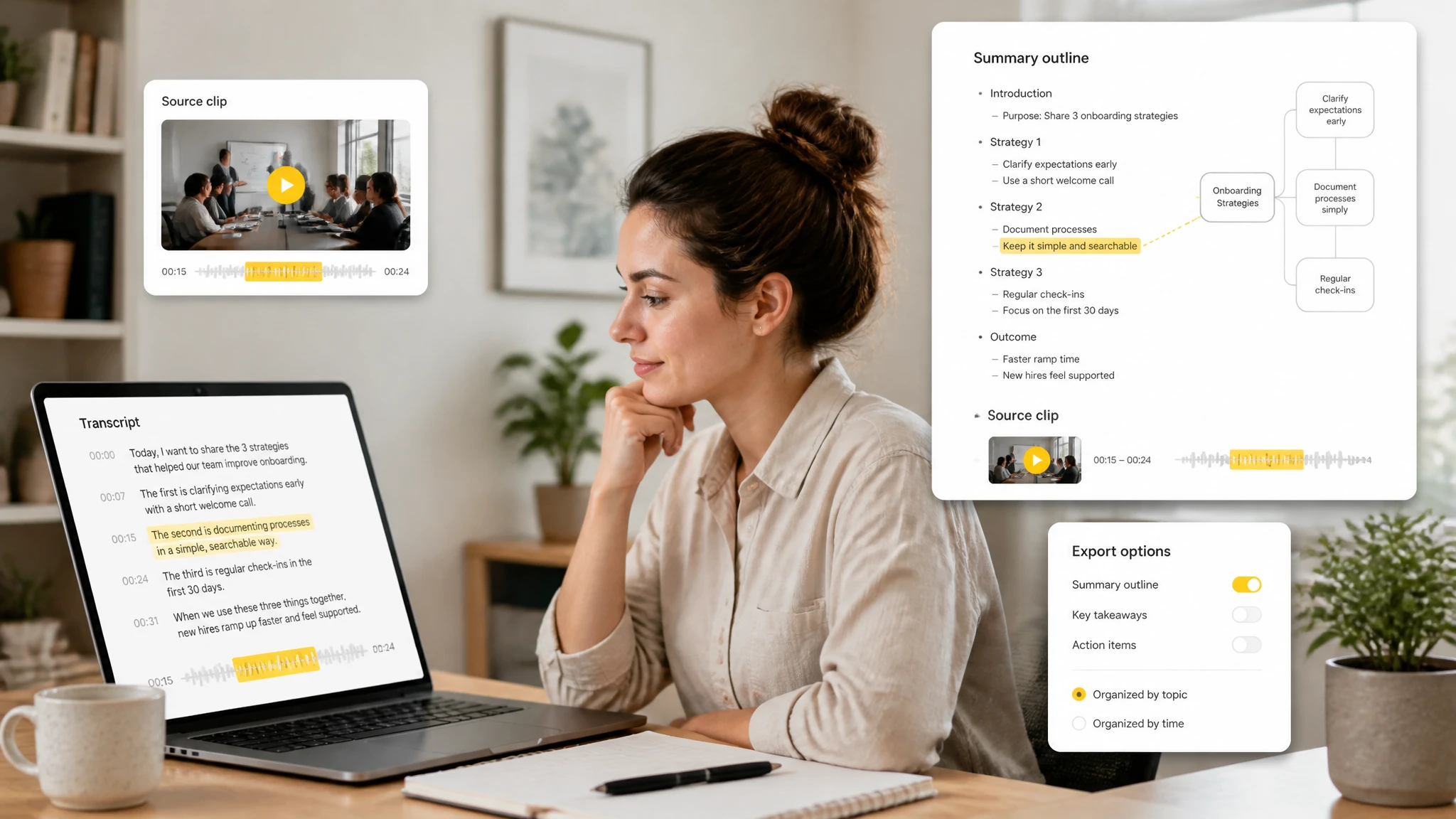
Facebook audio to text covers more than one format. The same link workflow turns a long interview, a webinar, a Reel, or a Live replay into text; an AI summarizer then pulls key points per section and links them back to the source clip. Posts with little spoken audio return less to summarize.
Like a Facebook script extractor, a transcript generator turns a post's spoken audio into text, then you read or export it.
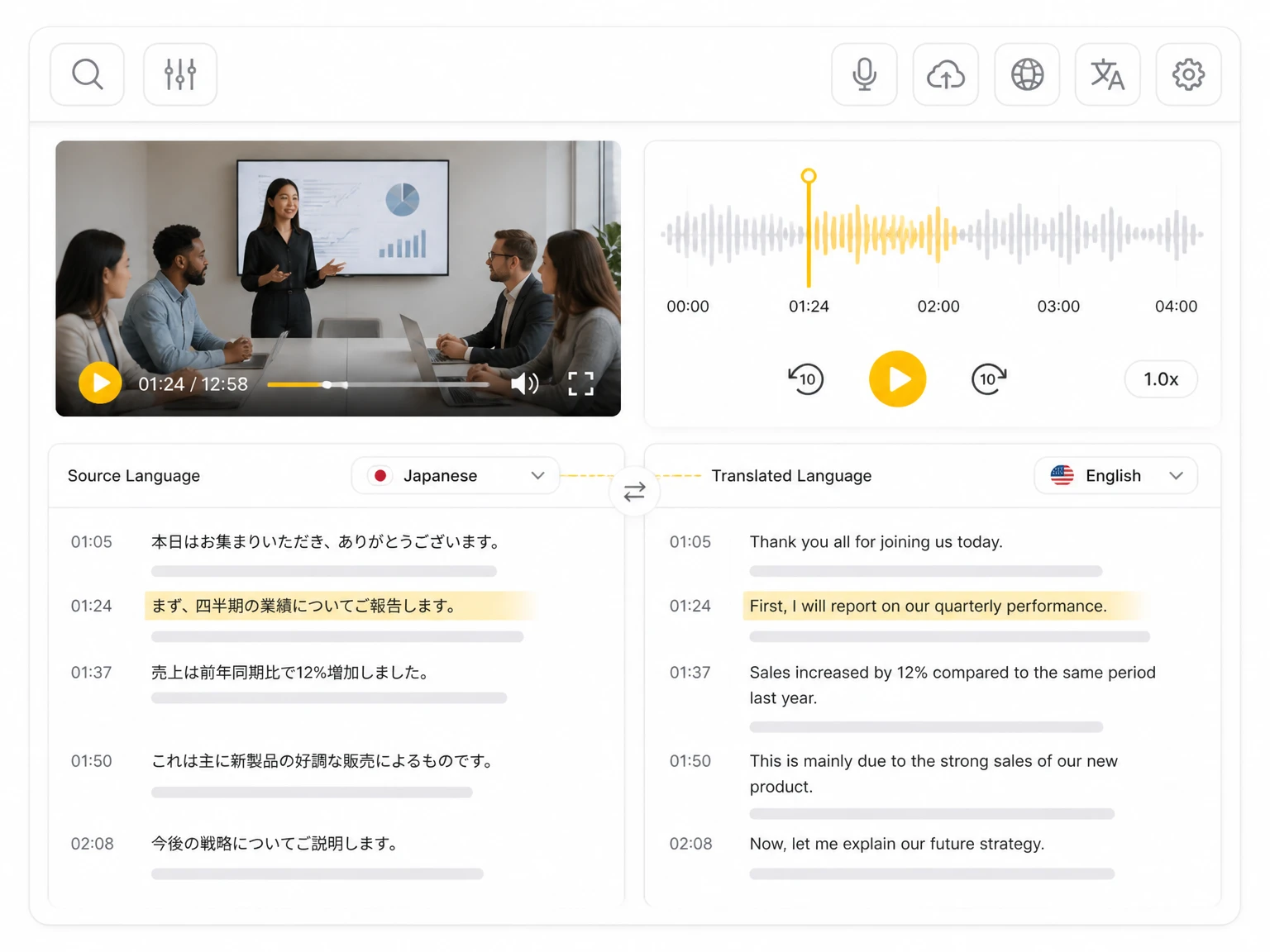
Speech in other languages is transcribed and translated, so a Facebook video in one language returns readable text in another.
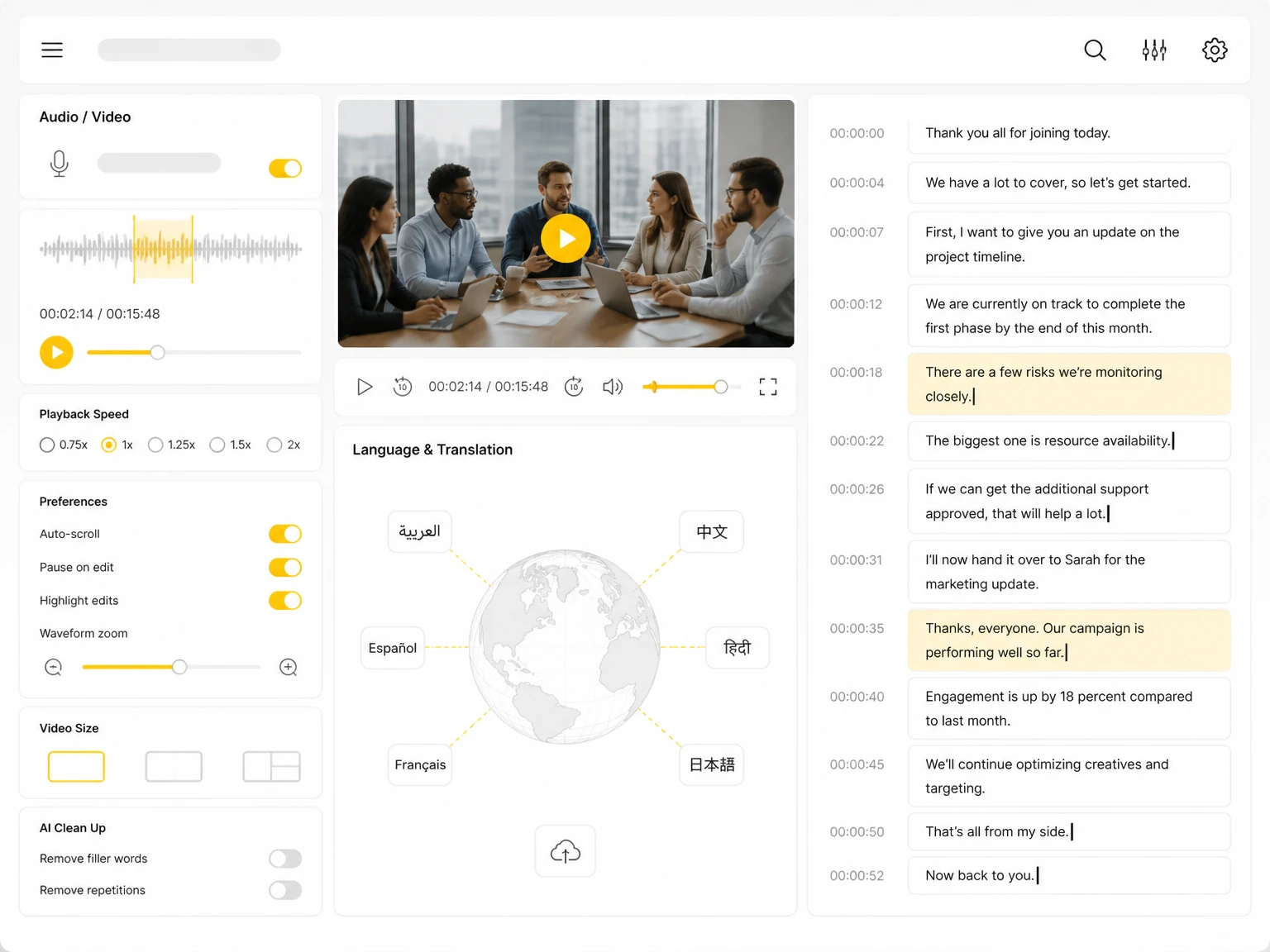
The transcript is split into paragraphs at natural pauses, so the text reads like an article rather than one long block.
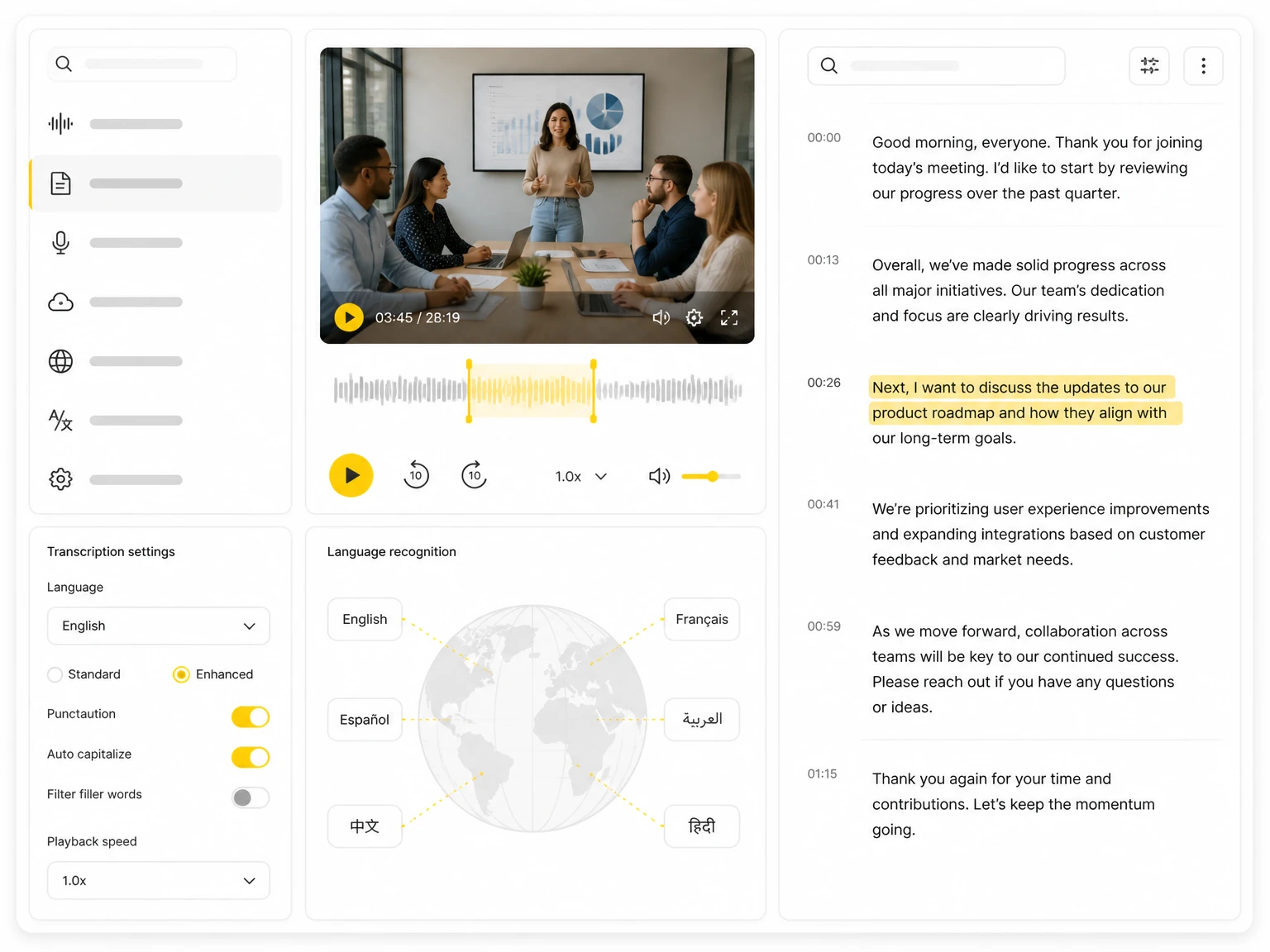
The transcript editor ties every correction to its timestamp, so edited text stays aligned with the original clip.
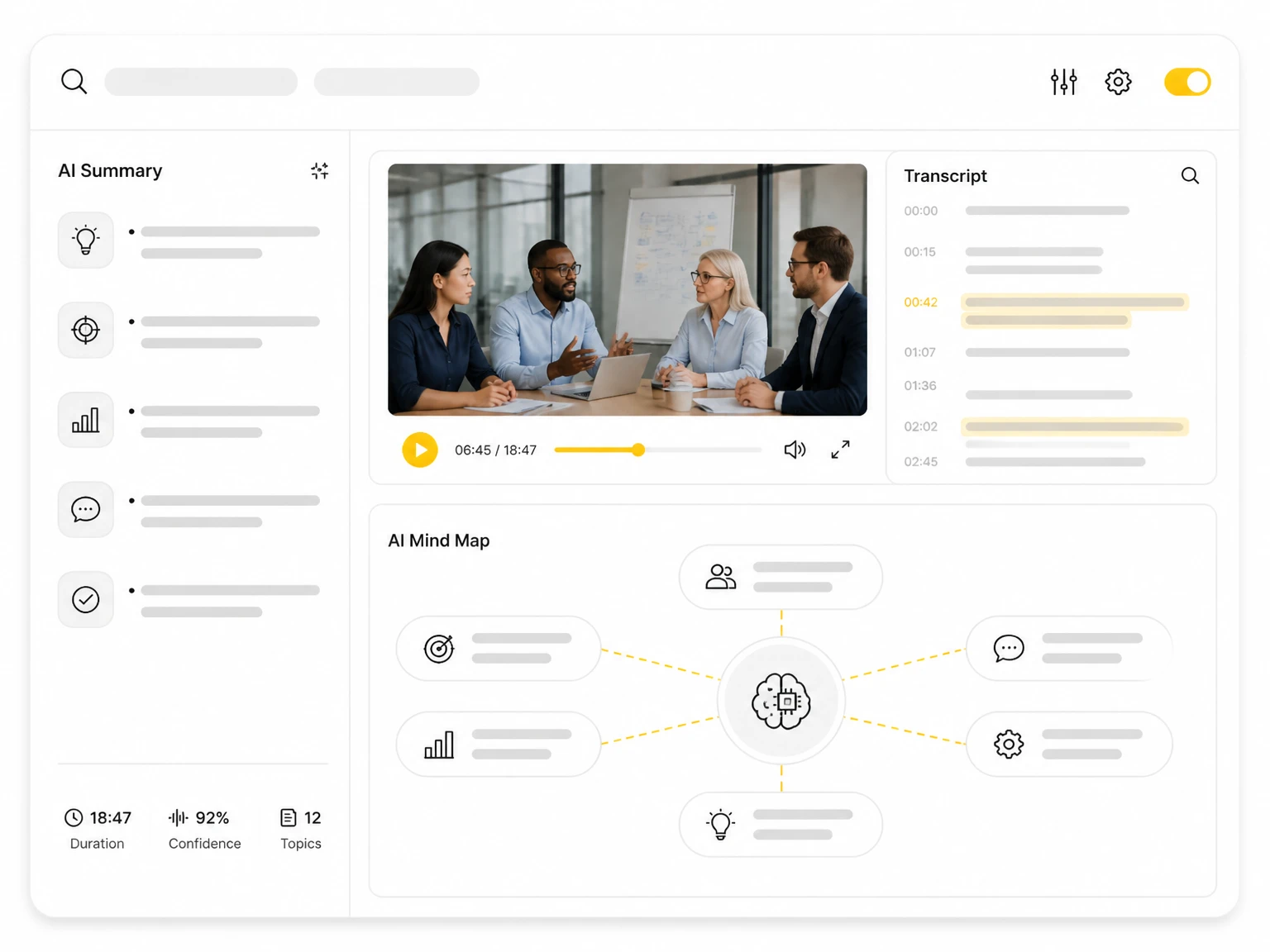
AI analysis adds a summary, mind map, and Ask AI answers, giving a structural view of longer Facebook videos.
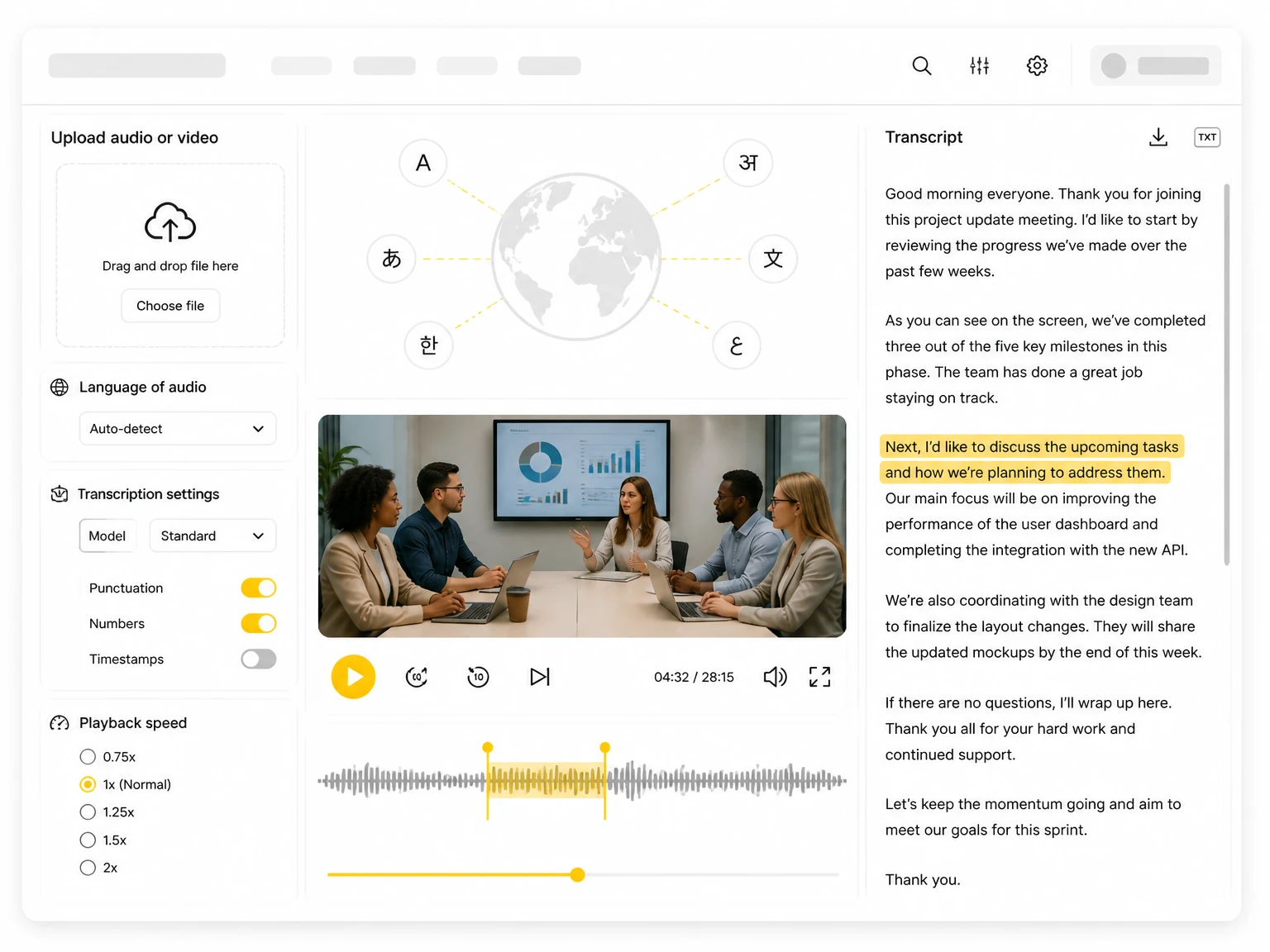
Export the transcript as a TXT file for notes, research, or archiving. The plain-text format works with most editors and document tools.
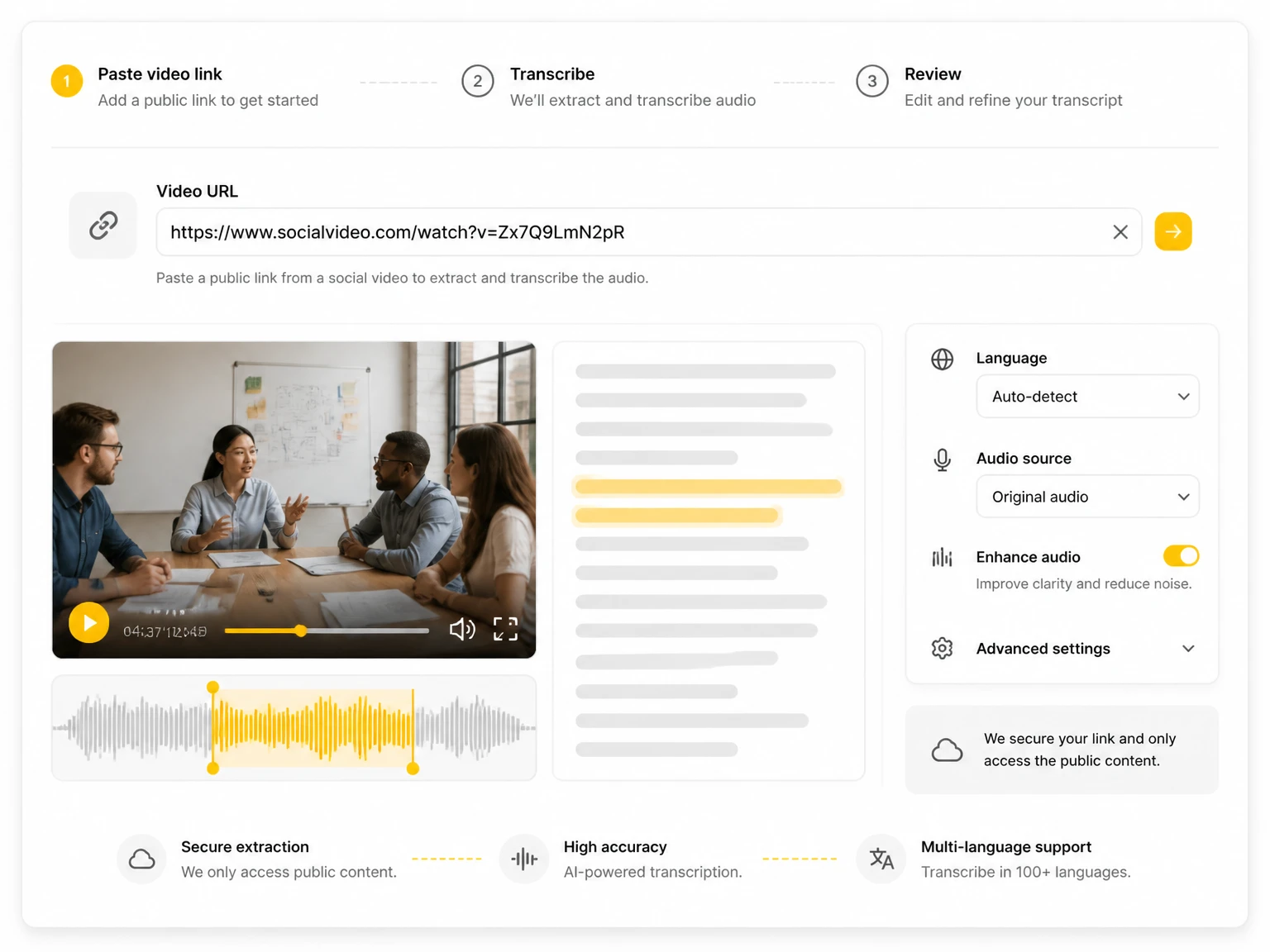
Copy a public Facebook video, Reel, or Live stream URL into the input box. Posts from public profiles work; private or login-only clips do not.
1 / 6
Turn your own Facebook posts into captions, blog drafts, and newsletter snippets from one transcript with consistent wording.
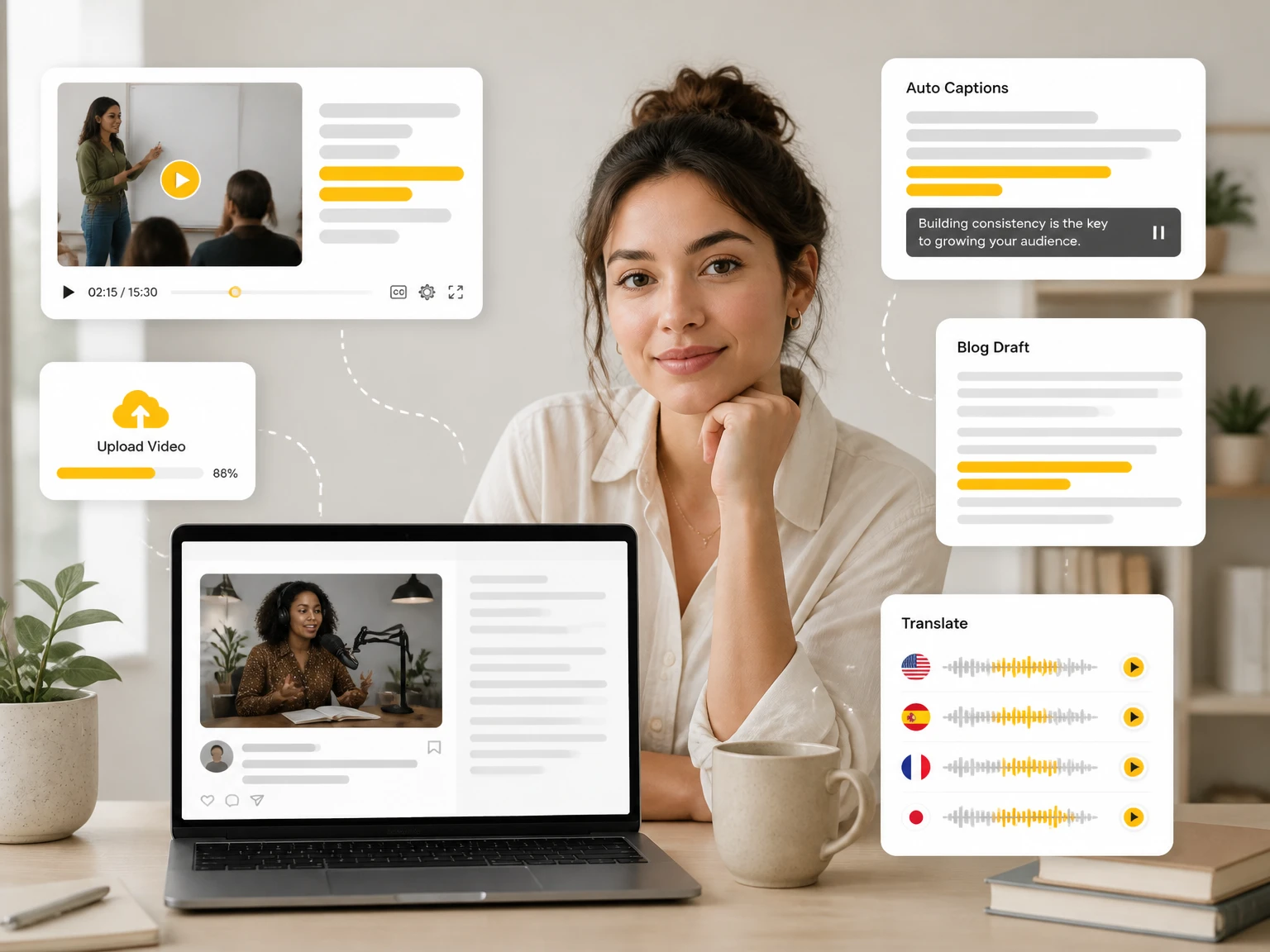
Paste any public Facebook link and read the full transcript free — no sign-up, no video cap. Every line carries a timestamp, and the text is yours to copy, edit, or download. Nothing to install.
See how creators, journalists, researchers, and teams use searchable Facebook transcripts.
"My Lives run long and the audio is full of cross-talk. Running them through gives me subtitles plus blog drafts from videos I already posted."
"I pull quotes from client Facebook pages for carousels and newsletters. Searchable text beats rewatching every clip by hand."
"Most of my sources post Facebook Lives. A transcript finds the one sentence I need without scrubbing a forty-minute loop."
"We track how brands run product webinars on Facebook. The text lets the team scan for claims and trends across many posts."
"I teach with foreign-language Facebook pages. Transcribing and translating them gives students a text version beside the audio."
"Academic Facebook explainers become citable text. A searchable transcript keeps timestamped citations for my notes."
Yes. Paste a public link and the transcript is generated without a sign-up. The link workflow is free to run, which makes it practical for the one clip you need in text today.
No. Everything runs in the browser on desktop and mobile. An account is only needed if you want to keep a history of past transcripts.
Yes. Export the completed transcript as a TXT file for notes, research, editing, or archiving. The text can also be copied to the clipboard, with or without timestamps.
Public videos, Reels, and Live streams all work through the link. Private profiles and login-only clips cannot be reached without authentication.
Public Live streams and their replays work because they have permanent links. Live broadcasts end after the session, so transcribe the replay while it is still public.
Short Reels and longer Live sessions or webinars are both supported. Processing scales with length, so a sixty-minute video will not return as quickly as a thirty-second post.
Yes. Keep timestamps when you plan to cite the source, and strip them when you need clean running text for notes or a draft.
Yes. The page is responsive, so a link can be pasted and the transcript read on a phone or tablet.
Uploaded files and transcripts are not public and are not shared with other users. Saved history can be managed or deleted at any time.
Accuracy varies with the source audio: clear speech in a quiet room transcribes cleanly, while background music, overlapping speakers, and strong accents introduce errors. Checking key quotes against the video is worthwhile.
Any public Facebook video can be processed. The text is derived from the creator's content, so republishing it depends on the video licence; check the page terms before reuse.
Yes. Automatic speech recognition transcribes the audio directly, so a clip with no built-in captions still returns a timestamped transcript.