Works From Any Media
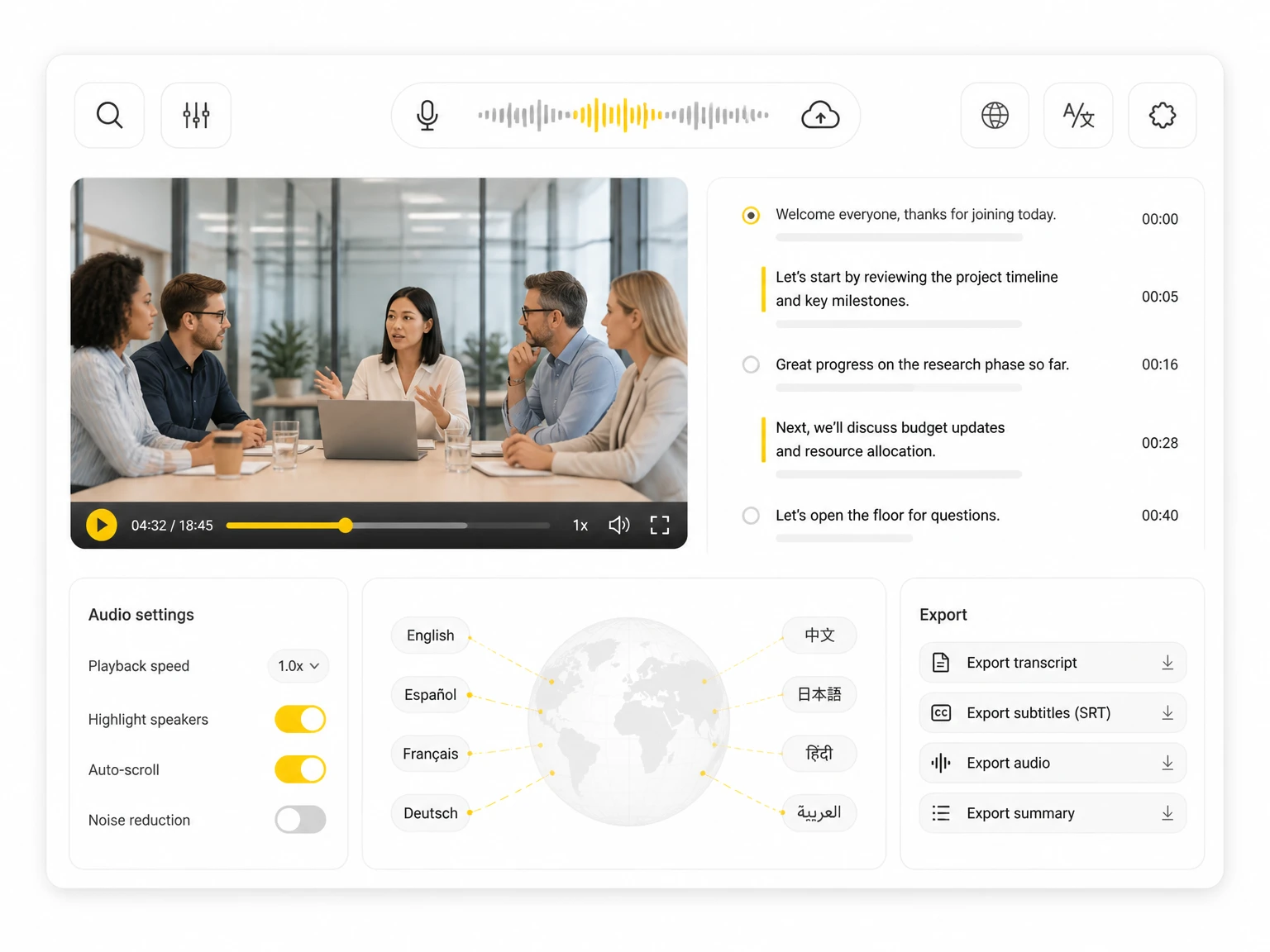
Upload videos, audio files, or links, or record directly. The summarizer runs on the transcript from your media, so any recorded content can become a summary.
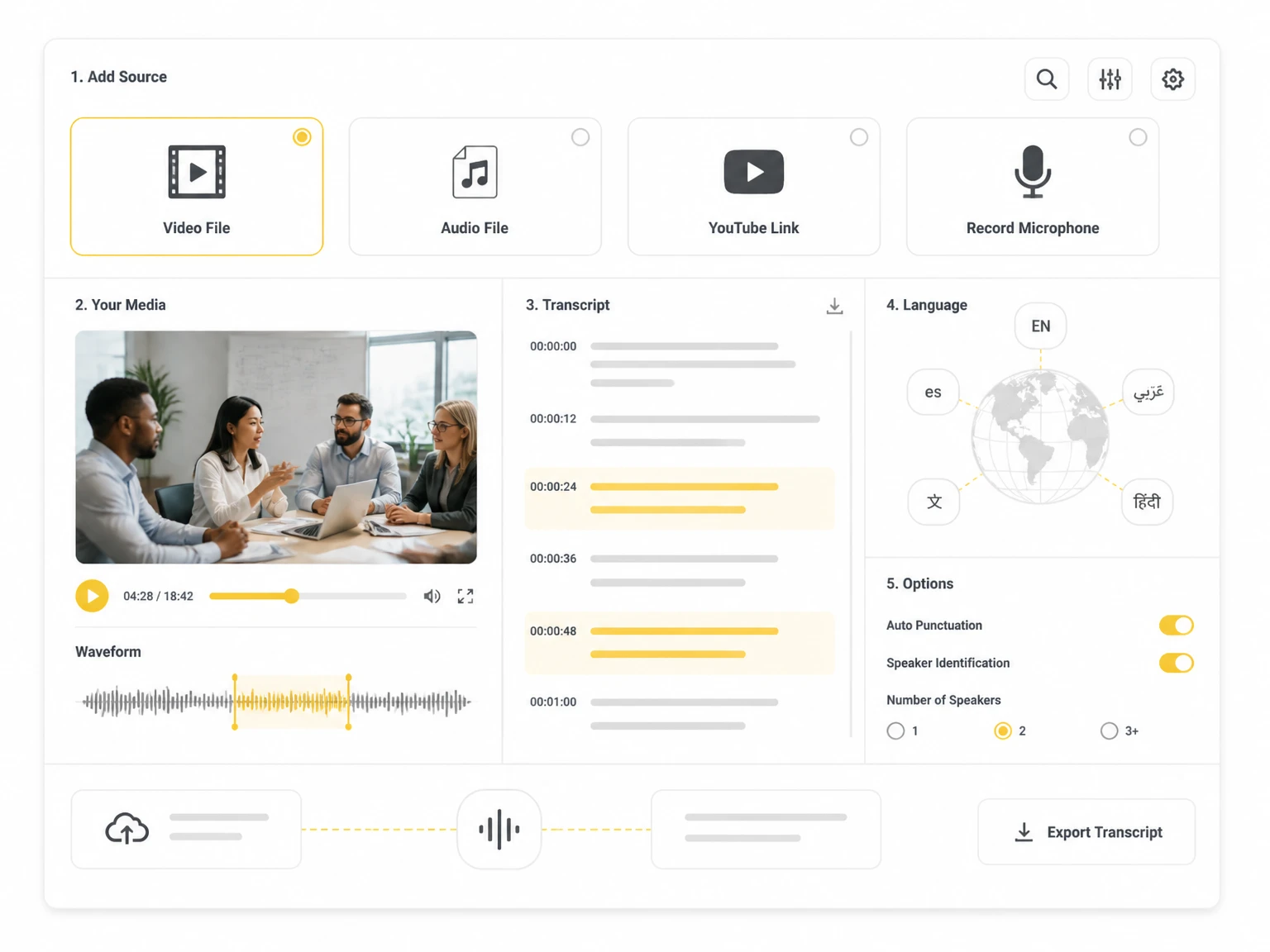

Upload popular audio or video formats — up to 5 GB per file
Distinguish speakers
Choose whether the transcript should separate different speakers in the conversation.
Subtitle enhancement
Use AI to intelligently refine transcripts for greater clarity and readability.
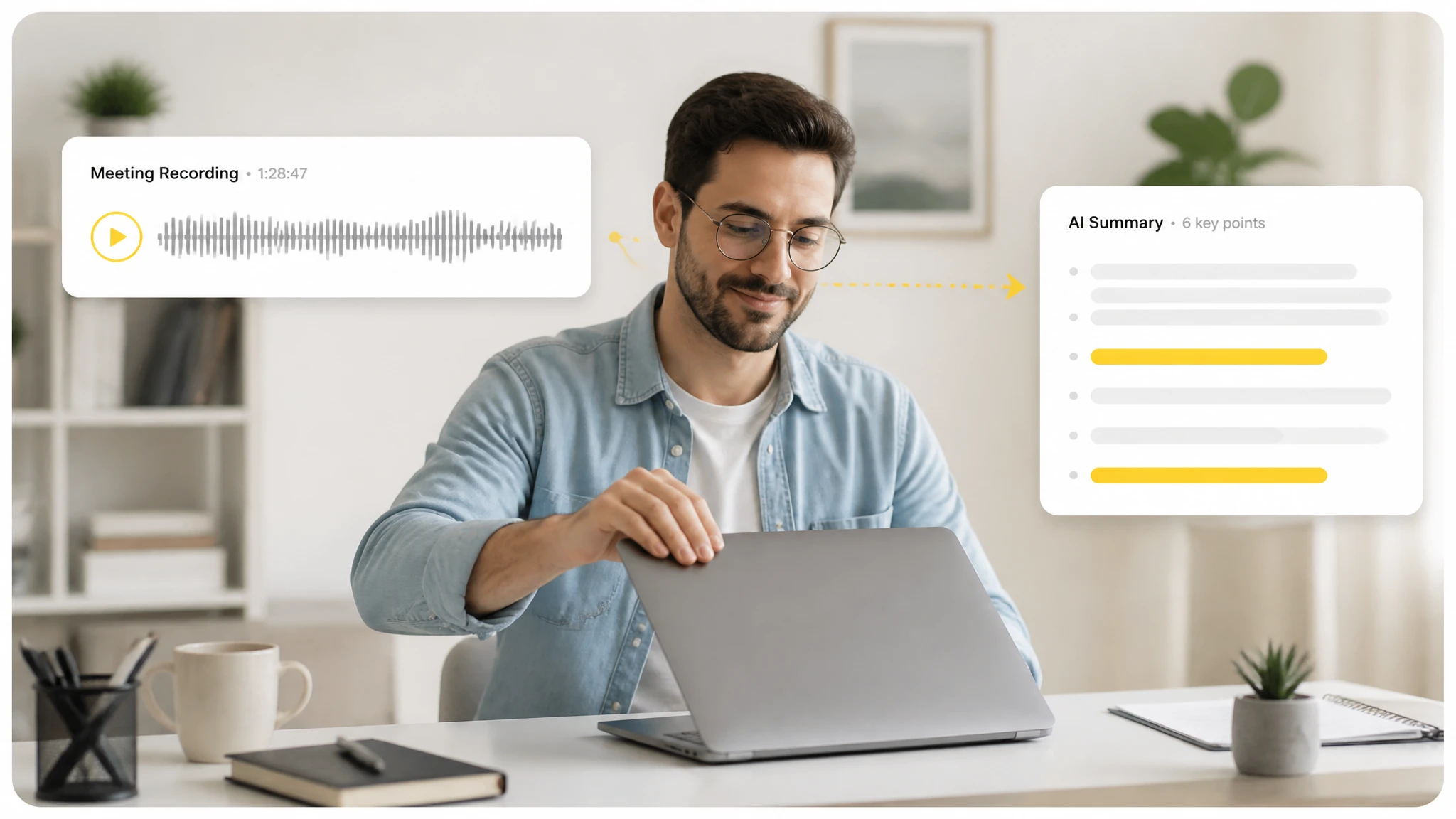
Long recordings and transcripts hide the points that matter. Whether it's a call or a recorded report, the goal is the same: reach the key ideas in minutes instead of replaying a long source or online video transcription. AI Summarizer pulls those points out for you automatically.
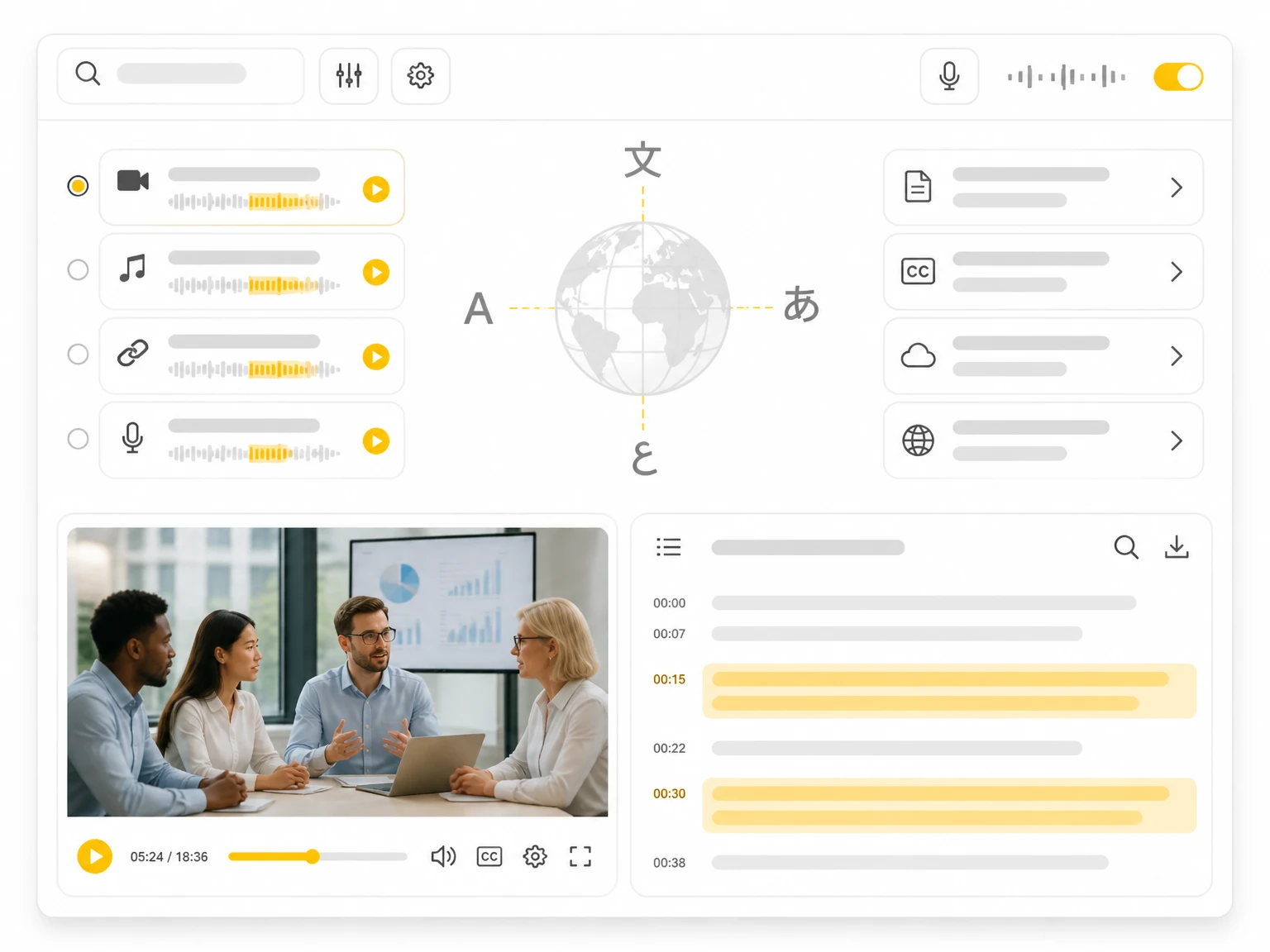
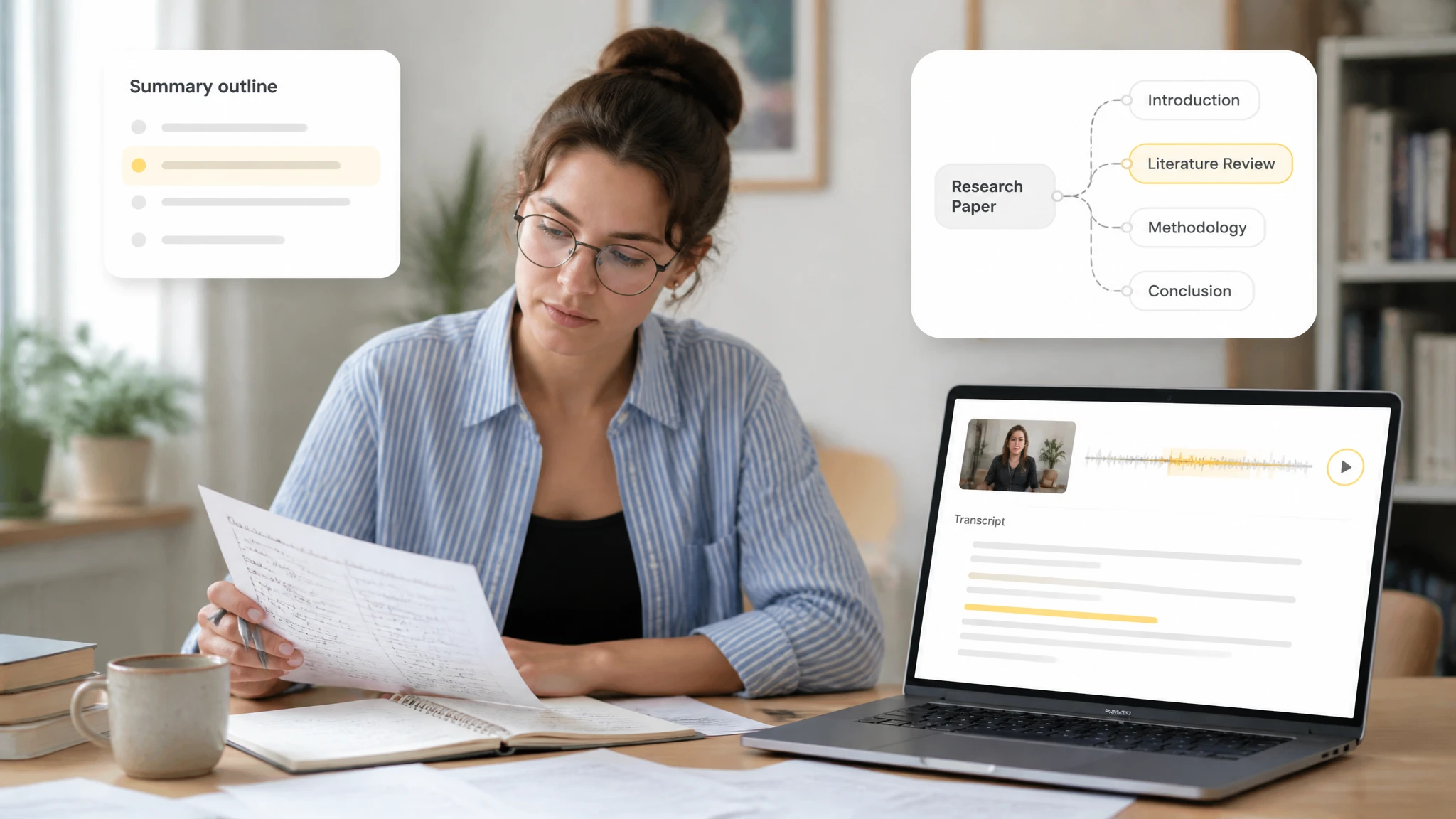
The AI summarizer runs on a transcript from your media. Upload a video, audio file, or link, and the tool transcribes it, then produces a summary you can read, copy, or export, going beyond one paragraph to bullet points and a mind map.
Pulling the main points from the detail lets you choose what to read further in a podcast, lecture, or report. Teams share the result to align on decisions and catch action items after a call without forwarding the full transcript.
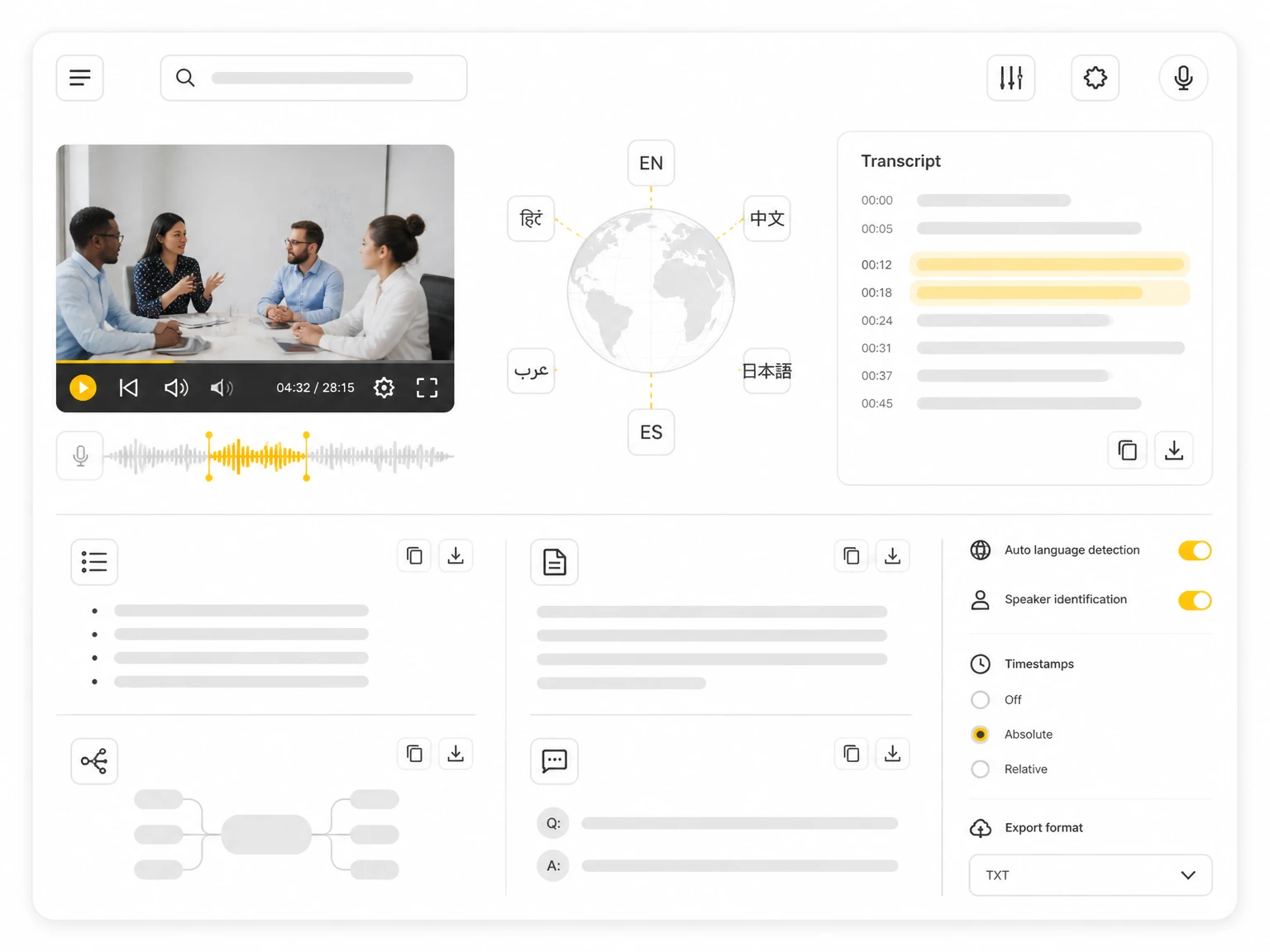
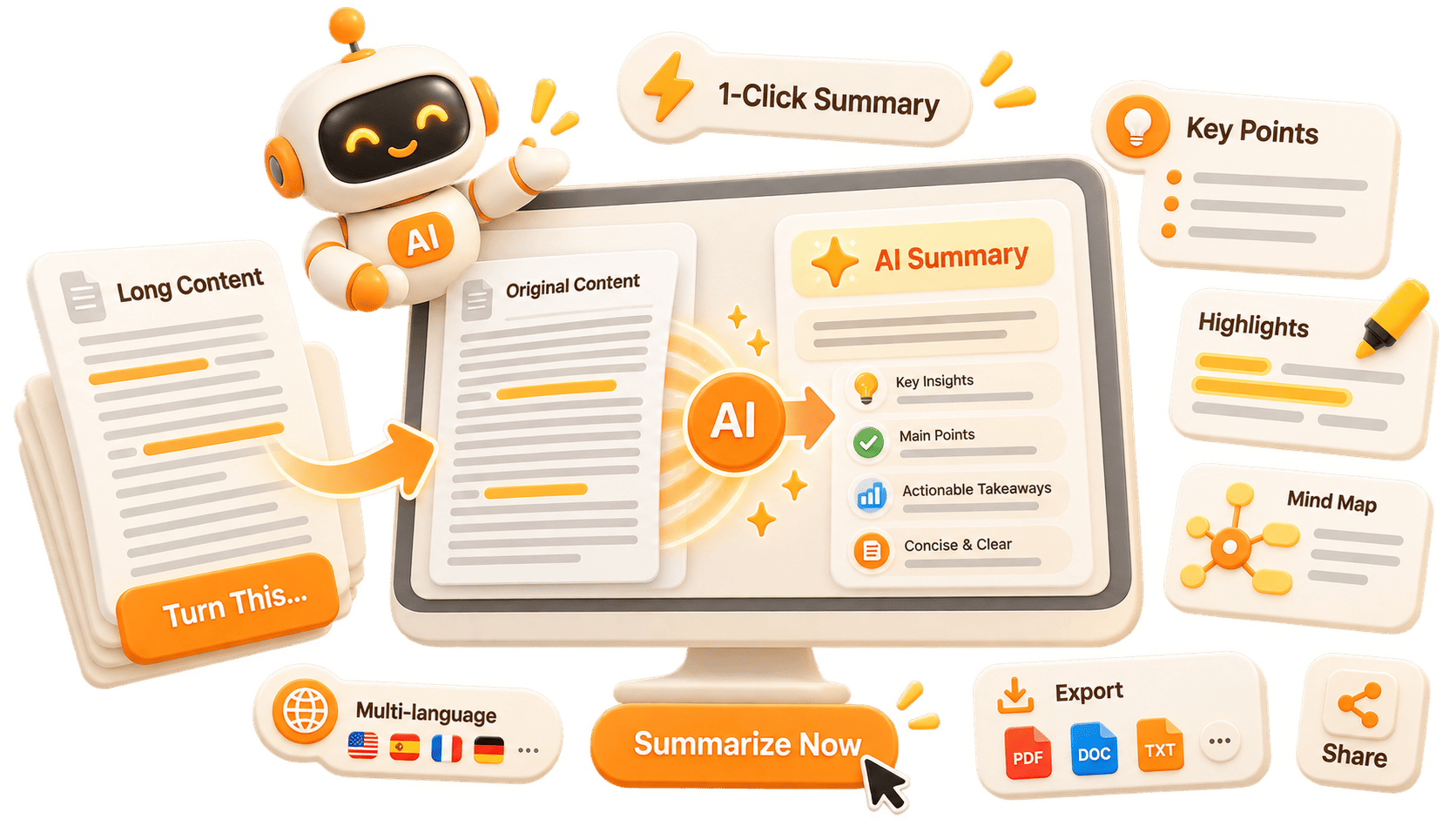
After transcription, the AI summarizer creates a bullet summary, an executive paragraph, a mind map, and Ask AI answers from one transcript. This is how it serves as a video summarizer, moving you from a raw recording or social media transcription to organized, shareable notes.
Upload videos, audio files, or links, or record directly. The summarizer runs on the transcript from your media, so any recorded content can become a summary.
Get the main ideas as a short list you can scan quickly. Key points highlight decisions, dates, and details worth keeping from a meeting, lecture, or podcast.
Receive a paragraph or two that captures the gist of a long recording or lecture. Useful as a standalone note or an email-ready summary.
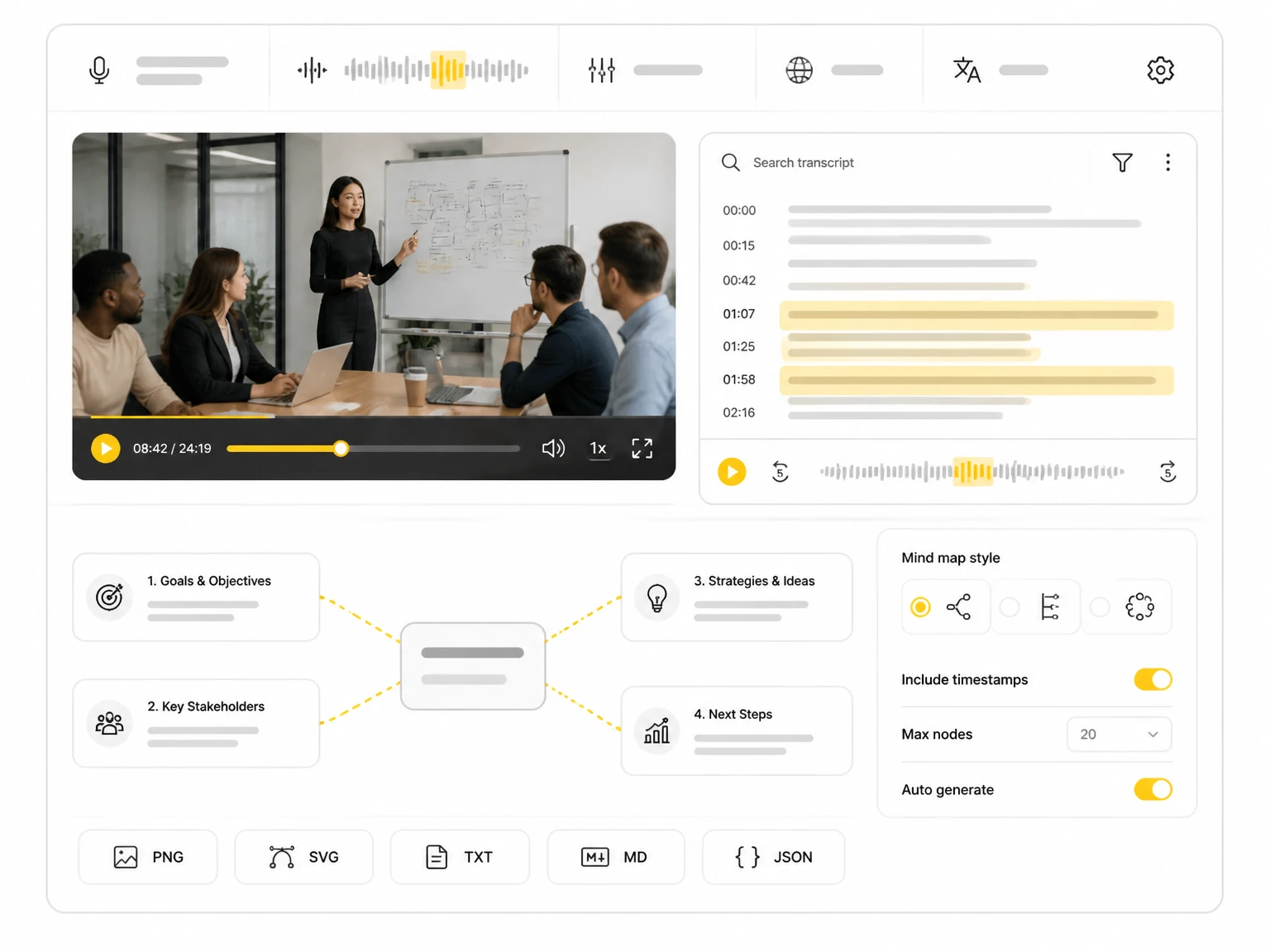
Turn the transcript into a visual mind map that shows how topics connect. Export it as PNG, SVG, TXT, MD, or JSON.
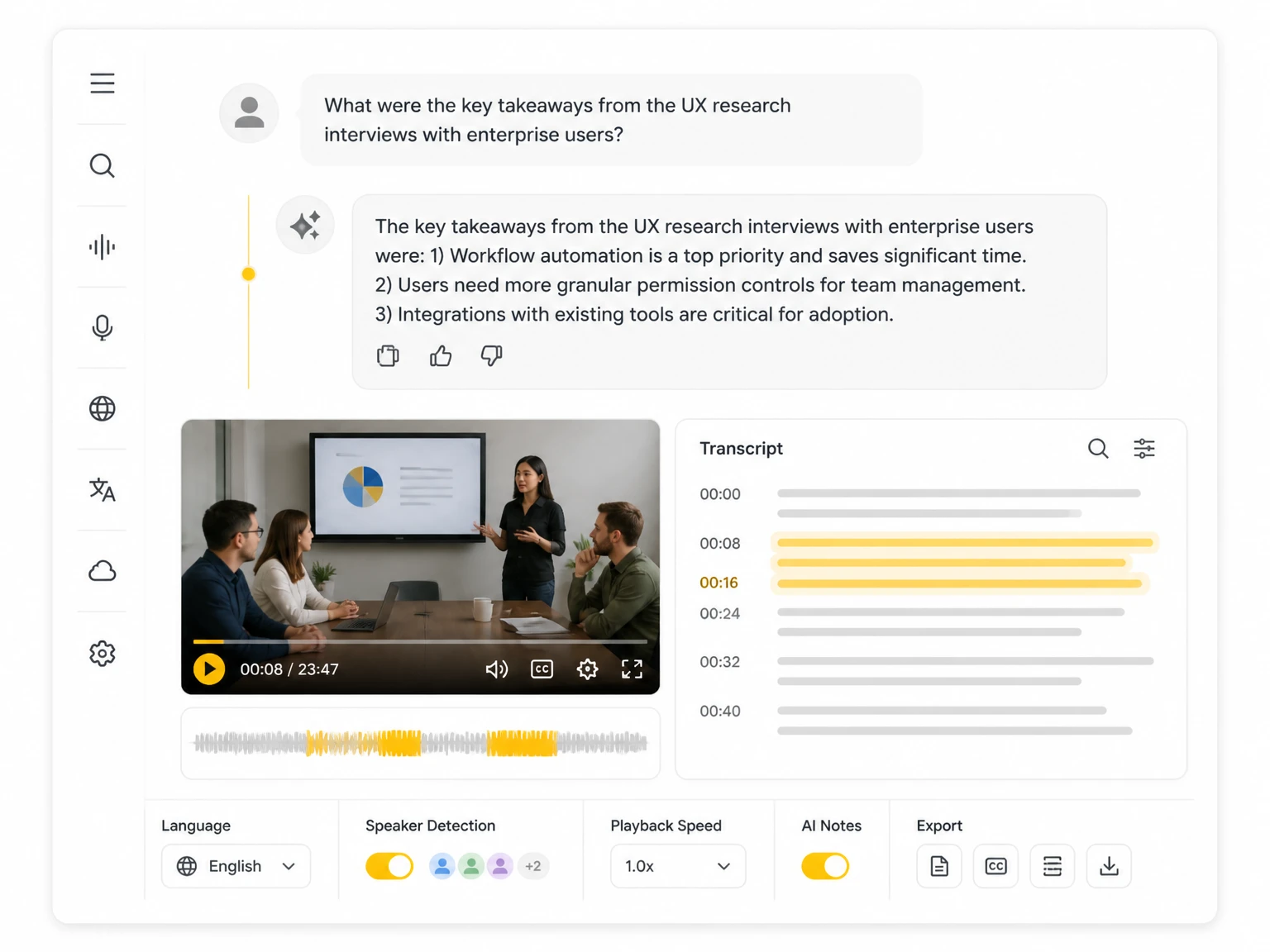
Chat with the transcript to extract quotes, action items, and facts without replaying the source. Ask AI answers from the content you uploaded.
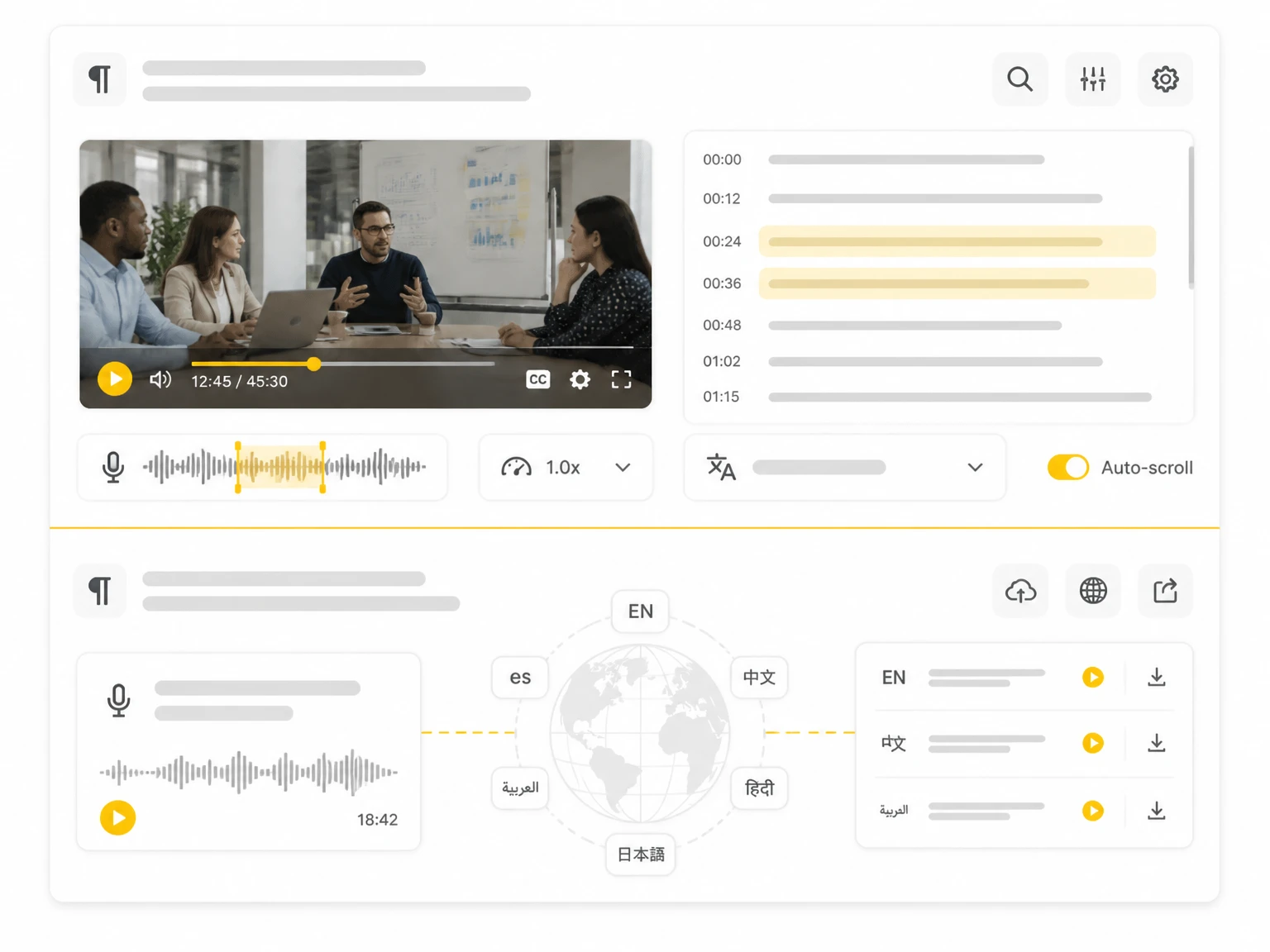
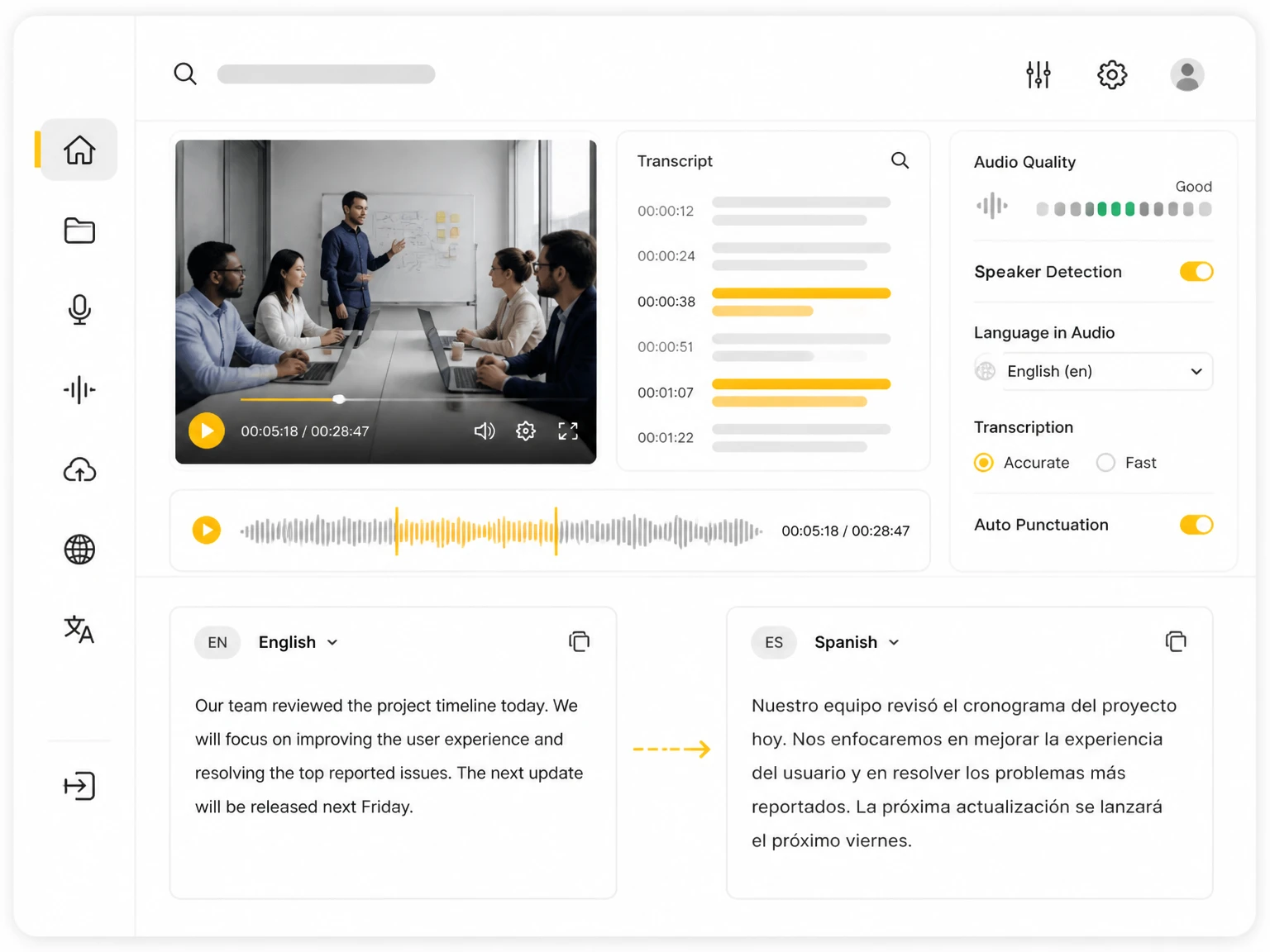
Read the summary in the source language, then translate it into another language for teammates or readers who need a different language. A multilingual AI summary helps distributed teams.
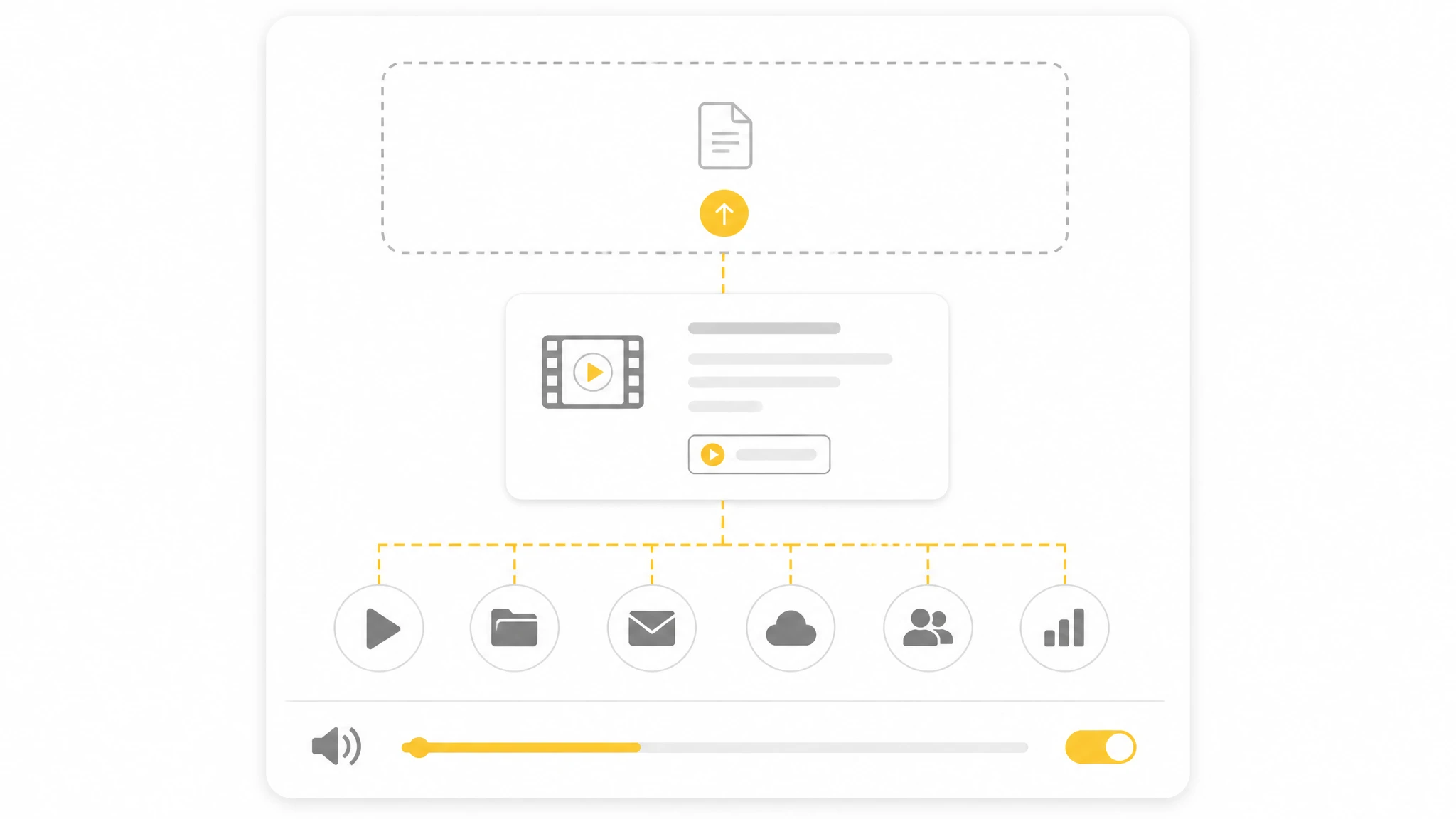
Upload a video or audio file, paste a YouTube or audio link, or record in your browser. TranscribeAudio starts by turning the media into a transcript.
1 / 6
Turn meeting recordings into summaries with decisions and action items, so the team stays aligned. An AI meeting summarizer keeps everyone on the same page without reading the full transcript.
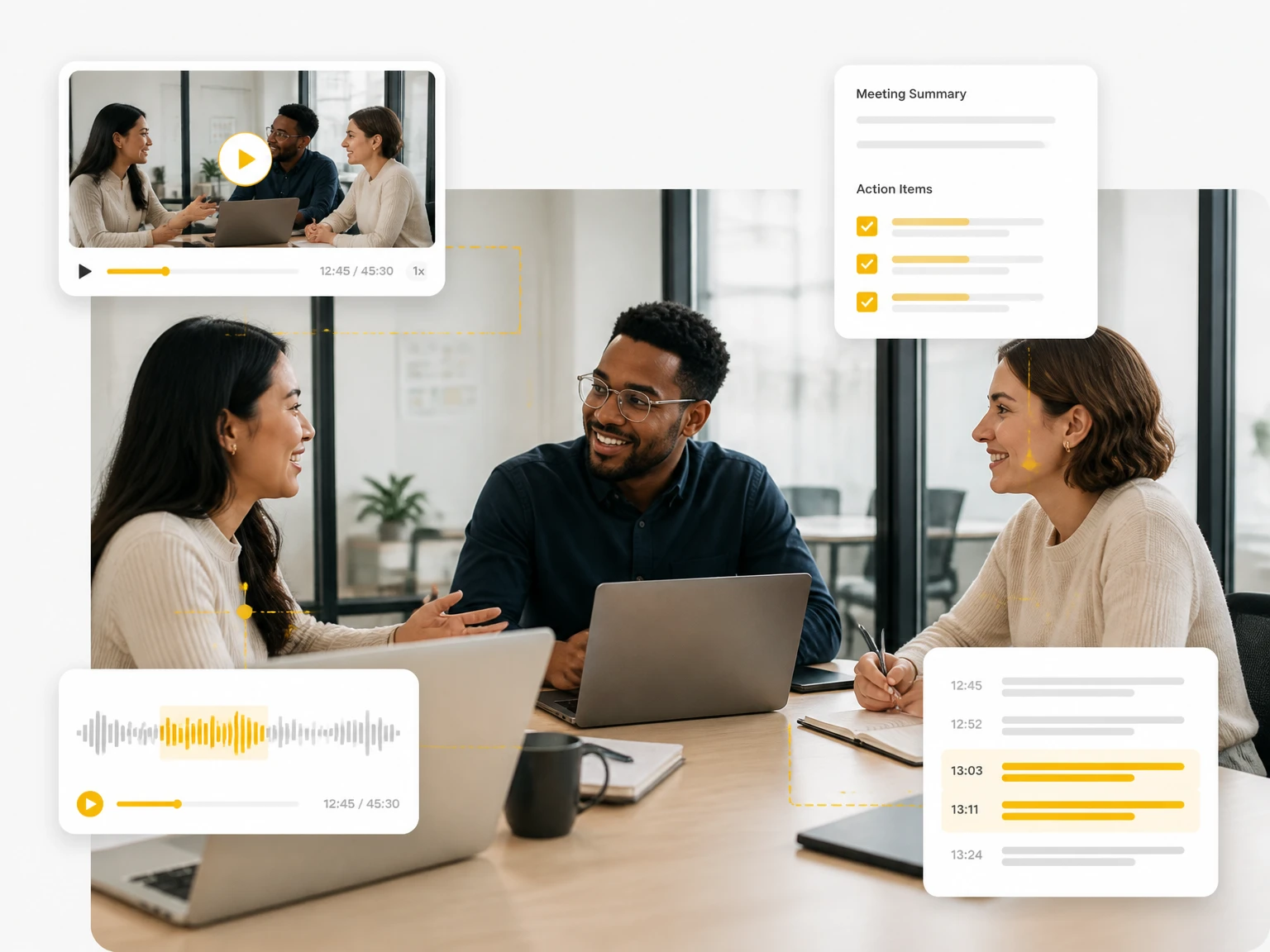
Upload a meeting, lecture, or podcast and let the tool transcribe it, then summarize the key points into notes.
See how students, researchers, teams, and creators use AI summarization to turn recordings and transcripts into readable notes.
"I upload customer interviews and get a summary plus key points. The AI summarizer saves hours of note-taking, and I can search the transcript for exact quotes."
"Long lecture recordings used to take forever. Now I get an AI summary with the main ideas and review the key points in minutes. It works as a lecture summarizer too."
"My recordings become summaries, mind maps, and post ideas. Ask AI helps me pull facts without replaying the whole episode. Great as a podcast summarizer."
"Meeting recordings turn into summaries with action items. The team reads the AI meeting summary instead of the full transcript and stays aligned."
"Interviews are much easier with a summary first. I scan the key points, then open the transcript only for the parts I need. The summarizer saves time."
"Ask AI lets me question a transcript and find specific quotes. The mind map also helps me see how topics connect across a long interview."
An AI summarizer takes a transcript or recording and compresses it into the points that matter. The tool transcribes your media first, then generates a summary you can read or export.
You upload a video or audio file, paste a link, or record in your browser. The tool transcribes the media into a timestamped transcript, then the summarizer works on that text.
Any media you can transcribe: video files, audio files, YouTube and other links, and in-browser recordings. The summarizer works on the transcript the tool produces from that media.
It can create bullet key points, a paragraph executive summary, an AI mind map, and answers through Ask AI. You choose the format that fits the task.
Yes. Paste a YouTube link and the tool transcribes it, then runs an AI YouTube summarizer to turn the talk into key points and a summary you can read.
Yes. You can turn the transcript into a mind map and export it as PNG, SVG, TXT, MD, or JSON for notes or documents.
Yes. Ask AI lets you question the transcript and pull specific information, quotes, or action items without reading the whole text.
Yes. It summarizes in the source language, and you can translate the summary into another language for readers who need it. A multilingual AI summary helps distributed teams.
Summary quality depends on the transcript. Clear audio and an accurate transcript generally produce better results, and you can review the source before trusting the output.
Summaries are generated from the transcript, which you can edit first. Review the transcript, then create the summary from the corrected text.
Uploaded files and transcripts are not made public or shared with other users. You can manage and delete stored history when you need to.
Yes. After summarizing in the source language, you can translate the summary into another language for teammates or readers.
Yes. The browser-based tool works on phones, tablets, and computers without installing an app.
No. The AI summarizer runs in your browser, so you can upload a file or record audio without extra software.
Yes. Transcripts include timestamps that let you jump back to the corresponding moment in the original media while reviewing the summary.
Yes, when the article or report is available as audio or video. Upload it and the tool transcribes the media, then summarizes that transcript into key points and an executive summary you can review. The summarizer works on transcripts produced from your uploads, not on pasted text.