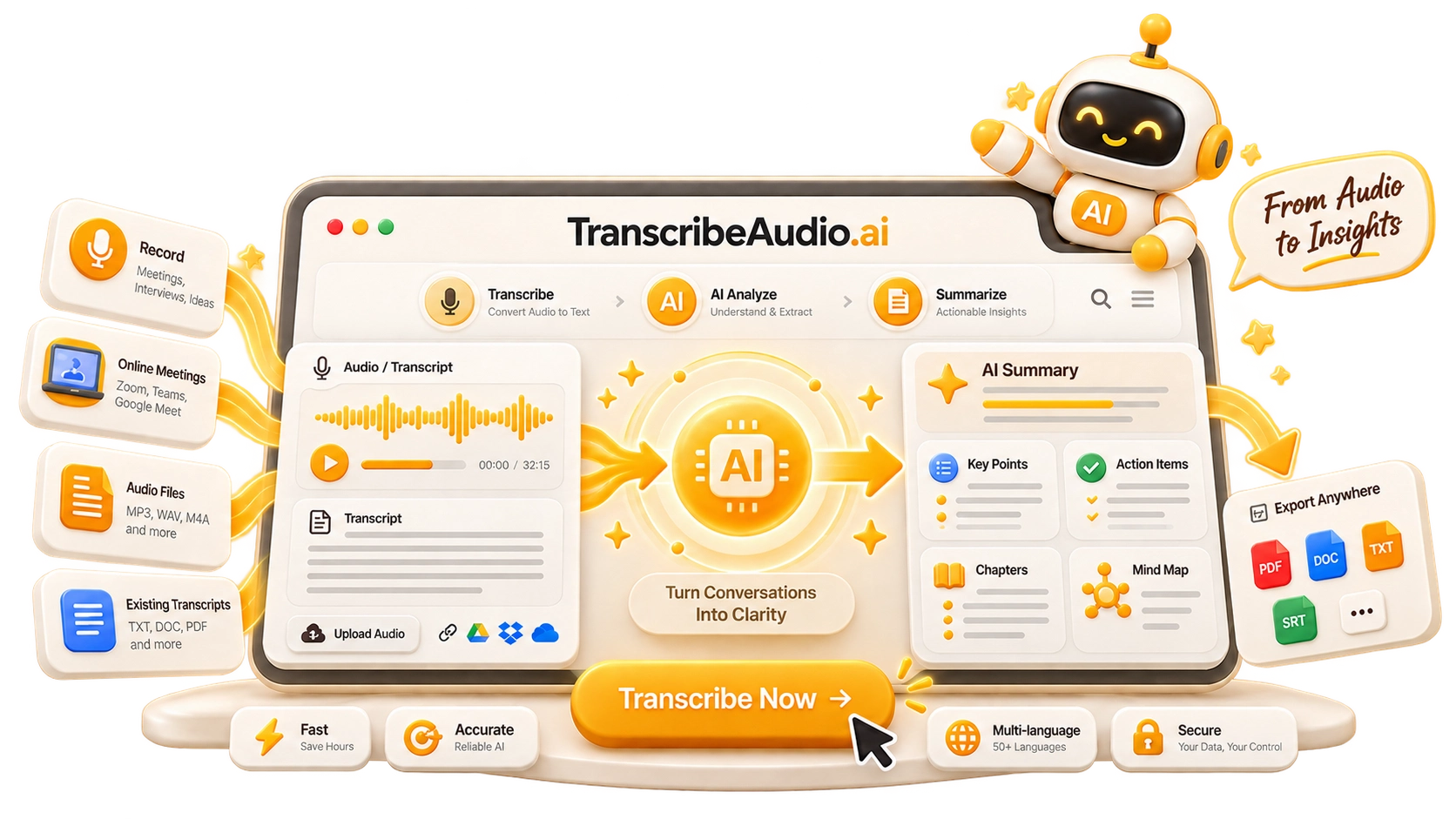
Flexible Transcription Sources
Record audio, upload files, or paste YouTube links to quickly convert audio, video, and online content into accurate text with AI transcription.
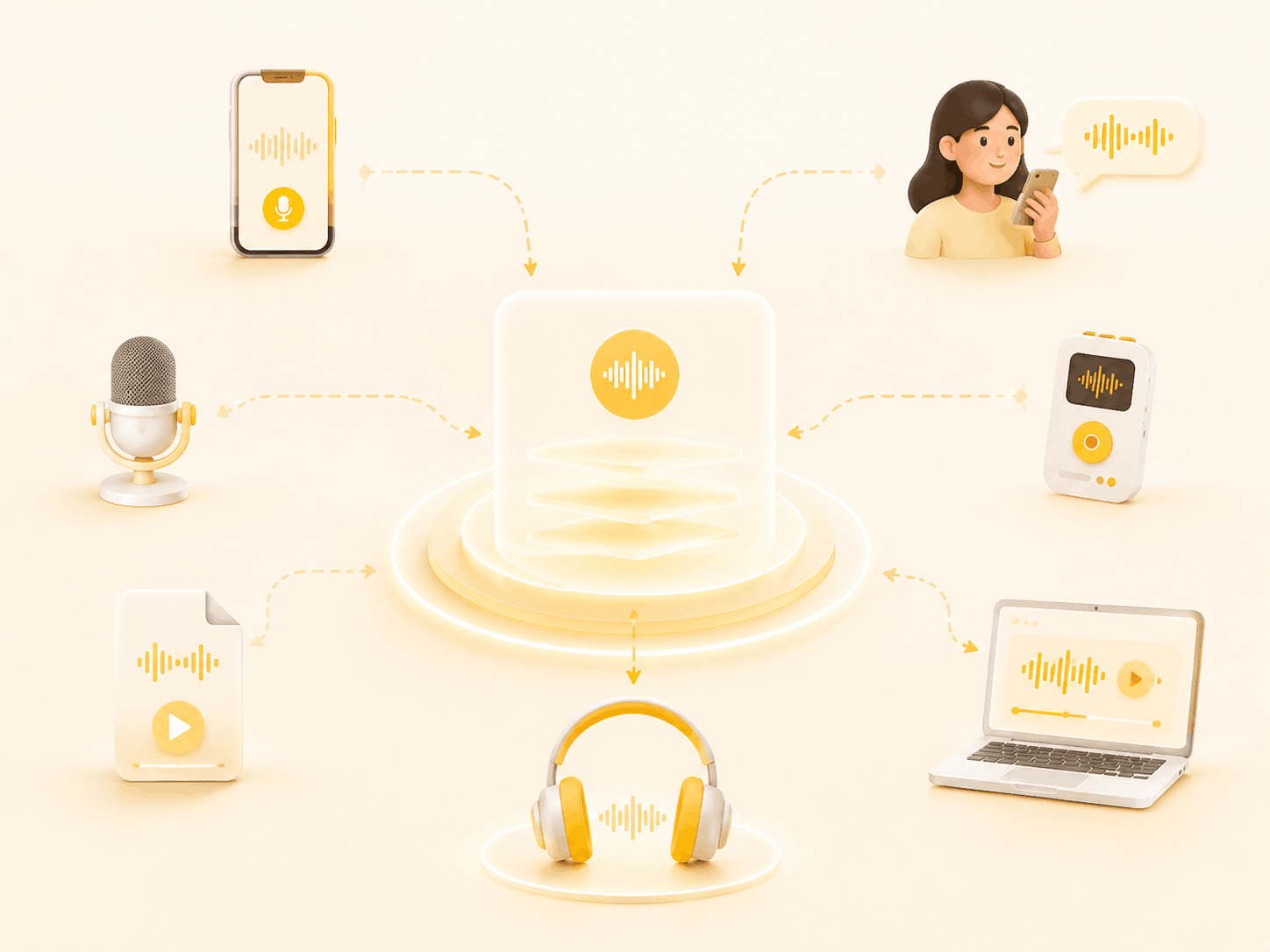

TranscribeAudio converts audio, videos, and YouTube content into accurate text with AI. Upload files or links and get fast transcripts in multiple languages.
Upload popular audio or video formats — up to 5 GB per file
Distinguish speakers
Choose whether the transcript should separate different speakers in the conversation.
Subtitle enhancement
Use AI to intelligently refine transcripts for greater clarity and readability.
TranscribeAudio is a free AI transcription tool for converting audio and video to text online. Transcribe meetings, lectures, interviews, podcasts, and YouTube videos into accurate, editable transcripts with timestamps. It supports audio to text, video to text, and YouTube transcription for fast, searchable results.

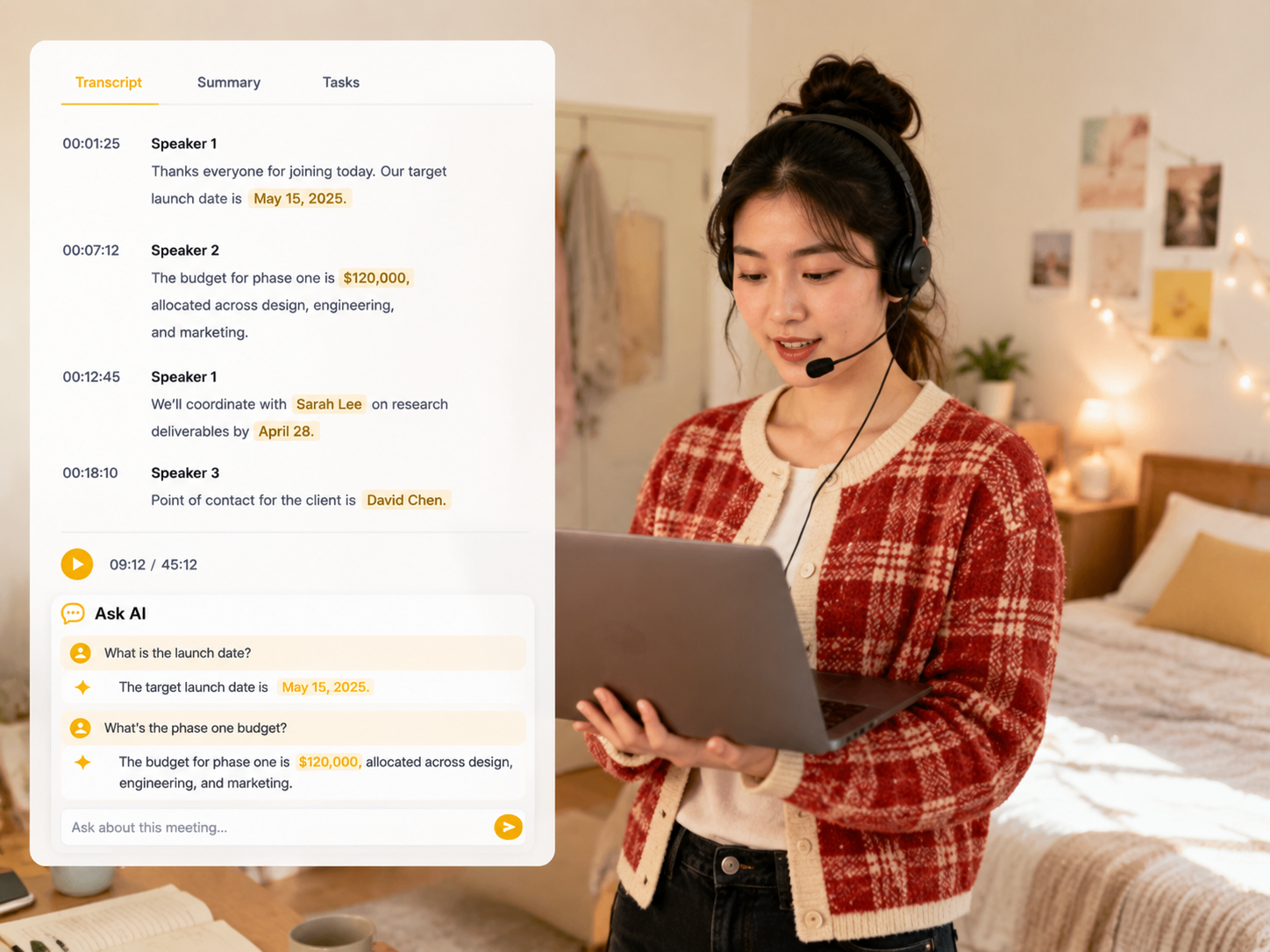
Create accurate and searchable transcripts for meetings, interviews, lectures, podcasts, and recorded conversations. Get timestamps and speaker labels with AI-powered speech to text, then edit, search, summarize, translate, or export your transcripts. Use online audio transcription and video transcription to turn recorded content into useful notes and subtitles.
Important discussions can be difficult to remember accurately after long meetings or team conversations. AI meeting transcription converts meeting recordings and voice conversations to searchable text, making it easy to review meeting notes, verify decisions, clarify details, and find key information. Turn meeting audio to text and create accurate meeting transcripts for teams, projects, and follow-ups.
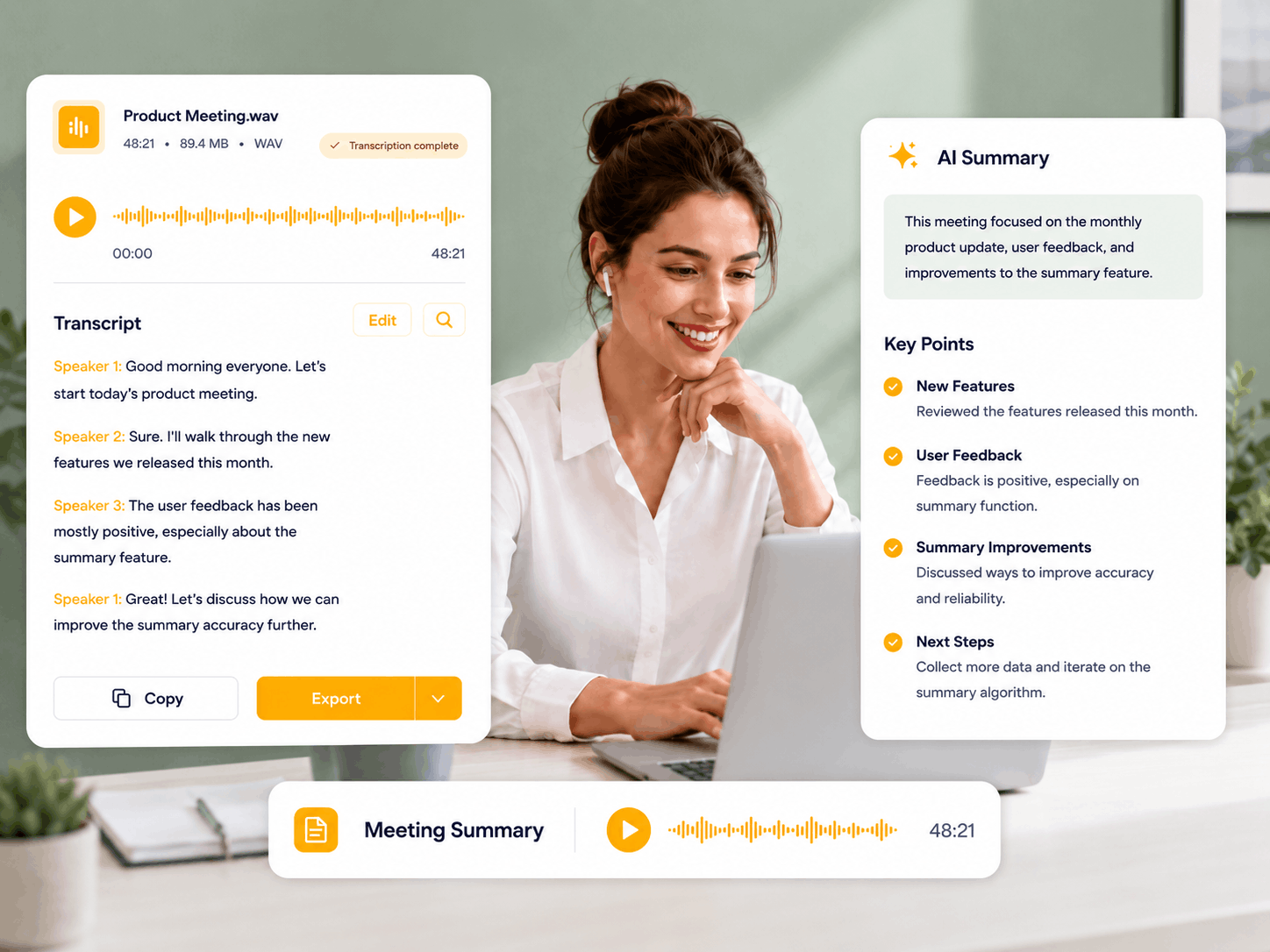
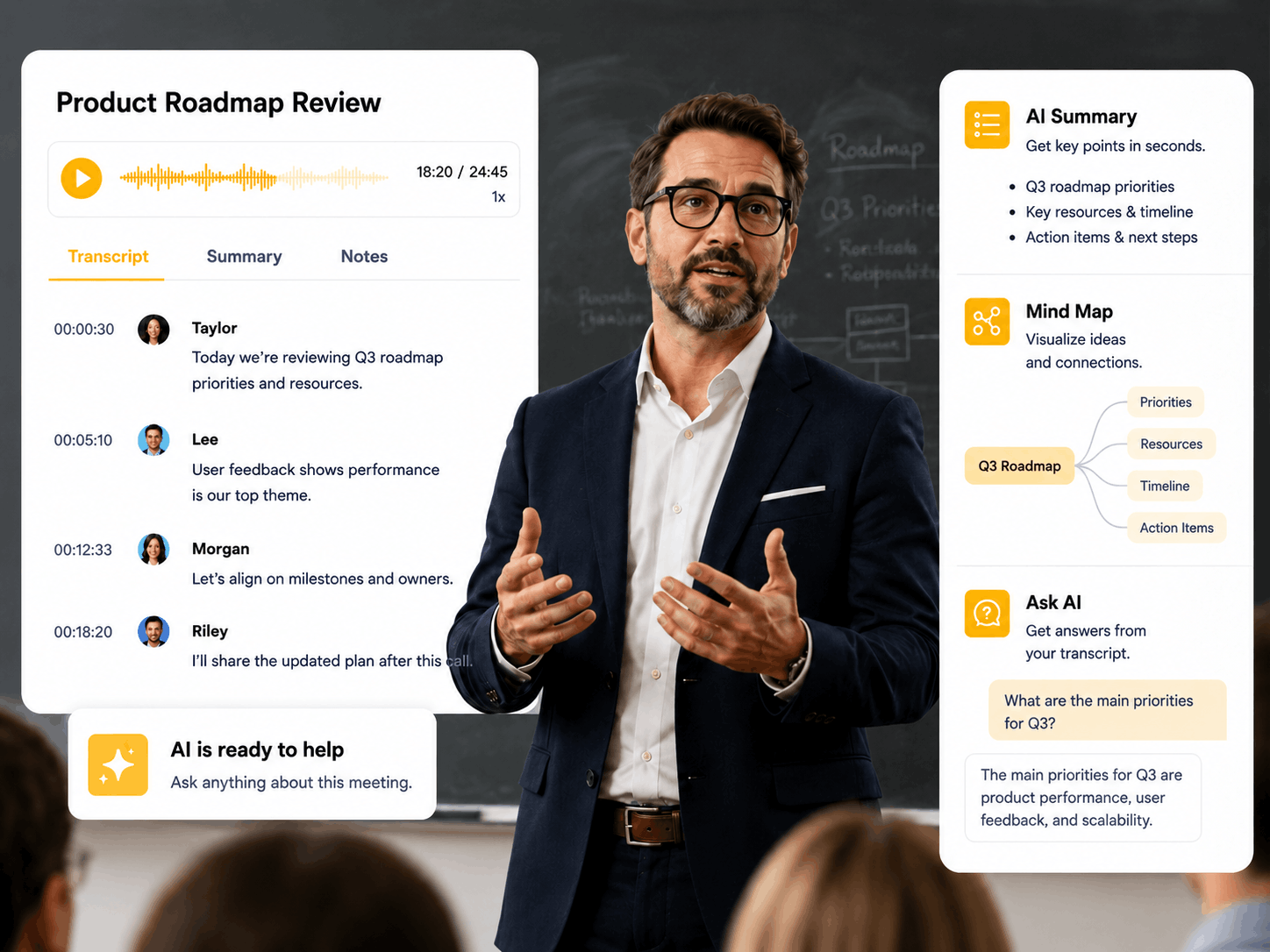
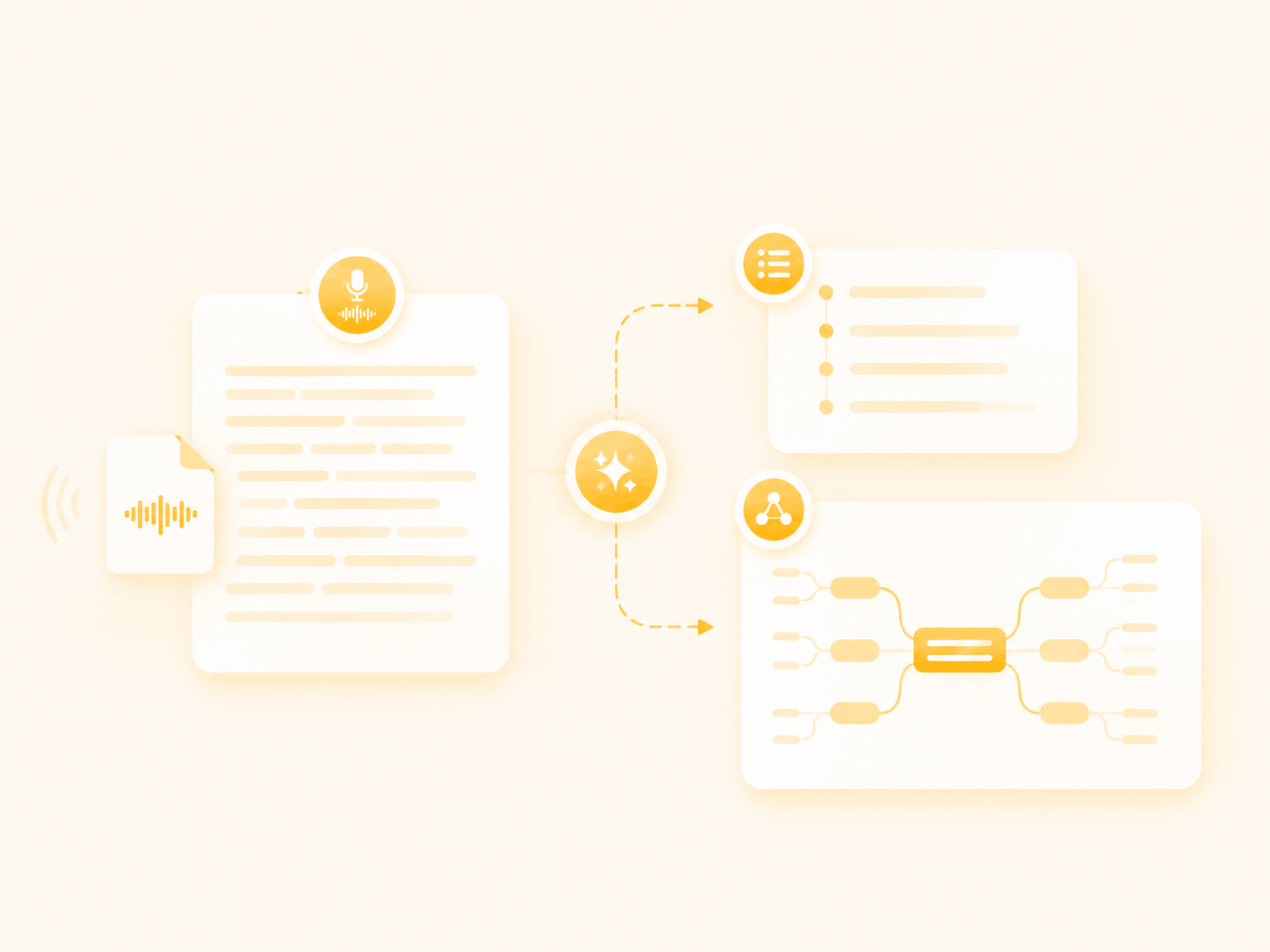
Summarize transcripts, generate AI mind maps, ask questions with AI chat, translate transcripts, and download your results. Transcripts are available as TXT, while mind maps support multiple download formats.
Record audio, upload files, or paste YouTube links to quickly convert audio, video, and online content into accurate text with AI transcription.
Generate AI summaries, outlines, and mind maps from transcripts to quickly understand key points from meetings, videos, and online content.
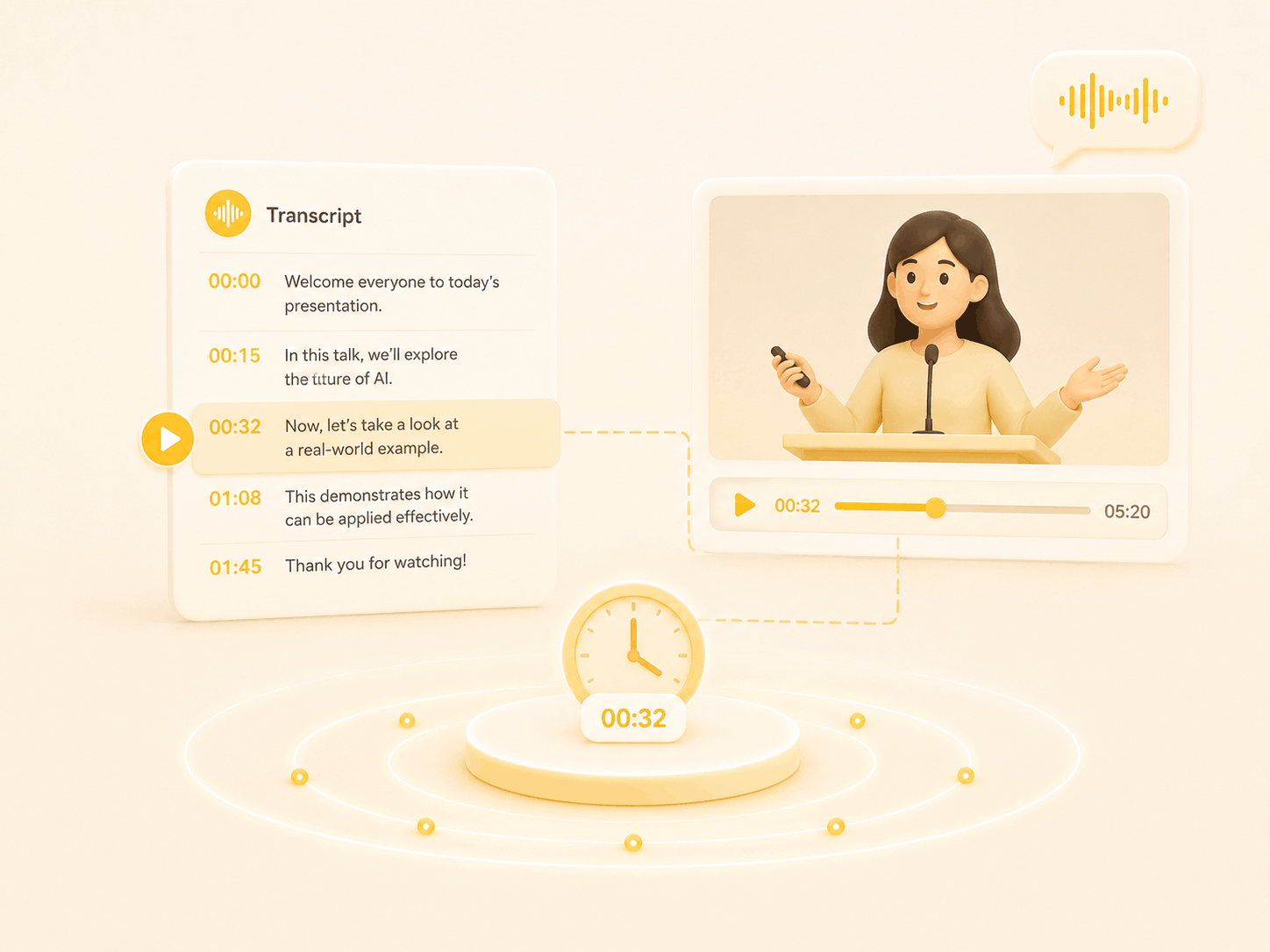
Accurate timestamps keep transcripts synced with the original video, making it easy to find key moments and jump to the right part of the recording.
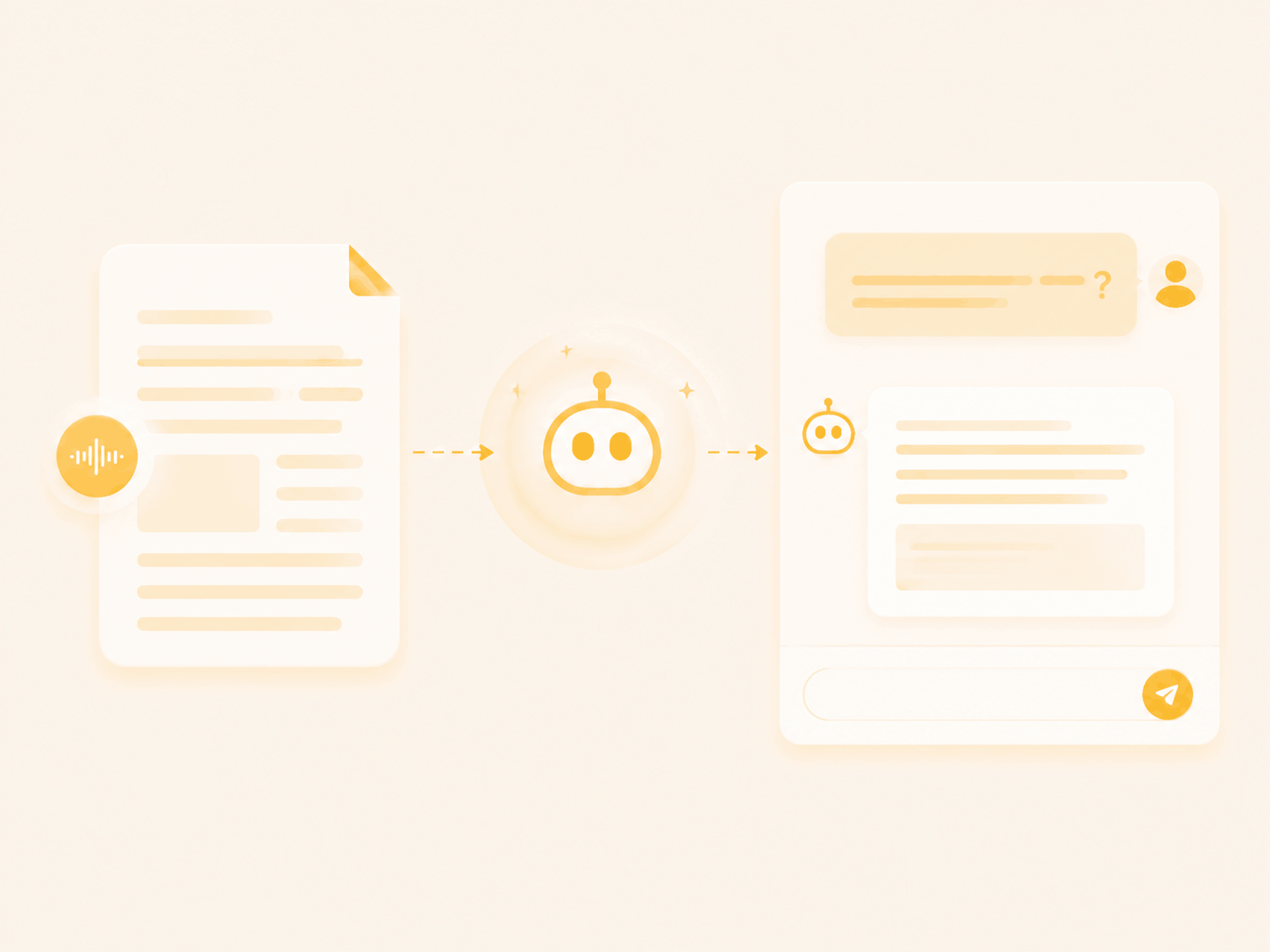
Ask AI questions about your transcript to find key details, review discussions, and get answers without searching through long recordings.
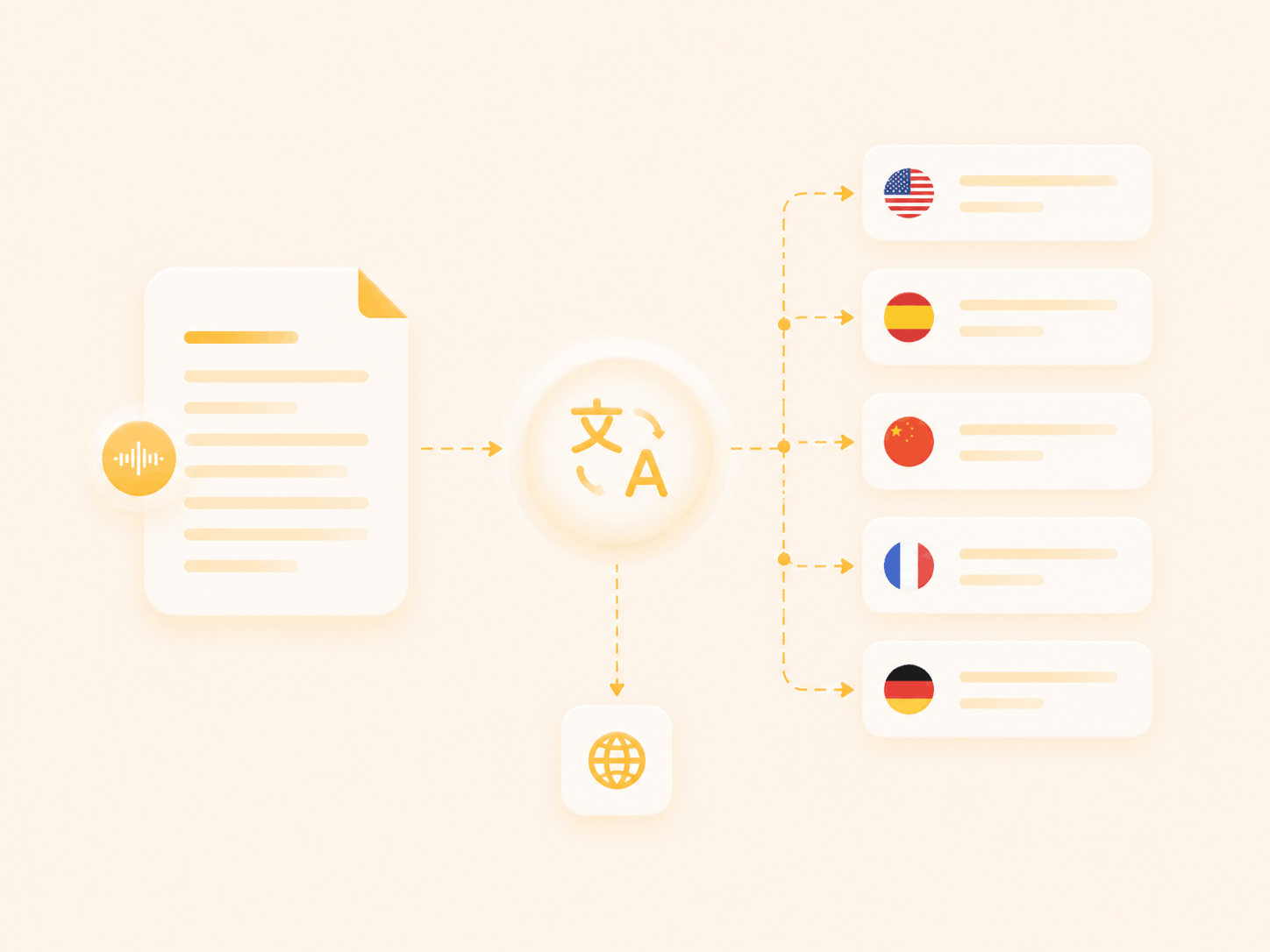
Translate AI transcripts into multiple languages. Turn audio, video, and online content into accessible multilingual text for global sharing.
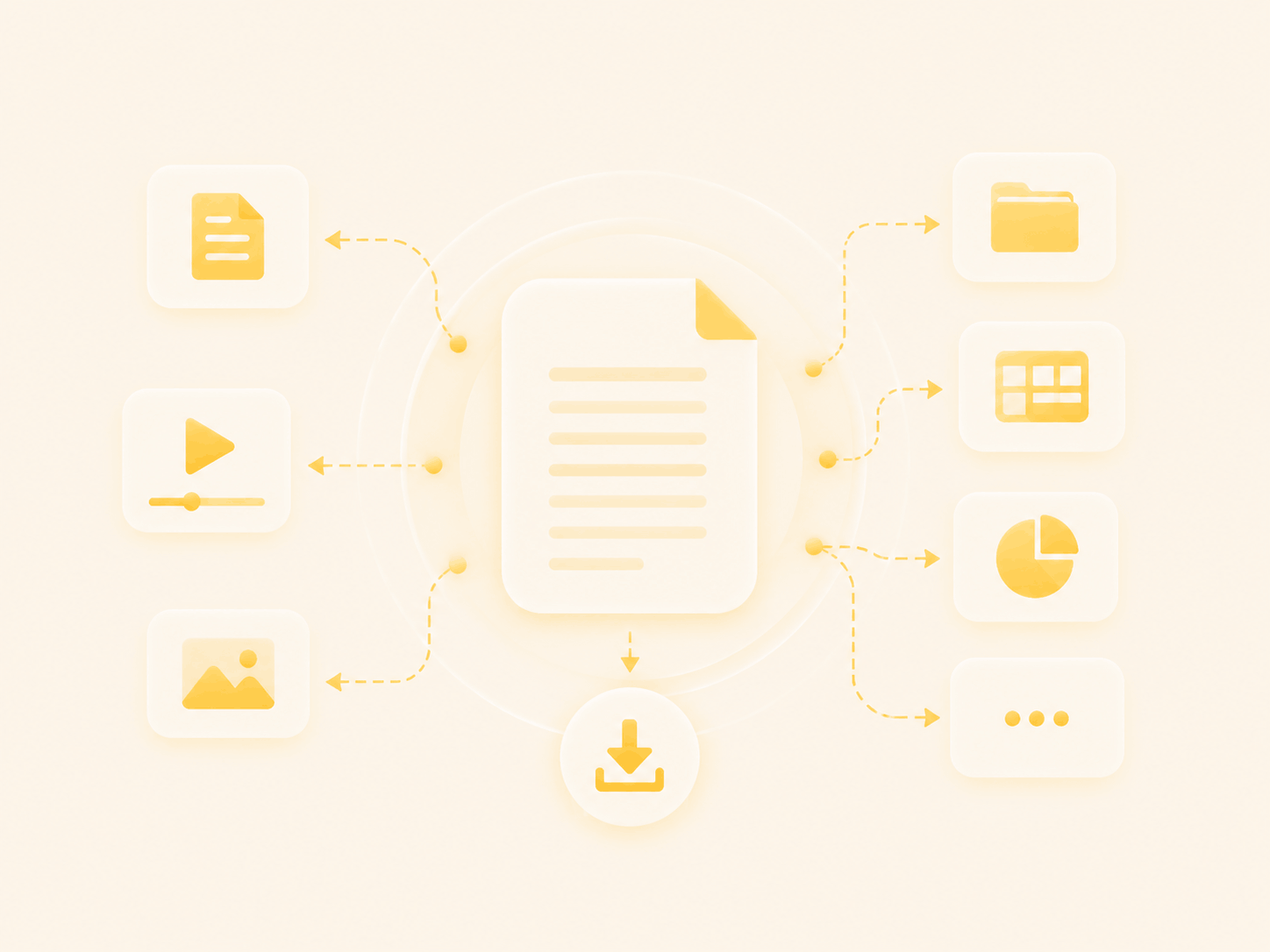
Download transcripts as TXT files and export mind maps in multiple supported formats for sharing, editing, and long-term storage.
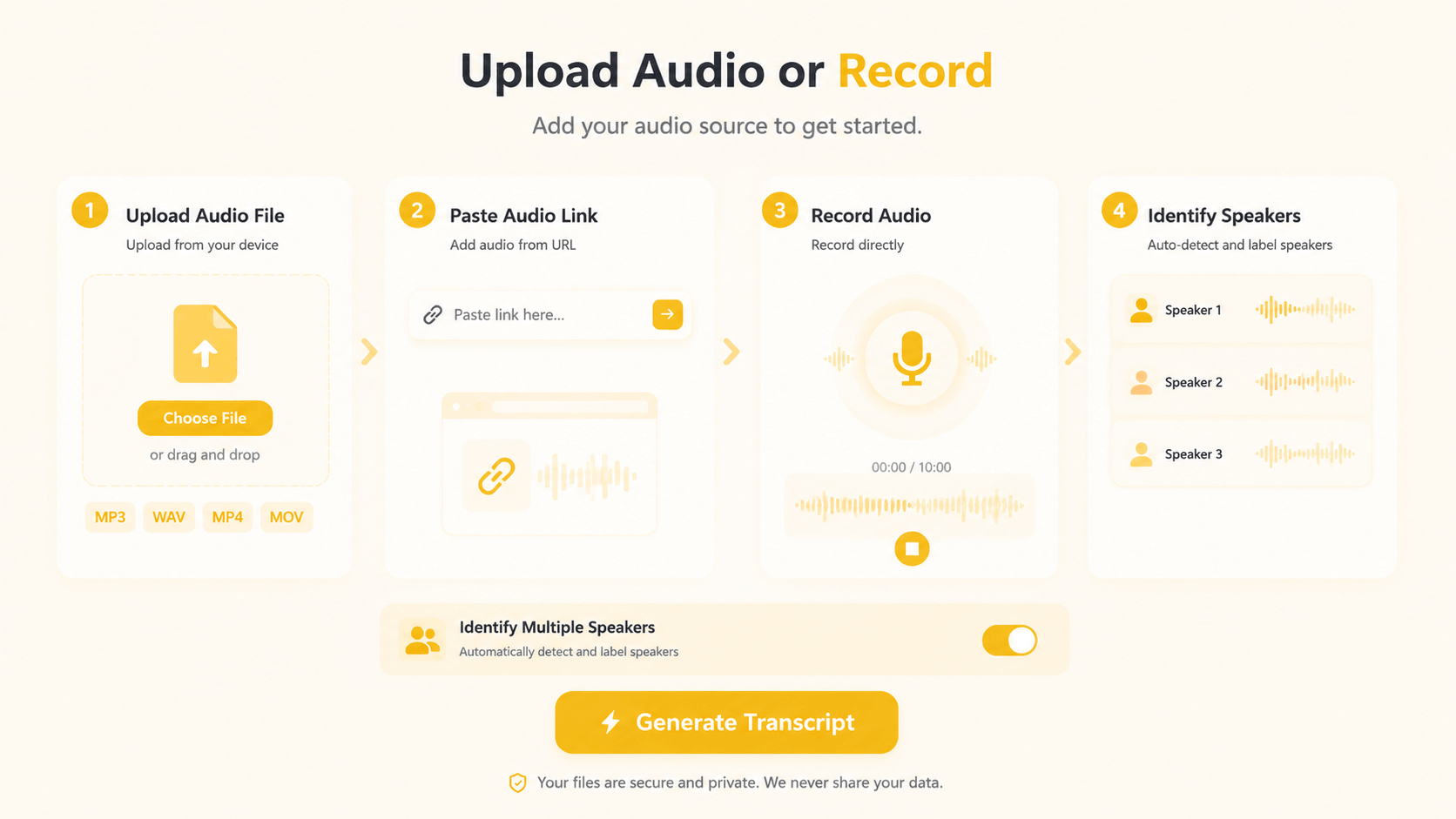
Upload a file, paste a link, record audio, or import online content. Enable speaker identification to detect and label different speakers automatically.
1 / 4
Turn meeting recordings into searchable transcripts, summaries, and action points. TranscribeAudio helps teams review discussions, confirm decisions, and stay aligned without replaying long recordings.

Upload recordings, videos, or YouTube links and let TranscribeAudio generate accurate transcripts in minutes. Turn any content into searchable text.
See how creators, students, researchers, and teams use AI audio transcription in their everyday work.
"I use TranscribeAudio for customer interviews and research recordings. The AI transcription saves me hours of manual typing, and the searchable transcripts make it much easier to find important quotes and insights."
"TranscribeAudio helps our team turn meeting recordings into clear transcripts. We can review decisions, check action items, and make sure everyone stays aligned without relying on memory."
"I upload my podcast episodes to TranscribeAudio to create transcripts and content ideas. The summaries and AI tools help me quickly turn conversations into posts and captions."
TranscribeAudio supports common audio and video formats. You can convert recordings, podcasts, interviews, and other spoken content into searchable text.
Accuracy depends on audio quality, background noise, speaker clarity, and language. Clear recordings with less noise usually produce better AI-generated transcripts.
Yes. TranscribeAudio can convert meeting recordings, interviews, discussions, and conversations into searchable transcripts for review and follow-up.
Yes. You can transcribe podcasts, online videos, and other content into text for captions, summaries, scripts, and content reuse.
Yes. TranscribeAudio can help convert YouTube content into text. Generate transcripts from online videos and use AI tools to summarize, translate, and analyze the content.
Use AI Summary, Mind Map, or AI Chat to understand long transcripts faster. You can ask questions, find key points, and review specific details without reading the entire transcript.
Yes. After transcription, you can create subtitles and captions from your transcript. Review timing, speaker changes, and text before exporting.
Yes. After converting content into text, you can translate the transcript into another language for global communication, learning, or content sharing.
Yes. You can export your transcript and reuse it for documents, notes, subtitles, reports, or other workflows.
Yes. TranscribeAudio works in a browser on desktop and mobile devices. You can upload files, create transcripts, and review results from different devices.
Your uploaded files and transcripts are not public or shared with other users. You can manage and delete your saved history whenever needed.
Speech to text focuses on converting spoken words into written text. Audio transcription usually refers to converting recorded audio files, such as meetings, interviews, podcasts, and voice recordings, into text.
Automatic speech recognition (ASR) is the technology behind speech-to-text systems. It analyzes spoken audio and converts it into written text automatically.
Yes. Upload an MP3 file and TranscribeAudio can convert the audio into an editable transcript using AI transcription technology.