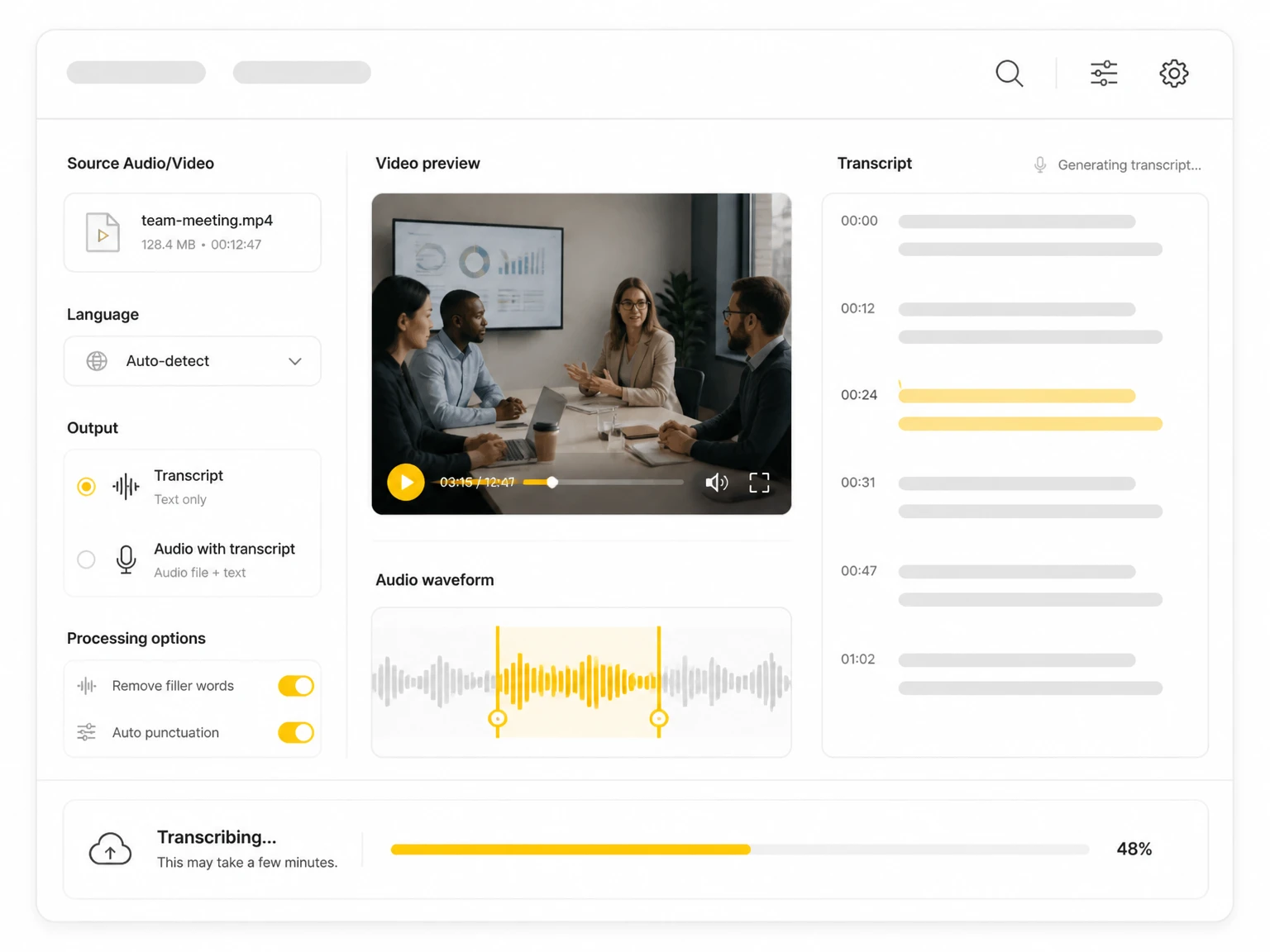
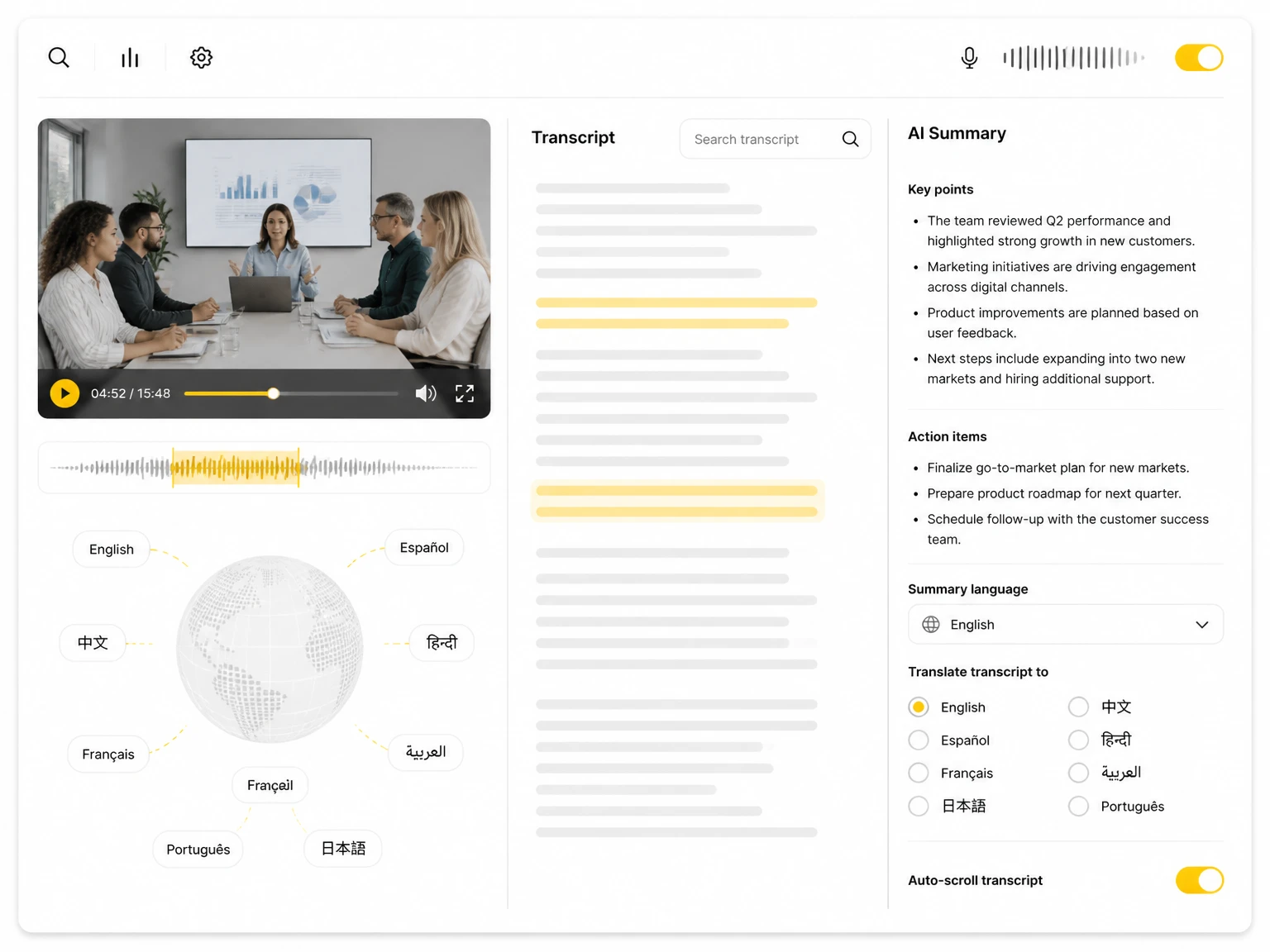
Free HappyScribe Audio to Text Online

HappyScribe combines file transcription, meeting capture, subtitles, and translation. For people who need the whole recording transcribed for free, TranscribeAudio is a HappyScribe alternative without a 10-minute uploaded-file limit.

Drag & drop your file here

Upload popular audio or video formats — up to 5 GB per file

Distinguish speakers

Choose whether the transcript should separate different speakers in the conversation.

Subtitle enhancement

Use AI to intelligently refine transcripts for greater clarity and readability.

HappyScribe logo
HappyScribeTranscription and subtitle platform
  • AI transcription in 150+ languages
  • 10-minute trial for uploaded files
  • 45+ supported audio and video formats
  • Speaker detection, subtitles, and 80+ translation languages

A strong choice for teams producing subtitles, reviewing transcripts together, or ordering paid human proofreading.

What Is HappyScribe Audio to Text?

HappyScribe is an online transcription and subtitle platform for uploaded media and recorded meetings. It recognizes speech in 150+ languages, detects speakers, creates subtitles, translates content into 80+ languages, and supports collaborative review and paid human proofreading. Its Free plan allows meetings up to 45 minutes, while uploaded AI transcription, subtitling, and translation are limited to a 10-minute trial.

A Free HappyScribe Alternative for Audio to Text

TranscribeAudio is a free HappyScribe alternative for people who need the full recording converted into searchable text instead of a short upload sample. You can add a file up to 5 GB, record live, or paste a supported social video link, then review speaker labels and timestamps or continue with summaries, translation, mind maps, and transcript Q&A without registering.

  • Complete transcription in 200+ languages
  • Files, live recording, and direct social video links
  • Speaker labels, timestamps, and AI analysis tools
Full recordingCustomer interview · 52:18
Complete
52:18transcribed from start to finish
00:00Full transcript52:18
200+Languages
5 GBFile size
NoneSign-up required

How HappyScribe and TranscribeAudio Differ

As a HappyScribe alternative, TranscribeAudio covers transcription and speaker detection but differs in free access, supported sources, workspace tools, and export options.

FeatureBuilt for free transcriptionTranscribeAudioHappyScribe
Uploaded-file trialNo time-based trial10-minute trial
Account neededNoYes
File uploadUp to 5 GBNo file-size limit stated
Direct inputsFiles, recording, YouTube, X, Facebook, InstagramFiles, recording, YouTube, Vimeo, cloud drives
Transcription languages200+150+
Speaker detectionIncludedIncluded
After transcriptionSummary, translation, mind map, Ask AIEditing, summary, translation, AI Chat
Paid plansCompletely freeBasic from $8.50/month billed annually

Use HappyScribe for subtitle production, collaborative review, paid human proofreading, and a broad export catalog. Use TranscribeAudio when you need the complete transcript first and do not want sign-up or a paid plan to stand between the recording and the text.

Why Try TranscribeAudio as a HappyScribe Alternative

TranscribeAudio is a focused HappyScribe alternative for complete free transcripts. It also supports more transcription languages and accepts social video links directly.

Transcribe the full file, not just the first ten minutes

Most podcasts, interviews, and lectures run well beyond ten minutes. TranscribeAudio accepts files up to 5 GB and transcribes the complete recording for free, with no account required.

HappyScribe limits uploaded AI transcription, subtitling, and translation to a 10-minute trial.

52-minute interviewUploaded file
HappyScribe upload trial10:00 / 52:00

The trial covers only part of this recording

TranscribeAudio52:00 / 52:00

Complete transcript ready

No accountFiles up to 5 GB200+ languages
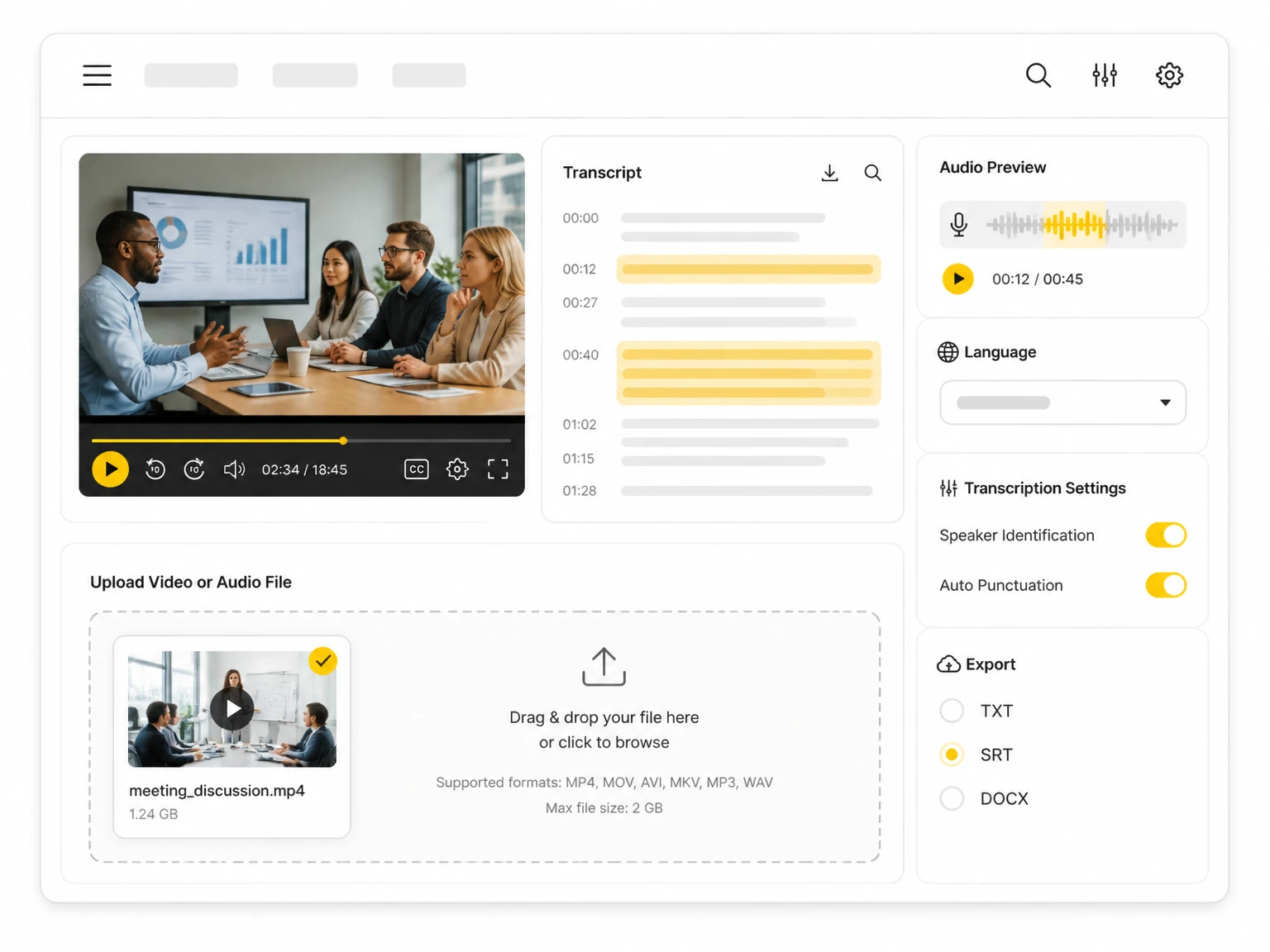
Treat social video as a transcription source

Paste a public YouTube, X (Twitter), Facebook, or Instagram link instead of downloading the video first. Local audio, video, and live browser recordings use the same workspace.

HappyScribe imports YouTube, Vimeo, and connected cloud-drive files. TranscribeAudio adds direct support for several social platforms that HappyScribe does not list.

Start from where the content livesNo download step
Audio or videoUp to 5 GB
Live recordingIn the browser
YouTubePublic video URL
XPublic video URL
FacebookPublic video URL
InstagramPublic video URL
One transcript workspaceSpeaker labels · timestamps · 200+ languages

Use the transcript as working material

Speaker labels and timestamps make the result easier to review. When the text is ready, summarize it, translate it, generate a mind map, ask questions, or download a TXT copy.

HappyScribe has the advantage for collaborative editing, professional subtitles, paid human proofreading, and specialized export formats. TranscribeAudio focuses on free transcription plus built-in AI tools.

From transcript to useful outputSame workspace
Speaker 1

We need a concise recap for the team.

Speaker 2

Translate the action items and map the themes.

SummaryTranslationMind mapAsk AI

When TranscribeAudio Works as a HappyScribe Alternative

As a HappyScribe alternative, TranscribeAudio is most useful when the goal is to understand, search, or reuse a recording rather than manage a subtitle production pipeline.

Long one-off recordings

Finish an interview, class, or meeting transcript without moving to a subscription when a short upload trial is not enough.

Social content research

Move from a public video link to searchable text without creating and uploading a local copy first.

Solo analysis

Keep the transcript, summary, translation, mind map, and transcript Q&A together when team production tools are unnecessary.

Multilingual recordings

Use 200+ transcription languages for interviews, lessons, and research that extend beyond HappyScribe's 150+ language catalog.

Fast conversation review

Enable speaker recognition and use timestamps to move through interviews, meetings, and panel discussions without a subtitle production setup.

Live notes from the browser

Record audio directly in the browser, create the transcript, and continue into summaries or questions in the same workspace.

From recording to useful text

The source can change, but the workflow stays the same: choose it, transcribe it, then decide how to use the text.

Upload a recording to TranscribeAudio
01

Choose where the recording comes from

Upload audio or video, start an online recording, or paste a supported social media URL. Speaker recognition can be enabled for conversations.

Translate or summarize a transcript in TranscribeAudio
03

Decide what the transcript becomes

Correct the text, download it, translate it, or use the built-in tools to create a summary, mind map, or answer to a specific question.

Start with the recording, not a subscription

Upload audio or video, record in the browser, or paste a supported social link. This HappyScribe alternative can process the full source without an account or a 10-minute trial limit.

Transcribe for free TranscribeAudio is independent and is not affiliated with, endorsed by, or sponsored by HappyScribe. Product details and prices were checked against HappyScribe's public website and may change.

HappyScribe audio to text FAQ

Clear answers about HappyScribe's different limits for uploaded files and meetings, subtitle tools, language coverage, and when each product fits.

What makes TranscribeAudio a practical HappyScribe alternative?

It is built for people who want the complete transcript without first choosing a subscription or creating an account. You can transcribe uploaded audio or video, record in the browser, or paste a supported social link, then work with speaker labels, timestamps, summaries, translation, mind maps, and transcript Q&A.

Why does HappyScribe have different free limits for uploads and meetings?

HappyScribe separates its file tools from its meeting recorder. The Free plan gives uploaded AI transcription, subtitling, and translation a 10-minute trial, while meeting capture allows unlimited recordings of up to 45 minutes each. These allowances are not one shared pool.

Is HappyScribe better for professional subtitle production?

It can be. HappyScribe offers a collaborative editor, subtitle workflows, paid human proofreading, and a broader range of document and caption exports. Those features suit teams delivering finished subtitles. TranscribeAudio is the simpler choice when the priority is getting a complete transcript and analyzing it for free.

Can I transcribe YouTube and social media videos directly in TranscribeAudio?

Yes. Paste a public YouTube, X (Twitter), Facebook, or Instagram link and TranscribeAudio will process the video's audio without requiring you to download and re-upload the file. HappyScribe publicly lists direct imports from YouTube, Vimeo, and connected cloud drives.

How does language coverage compare for transcription and translation?

HappyScribe advertises AI transcription in 150+ languages and dialects and translation in 80+ languages. TranscribeAudio supports transcription in 200+ languages, giving it broader recognition coverage for multilingual recordings.

What can I do with the text after transcription?

Both products let you review and edit the transcript. HappyScribe emphasizes collaboration, subtitle preparation, and export formats; TranscribeAudio keeps summaries, translation, mind maps, transcript Q&A, speaker labels, and timestamps together in one workspace.

When is HappyScribe still the better fit?

Choose HappyScribe when several people need to review the same project, when professional subtitle delivery is central to the job, or when paid human proofreading and specialized export formats justify a paid production workflow.